Sign In Start Free Trial
Account

Add to playlist

Create a Playlist

Modal Close icon
You need to login to use this feature.
  • Book Overview & Buying Mastering Flask
  • Table Of Contents Toc
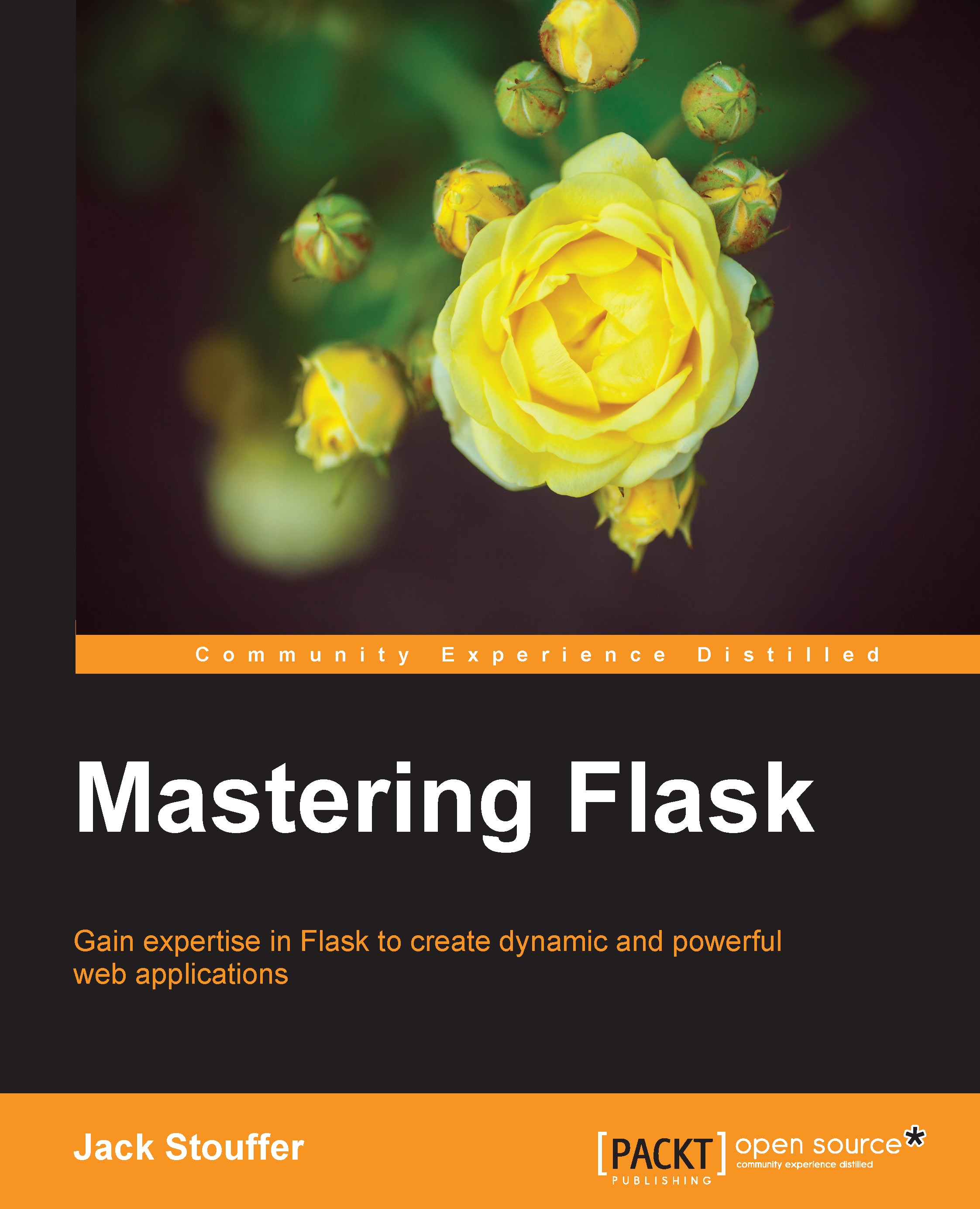
Mastering Flask

Mastering Flask

By : Jack Stouffer
3.6 (25)
close
close
Mastering Flask

Mastering Flask

3.6 (25)
By: Jack Stouffer

Overview of this book

Starting from a simple Flask app, this book will walk through advanced topics while providing practical examples of the lessons learned. After building a simple Flask app, a proper app structure is demonstrated by transforming the app to use a Model-View-Controller (MVC) architecture. With a scalable structure in hand, the next chapters use Flask extensions to provide extra functionality to the app, including user login and registration, NoSQL querying, a REST API, an admin interface, and more. Next, you’ll discover how to use unit testing to take the guesswork away from making sure the code is performing as it should. The book closes with a discussion of the different platforms that are available to deploy a Flask app on, the pros and cons of each one, and how to deploy on each one.
Table of Contents (15 chapters)
close
close
14
Index

Flask Admin

In Chapter 6, Securing Your App, we created an interface to allow users to create and edit blog posts without having to use the command line. This was adequate to demonstrate the security measures presented in the chapter, but there is still no way for posts to be deleted or tags assigned to them using the interface. We also do not have a way to delete or edit comments that we would rather not have common users see. What our app needs is a fully featured administrator interface in the same vein as the WordPress interface. This is such a common requirement for apps that a Flask extension name Flask Admin was created to easily create administrator interfaces. To get started, install Flask Admin with pip:

$ pip install Flask-Admin

As usual, we need to create the extension object in extensions.py:

from flask.ext.admin import Admin

admin = Admin()

Then, the object needs to be registered on the app object in __init__.py:

from .extensions import (
    bcrypt,
    oid,
    login_manager...
CONTINUE READING
83
Tech Concepts
36
Programming languages
73
Tech Tools
Icon Unlimited access to the largest independent learning library in tech of over 8,000 expert-authored tech books and videos.
Icon Innovative learning tools, including AI book assistants, code context explainers, and text-to-speech.
Icon 50+ new titles added per month and exclusive early access to books as they are being written.
Mastering Flask
notes
bookmark Notes and Bookmarks search Search in title playlist Add to playlist download Download options font-size Font size

Change the font size

margin-width Margin width

Change margin width

day-mode Day/Sepia/Night Modes

Change background colour

Close icon Search
Country selected

Close icon Your notes and bookmarks

Confirmation

Modal Close icon
claim successful

Buy this book with your credits?

Modal Close icon
Are you sure you want to buy this book with one of your credits?
Close
YES, BUY

Submit Your Feedback

Modal Close icon
Modal Close icon
Modal Close icon