Sign In Start Free Trial
Account

Add to playlist

Create a Playlist

Modal Close icon
You need to login to use this feature.
  • Book Overview & Buying WooCommerce Cookbook
  • Table Of Contents Toc
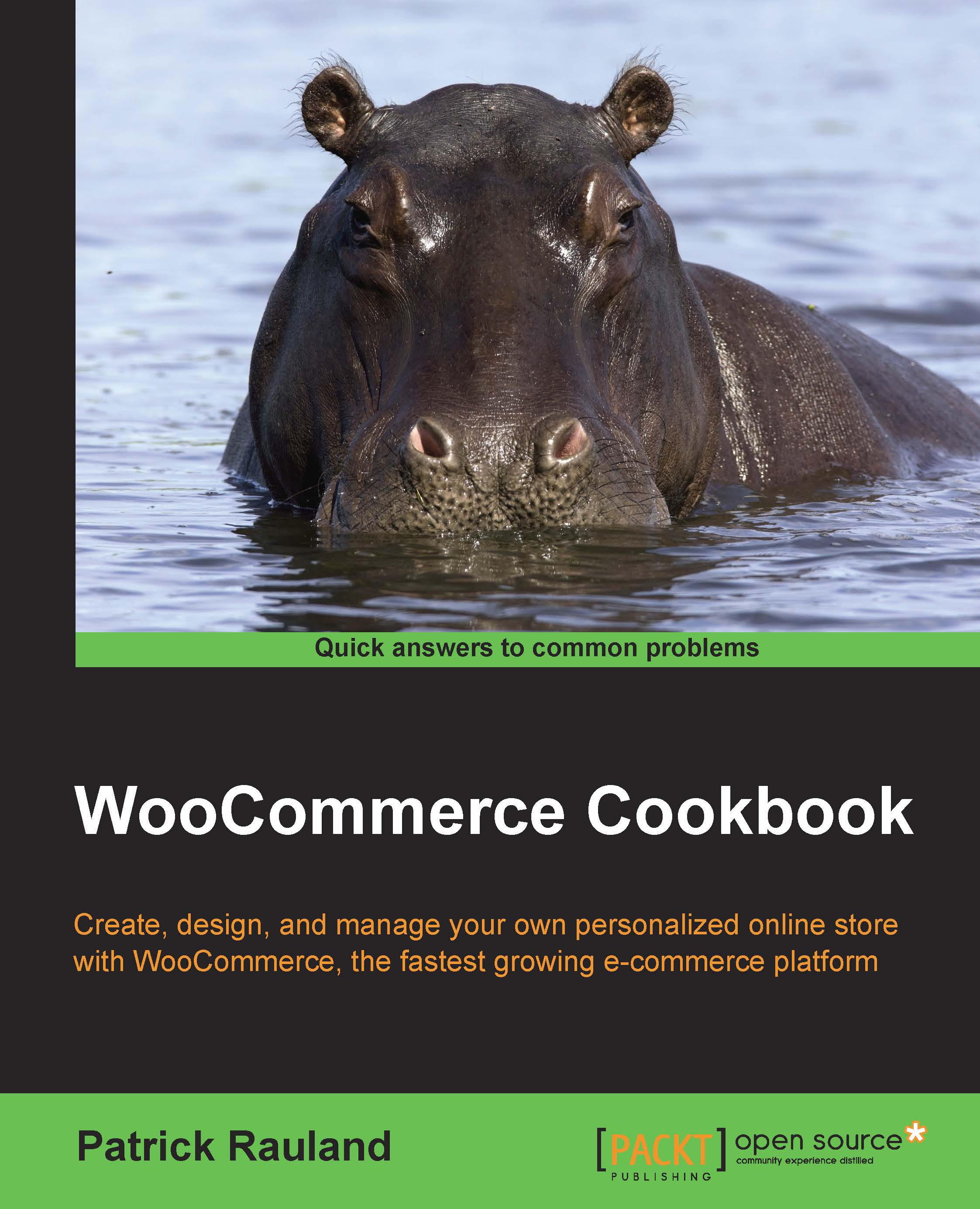
WooCommerce Cookbook

WooCommerce Cookbook

By : Patrick Rauland
3.4 (12)
close
close
WooCommerce Cookbook

WooCommerce Cookbook

3.4 (12)
By: Patrick Rauland

Overview of this book

If you have ever built or managed a WordPress site and want to add e-commerce functionality into your site, WooCommerce and this book are perfect for you. Learning how to use WooCommerce through this series of recipes will give you a solid platform to add any future e-commerce needs.
Table of Contents (12 chapters)
close
close
11
Index

Introduction

A few years ago, building an online store used to be an incredibly complex task. You had to install bulky software onto your own website and pay expensive developers a significant sum of money to customize even the simplest elements of your store. Luckily, nowadays, adding e-commerce functionality to your existing WordPress-powered website can be done by installing a single plugin. In this chapter, we'll go over the settings that you'll need to configure before launching your online store with WooCommerce. Most of the recipes in this chapter are simple to execute. We do, however, add a relatively complex recipe near the end of the chapter to show you how to create a plugin specifically for WooCommerce. If you're going to be customizing WooCommerce with code, it's definitely worth looking at that recipe to know the best way to customize WooCommerce without affecting other parts of your site.

The recipes in this chapter form the very basics of setting up a store, installing plugins that enhance WooCommerce, and managing those plugins. There are recipes for official WooCommerce plugins written using WooThemes as well as a recipe for unofficial plugins. Feel free to select either one. In general, the official plugins are better supported, more up to date, and have more functionality than unofficial plugins. You could always try an unofficial plugin to see whether it meets your needs, and if it doesn't, then use an official plugin that is much more likely to meet your needs.

At the end of this chapter, your store will be fully functional and ready to display products. In Chapter 2, Adding Products, we will learn how to add products to our store.

Visually different images
CONTINUE READING
83
Tech Concepts
36
Programming languages
73
Tech Tools
Icon Unlimited access to the largest independent learning library in tech of over 8,000 expert-authored tech books and videos.
Icon Innovative learning tools, including AI book assistants, code context explainers, and text-to-speech.
Icon 50+ new titles added per month and exclusive early access to books as they are being written.
WooCommerce Cookbook
notes
bookmark Notes and Bookmarks search Search in title playlist Add to playlist download Download options font-size Font size

Change the font size

margin-width Margin width

Change margin width

day-mode Day/Sepia/Night Modes

Change background colour

Close icon Search
Country selected

Close icon Your notes and bookmarks

Confirmation

Modal Close icon
claim successful

Buy this book with your credits?

Modal Close icon
Are you sure you want to buy this book with one of your credits?
Close
YES, BUY

Submit Your Feedback

Modal Close icon
Modal Close icon
Modal Close icon