Sign In Start Free Trial
Account

Add to playlist

Create a Playlist

Modal Close icon
You need to login to use this feature.
  • Book Overview & Buying Test-Driven iOS Development with Swift
  • Table Of Contents Toc
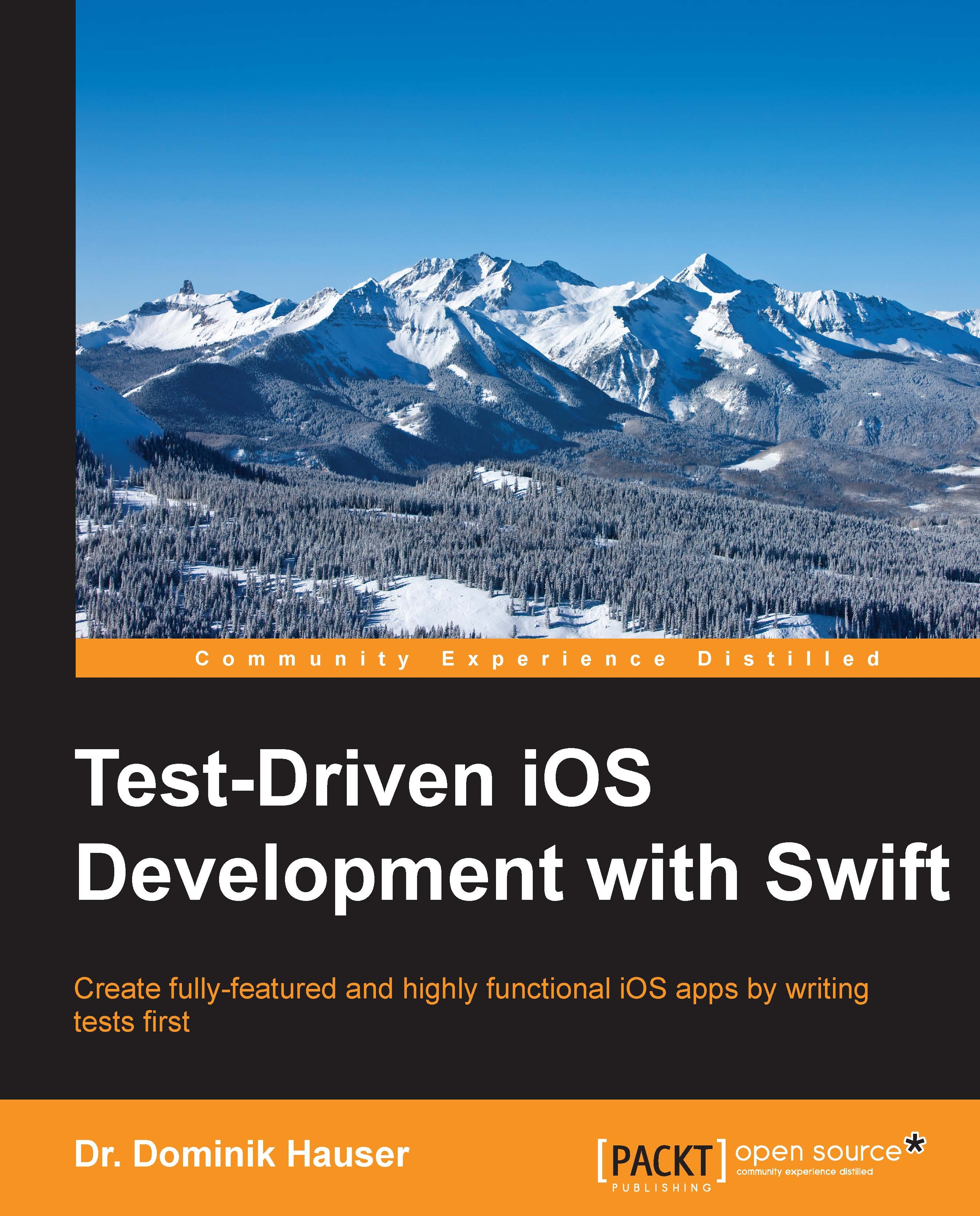
Test-Driven iOS Development with Swift

Test-Driven iOS Development with Swift

By : Dr. Dominik Hauser
4.2 (10)
close
close
Test-Driven iOS Development with Swift

Test-Driven iOS Development with Swift

4.2 (10)
By: Dr. Dominik Hauser

Overview of this book

Test-driven development (TDD) is a proven way to find software bugs early. Writing tests before your code improves the structure and maintainability of your app. Test-Driven iOS Development with Swift will help you understand the process of TDD and how it impacts your applications written in Swift. Through practical, real-world examples, you’ll start seeing how to implement TDD in context. We will begin with an overview of your TDD workflow and then deep-dive into unit testing concepts and code cycles. We will showcase the workings of functional tests, which will help you improve the user interface. Finally, you will learn about automating deployments and continuous integration to run an environment.
Table of Contents (10 chapters)
close
close
9
Index

Implementing DetailViewController

We start the implementation of DetailViewController with the creation of a test case. Select the ToDoTests group in Project Navigator, and go to iOS | Source | Unit Test Case Class. Let's name it DetailViewControllerTests, and select the Controller folder as the destination location. Import the @testable import ToDo main module and delete the two template test methods.

Going by the screenshots we've seen in Chapter 2, Planning and Structuring Your Test-Driven iOS App, we know that DetailViewController needs a map view, four labels, and a button. Here, we will only show the TDD process for one label and the button. Add the following code to DetailViewControllerTests:

func test_HasTitleLabel() {
    let storyboard = UIStoryboard(name: "Main",
        bundle: nil)
    let sut = storyboard.instantiateViewControllerWithIdentifier(
        "DetailViewController") as! DetailViewController
}

At this point, we have to stop writing the...

CONTINUE READING
83
Tech Concepts
36
Programming languages
73
Tech Tools
Icon Unlimited access to the largest independent learning library in tech of over 8,000 expert-authored tech books and videos.
Icon Innovative learning tools, including AI book assistants, code context explainers, and text-to-speech.
Icon 50+ new titles added per month and exclusive early access to books as they are being written.
Test-Driven iOS Development with Swift
notes
bookmark Notes and Bookmarks search Search in title playlist Add to playlist download Download options font-size Font size

Change the font size

margin-width Margin width

Change margin width

day-mode Day/Sepia/Night Modes

Change background colour

Close icon Search
Country selected

Close icon Your notes and bookmarks

Confirmation

Modal Close icon
claim successful

Buy this book with your credits?

Modal Close icon
Are you sure you want to buy this book with one of your credits?
Close
YES, BUY

Submit Your Feedback

Modal Close icon
Modal Close icon
Modal Close icon