Sign In Start Free Trial
Account

Add to playlist

Create a Playlist

Modal Close icon
You need to login to use this feature.
  • Book Overview & Buying Offline First Web Development
  • Table Of Contents Toc
  • Feedback & Rating feedback
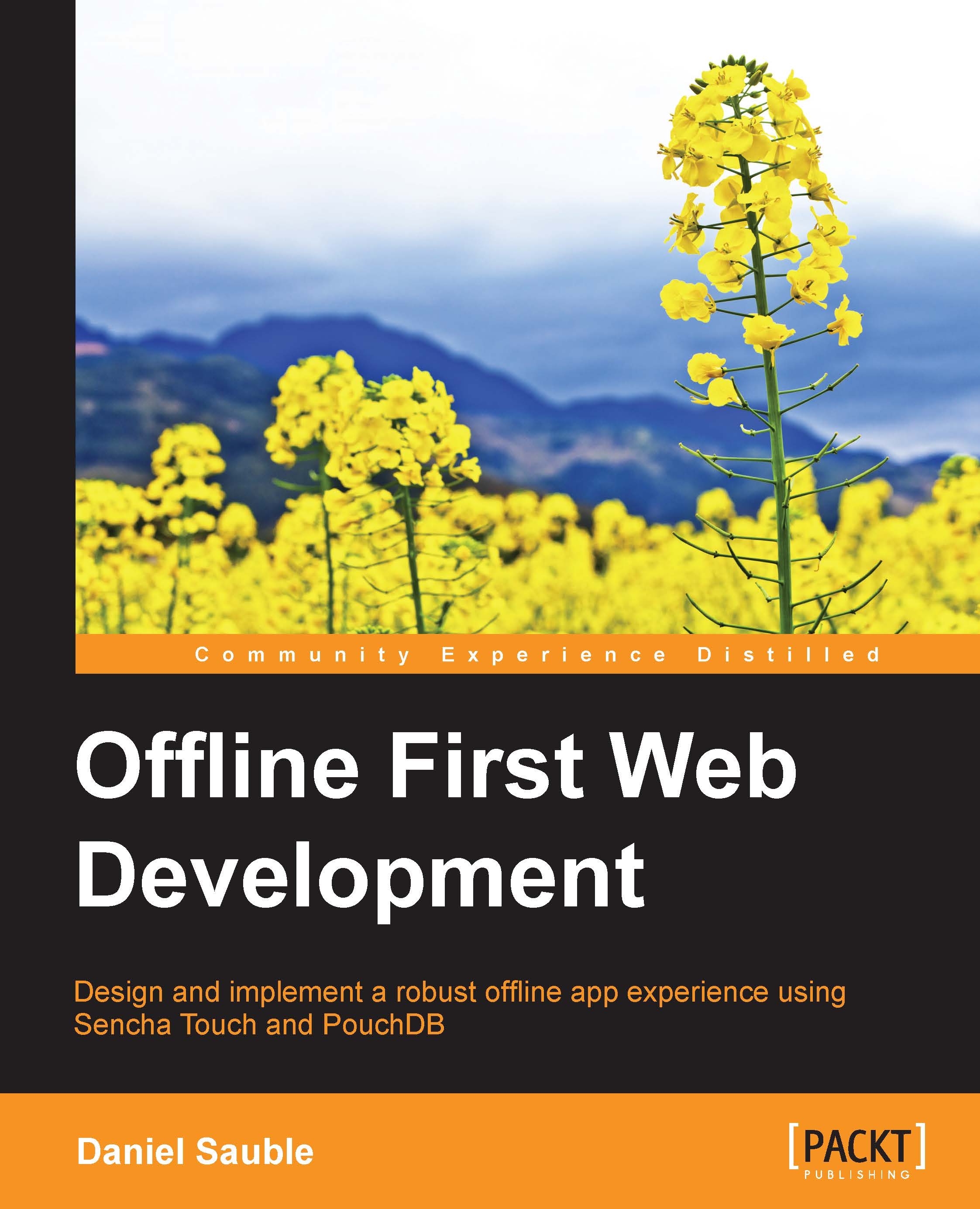
Offline First Web Development

Offline First Web Development

By : Daniel Sauble
2 (1)
close
close
Offline First Web Development

Offline First Web Development

2 (1)
By: Daniel Sauble

Overview of this book

When building mobile apps, it’s easy to forget about the moments when your users lack a good Internet connection. Put your phone in airplane mode, open a few popular apps, and you’ll quickly see how they handle being offline. From Twitter to Pinterest to Apple Maps, some apps might handle being offline better—but very few do it well. A poor offline experience will result in frustrated users who will abandon your app, or worse, turn to your competitor’s apps Expert or novice, this book will teach you everything you need to know about designing and building a rigorous offline app experience. By putting the offline experience first, you’ll have a solid foundation to build upon, avoiding the unnecessary stress and frustration of trying to retrofit offline capabilities into your finished app. This basic principle, designing for the worst-case scenario, could save you countless hours of wasted effort.
Table of Contents (12 chapters)
close
close
11
Index

Configuring the development tools

There are three tools that we will use in most of the examples: a text editor for the coding, a browser (preferably Chrome) to run and debug your app, and the command line to run the web server and execute commands. Let's walk through each of these tools.

A text editor

If you have an existing editor that you like, use that. In this book, I will use Sublime Text 3. You can download a free evaluation of Sublime for OS X, Windows, and Linux. If you prefer to use a free editor, good choices include Notepad++ (Windows), Bluefish Editor (OS X and Linux), and GVIM (Linux). To install Sublime, follow these instructions:

  1. Open www.sublimetext.com in your browser.
  2. Click on Download.
  3. Click on Sublime Text 3.
  4. Choose the appropriate version for your operating system.
  5. Wait for the download to complete and run the installer.

You should be able to run Sublime now. It's a GUI-based editor that is very intuitive and simple to use. If you're interested in getting more...

Visually different images
CONTINUE READING
83
Tech Concepts
36
Programming languages
73
Tech Tools
Icon Unlimited access to the largest independent learning library in tech of over 8,000 expert-authored tech books and videos.
Icon Innovative learning tools, including AI book assistants, code context explainers, and text-to-speech.
Icon 50+ new titles added per month and exclusive early access to books as they are being written.
Offline First Web Development
notes
bookmark Notes and Bookmarks search Search in title playlist Add to playlist font-size Font size

Change the font size

margin-width Margin width

Change margin width

day-mode Day/Sepia/Night Modes

Change background colour

Close icon Search
Country selected

Close icon Your notes and bookmarks

Confirmation

Modal Close icon
claim successful

Buy this book with your credits?

Modal Close icon
Are you sure you want to buy this book with one of your credits?
Close
YES, BUY

Submit Your Feedback

Modal Close icon
Modal Close icon
Modal Close icon