


-
Book Overview & Buying
-
Table Of Contents

ASP.NET Core MVC 2.0 Cookbook
By :


ASP.NET Core MVC 2.0 Cookbook
By:
Overview of this book
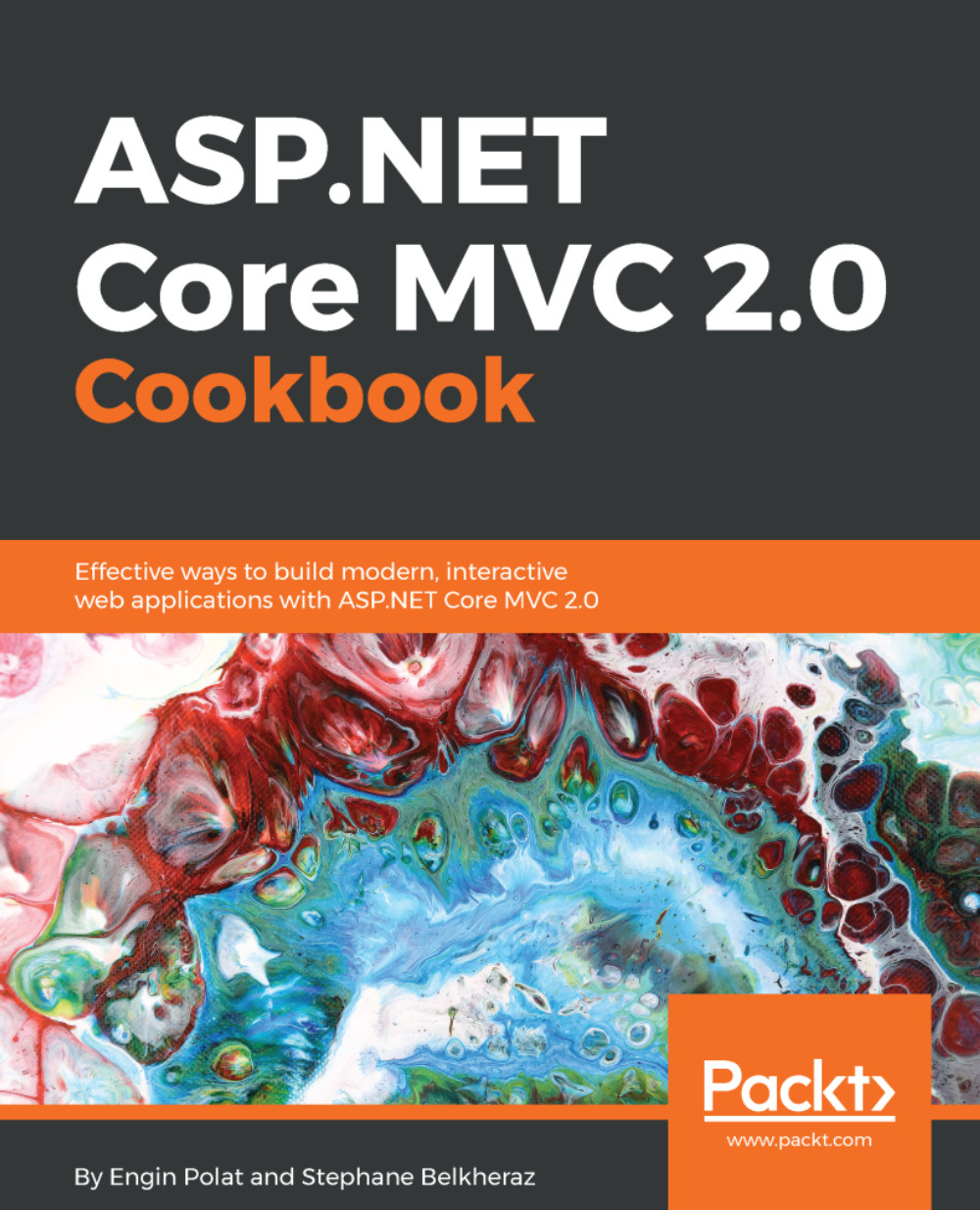
The ASP.NET Core 2.0 Framework has been designed to meet all the needs of today’s web developers. It provides better control, support for test-driven development, and cleaner code. Moreover, it’s lightweight and allows you to run apps on Windows, OSX and Linux, making it the most popular web framework with modern day developers.
This book takes a unique approach to web development, using real-world examples to guide you through problems with ASP.NET Core 2.0 web applications. It covers Visual Studio 2017- and ASP.NET Core 2.0-specifc changes and provides general MVC development recipes. It explores setting up .NET Core, Visual Studio 2017, Node.js modules, and NuGet. Next, it shows you how to work with Inversion of Control data pattern and caching. We explore everyday ASP.NET Core MVC 2.0 patterns and go beyond it into troubleshooting. Finally, we lead you through migrating, hosting, and deploying your code.
By the end of the book, you’ll not only have explored every aspect of ASP.NET Core MVC 2.0, you’ll also have a reference you can keep coming back to whenever you need to get the job done.
Table of Contents (21 chapters)
Preface


 Free Chapter
Cross-Platform with .NET Core
Visual Studio 2017, C# 6, IDEs, and Roslyn
Working with npm, Frontend Package Managers, and Task Runners
Reusing Code with NuGet
SOLID Principles, Inversion of Control, and Dependency Injection
Data Access - EF7 with Repository, SQL Server, and Stored Procedures
Accessing data with Micro ORMs, NoSQL, and Azure
Cache and Session - Distributed, Server, and Client

Routing
ASP.NET Core MVC
Web API
Filters
Views, Models, and ViewModels
Razor and Views
TagHelpers and ViewComponents
OWIN and Middleware
Security
Frontend Development
Deployment and Hosting
Other Books You May Enjoy


