Sign In Start Free Trial
Account

Add to playlist

Create a Playlist

Modal Close icon
You need to login to use this feature.
  • Book Overview & Buying Magento 2 Cookbook
  • Table Of Contents Toc
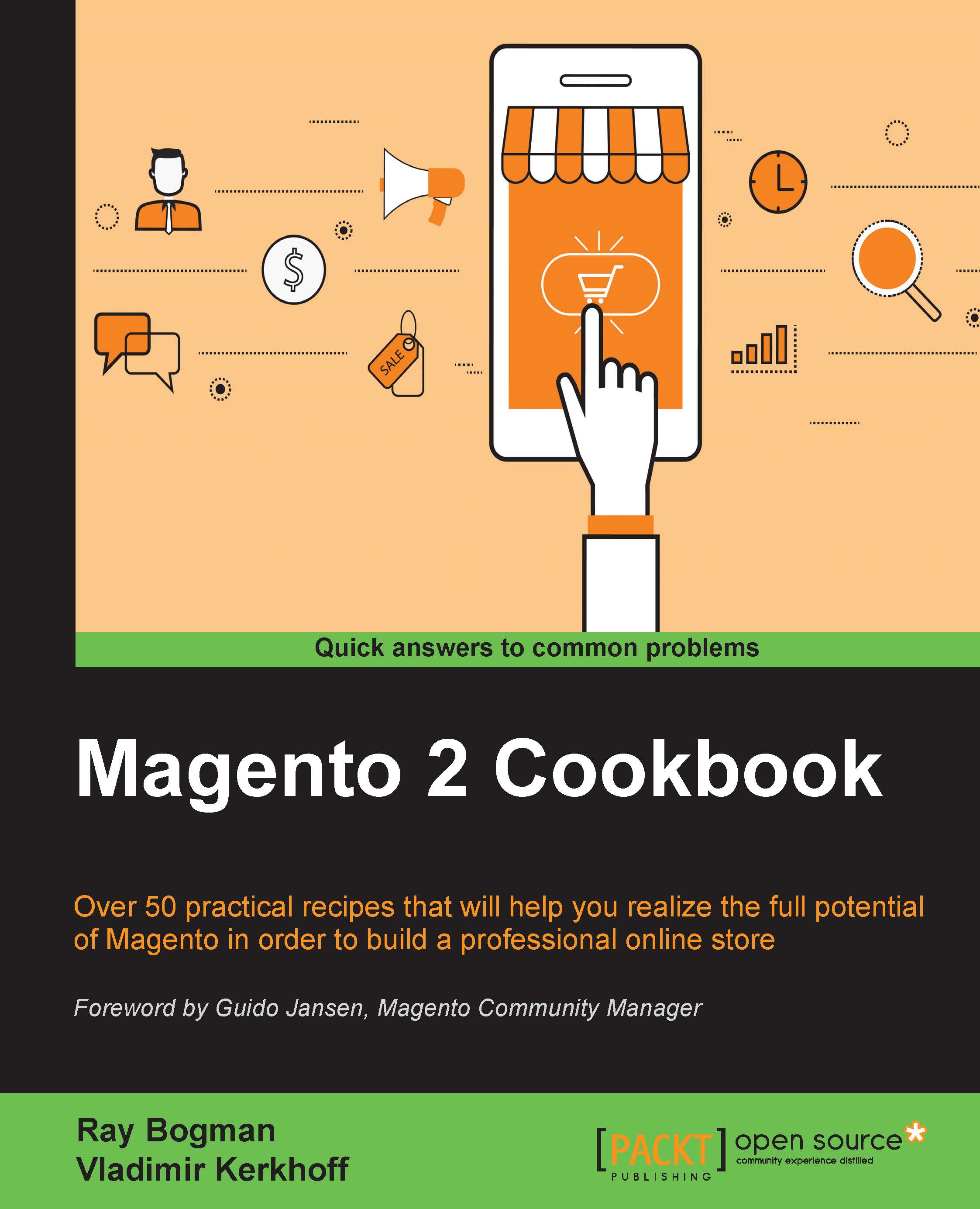
Magento 2 Cookbook

Magento 2 Cookbook

By : Bogman, Kerkhoff
4 (1)
close
close
Magento 2 Cookbook

Magento 2 Cookbook

4 (1)
By: Bogman, Kerkhoff

Overview of this book

Magento 2 is an open source e-commerce platform that has all the functionality to function from small to large online stores. It is preferred by developers and merchants due to its new architecture, which makes it possible to extend the functionalities with plugins, a lot of which are now created by the community. This merchant and developer guide is packed with recipes that cover all aspects of Magento 2. The recipes start with simple how-to’s then delve into more advanced topics as the book progresses. We start with the basics of setting up a Magento 2 project on Apache or Nginx. Next, you will learn about basics including system tools and caching to get your Magento 2 system ready for the real work. We move on to simple tasks such as managing your store and catalog configuration. When you are familiar with this, we cover more complex features such as module and extension development. Then we will jump to the final part: advanced Magento 2 extensions. By the end of this book, you’ll be competent with all the development phases of Magento 2 and its most common elements.
Table of Contents (10 chapters)
close
close
9
Index

Managing Magento 2 backup via the command line

Every production environment needs a proper backup plan. By default, Magento 2 has a complete set of options to create and roll back backups.

When creating a backup, we can use one of the following options:

Option

Meaning

Backup file name

--code

This creates a backup from the filesystem (excluding /var and /pub/static

var/backups/<timestamp>_filesystem.tgz

--media

This creates a backup from the /media directory

var/backups/<timestamp>_filesystem_media.tgz

-db

This creates a backup from the current database

var/backups/<timestamp>_db.gz

Tip

Besides the Magento backup options, it is always advisable to use an alternative backup solution connected to a backup storage.

Getting ready

When creating a backup, Magento will store it in the var/backups directory. In this recipe, we will refer to the bin/magento setup:backup and bin/magento setup:rollback options.

How to do it...

For the purpose of this recipe, let's assume...

Visually different images
CONTINUE READING
83
Tech Concepts
36
Programming languages
73
Tech Tools
Icon Unlimited access to the largest independent learning library in tech of over 8,000 expert-authored tech books and videos.
Icon Innovative learning tools, including AI book assistants, code context explainers, and text-to-speech.
Icon 50+ new titles added per month and exclusive early access to books as they are being written.
Magento 2 Cookbook
notes
bookmark Notes and Bookmarks search Search in title playlist Add to playlist font-size Font size

Change the font size

margin-width Margin width

Change margin width

day-mode Day/Sepia/Night Modes

Change background colour

Close icon Search
Country selected

Close icon Your notes and bookmarks

Confirmation

Modal Close icon
claim successful

Buy this book with your credits?

Modal Close icon
Are you sure you want to buy this book with one of your credits?
Close
YES, BUY

Submit Your Feedback

Modal Close icon
Modal Close icon
Modal Close icon