Sign In Start Free Trial
Account

Add to playlist

Create a Playlist

Modal Close icon
You need to login to use this feature.
  • Book Overview & Buying Bootstrap for ASP.NET MVC
  • Table Of Contents Toc
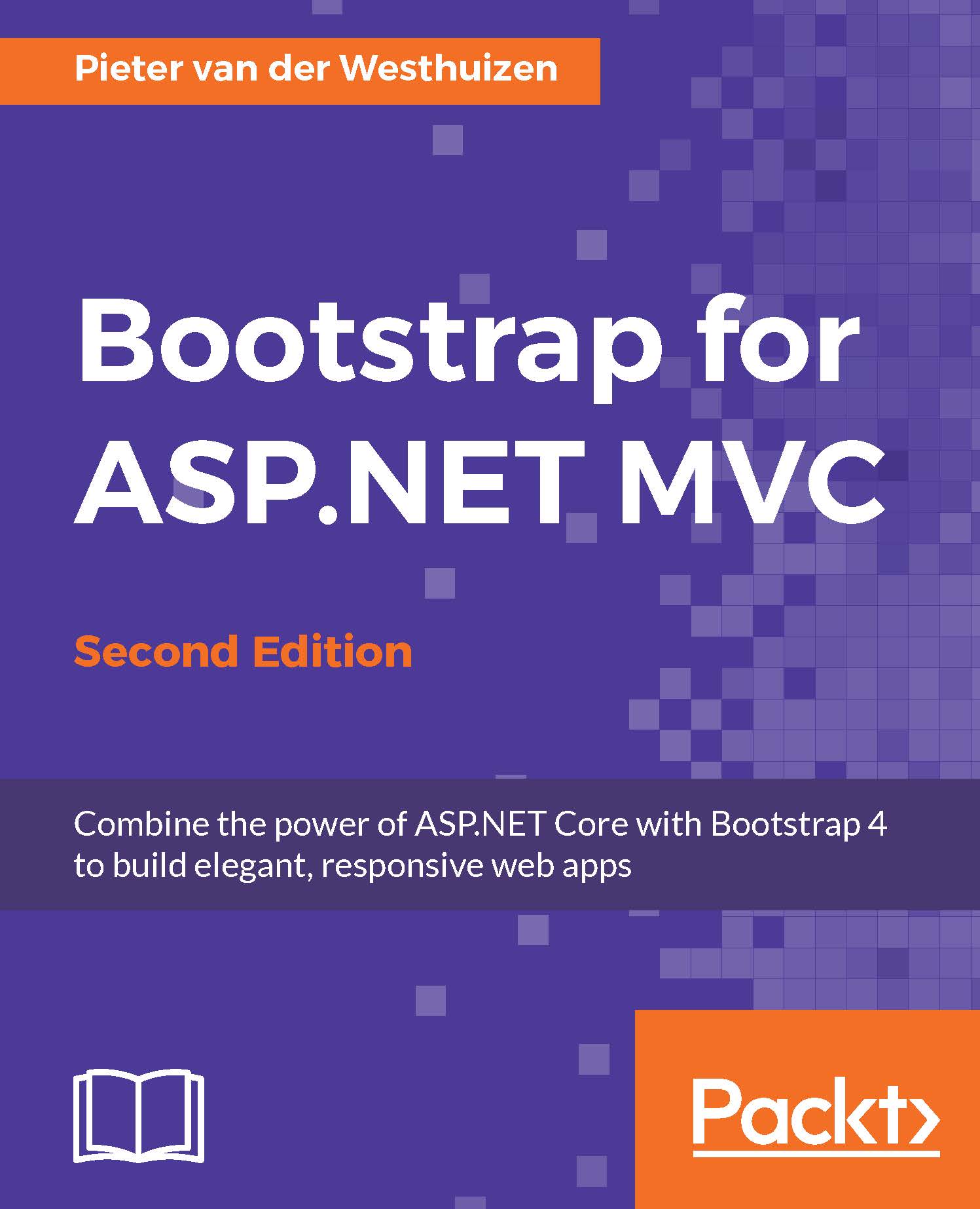
Bootstrap for ASP.NET MVC

Bootstrap for ASP.NET MVC - Second Edition

By : Pieter van der Westhuizen
4 (1)
close
close
Bootstrap for ASP.NET MVC

Bootstrap for ASP.NET MVC

4 (1)
By: Pieter van der Westhuizen

Overview of this book

One of the leading open source frontend frameworks, Bootstrap has undergone a significant change and introduced several features that make designing compelling, next-generation UIs much simpler. Integrating Bootstrap with ASP.NET's powerful components can further enhance its capabilities. This book guides you through the process of creating an ASP.NET MVC website from scratch using Bootstrap. After a primer on the fundamentals of Bootstrap, you will learn your way around and create a new ASP.NET MVC project in Visual Studio. You will move on to learn about the various Bootstrap components as well as techniques to include them in your own projects. The book includes practical examples to show you how to use open-source plugins with Bootstrap and ASP.NET MVC and guides you through building an ASP.NET MVC website using Bootstrap, utilizing layout and user-interface components. At the end of this book, you will find some valuable tips and tricks to help you get the most out of your Bootstrap-integrated and ASP.NET MVC-integrated website.
Table of Contents (10 chapters)
close
close

List groups

List groups are flexible components that either display simple lists of elements or can be combined with other elements to create complex lists with custom content. As an example, we'll create a sample search page that will display the search results in a Bootstrap list group.

Start by completing the following steps:

  1. Add a new controller called SearchController.cs to your project.
  2. Change the Index action to the following:
            public IActionResult Index(string query) 
            { 
                ViewBag.SearchQuery = query; 
                var products = GetProducts(); 
                if (!string.IsNullOrEmpty(query)) 
                { 
                  var results = products.Where(p => p.Name.Contains(query)); 
                  return View(results); 
                } 
                return View(products); 
            } 
    
  3. The preceding code retrieves a list of all products using the GetProducts method. It will then filter the list of products if the query parameter contains a value and returns the...
CONTINUE READING
83
Tech Concepts
36
Programming languages
73
Tech Tools
Icon Unlimited access to the largest independent learning library in tech of over 8,000 expert-authored tech books and videos.
Icon Innovative learning tools, including AI book assistants, code context explainers, and text-to-speech.
Icon 50+ new titles added per month and exclusive early access to books as they are being written.
Bootstrap for ASP.NET MVC
notes
bookmark Notes and Bookmarks search Search in title playlist Add to playlist font-size Font size

Change the font size

margin-width Margin width

Change margin width

day-mode Day/Sepia/Night Modes

Change background colour

Close icon Search
Country selected

Close icon Your notes and bookmarks

Confirmation

Modal Close icon
claim successful

Buy this book with your credits?

Modal Close icon
Are you sure you want to buy this book with one of your credits?
Close
YES, BUY

Submit Your Feedback

Modal Close icon
Modal Close icon
Modal Close icon