Sign In Start Free Trial
Account

Add to playlist

Create a Playlist

Modal Close icon
You need to login to use this feature.
  • Book Overview & Buying Flux Architecture
  • Table Of Contents Toc
Flux Architecture

Flux Architecture

By : Adam Boduch
3 (1)
close
close
Flux Architecture

Flux Architecture

3 (1)
By: Adam Boduch

Overview of this book

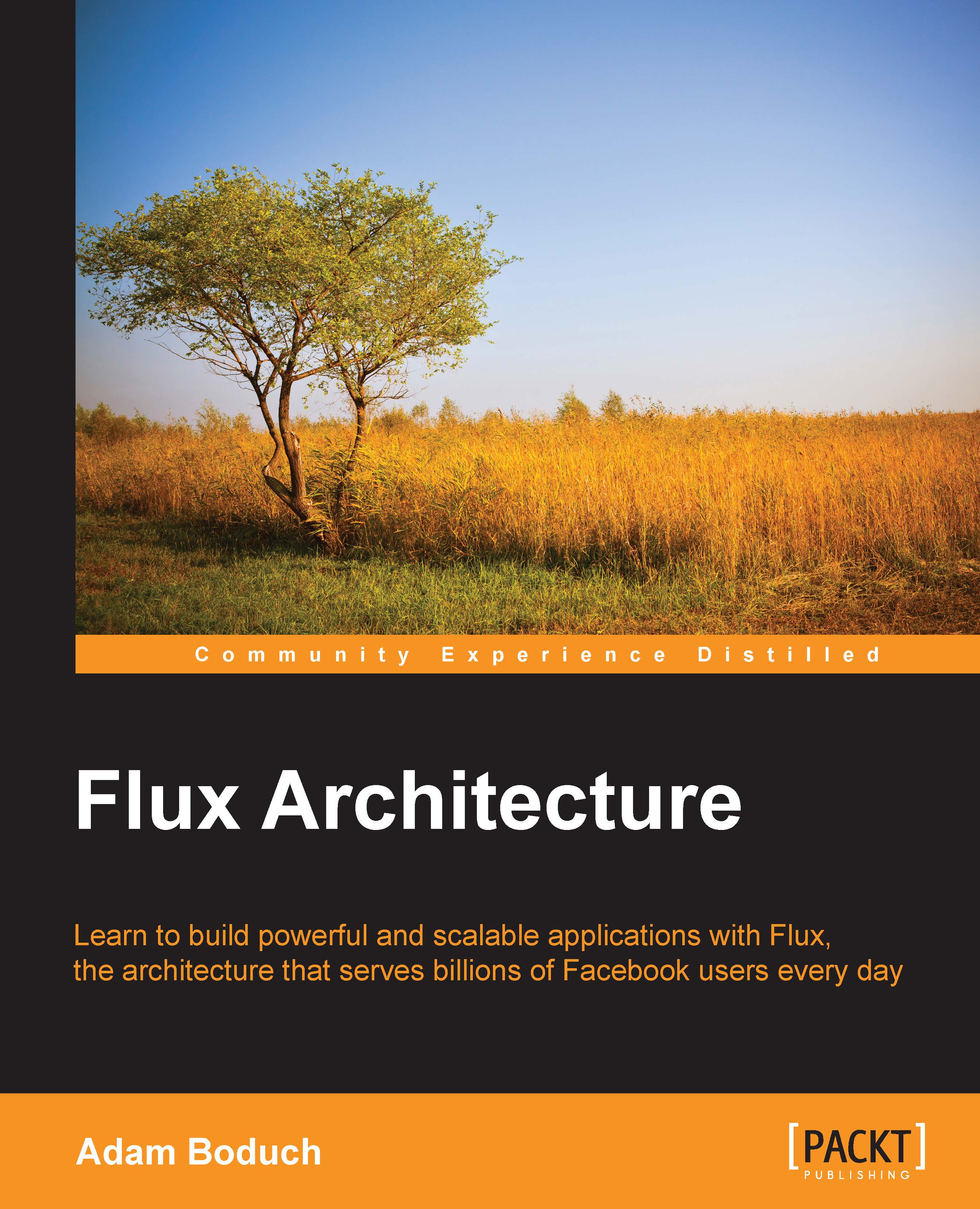
Whilst React has become Facebook’s poster-child for clean, complex, and modern web development, it has quietly been underpinned by its simplicity. It’s just a view. The real beauty in React is actually the architectural pattern that handles data in and out of React applications: Flux. With Flux, you’re able to build data-rich applications that engage your users, and scale to meet every demand. It is a key part of the Facebook technology stack that serves billions of users every day. This book will start by introducing the Flux pattern and help you get an understanding of what it is and how it works. After this, we’ll build real-world React applications that highlight the power and simplicity of Flux in action. Finally, we look at the landscape of Flux and explore the Alt and Redux libraries that make React and Flux developments easier. Filled with fully-worked examples and code-first explanations, by the end of the book, you'll not only have a rock solid understanding of the architecture, but will be ready to implement Flux architecture in anger.
Table of Contents (16 chapters)
close
close
15
Index

Application data and UI state

When we have a separation of concerns that sticks presentation in one place and application data in another, we have two distinct places where we need to manage state. Except in Flux, the only place where there's state is within a store. In this section, we'll compare application data and UI data. We'll then address the transformations that ultimately lead to changes in the user interface. Lastly, we'll discuss the feature-centric nature of Flux stores.

Two of the same thing

Quite often, application data that's fetched from an API is fed into some kind of view layer. This is also known as the presentation layer, responsible for transforming application data into something of value for the user—from data to information in other words. In these layers, we end up with state to represent the UI elements. For example, is the checkbox checked? Here is an illustration of how we tend to group the two types of state within our components...

Visually different images
CONTINUE READING
83
Tech Concepts
36
Programming languages
73
Tech Tools
Icon Unlimited access to the largest independent learning library in tech of over 8,000 expert-authored tech books and videos.
Icon Innovative learning tools, including AI book assistants, code context explainers, and text-to-speech.
Icon 50+ new titles added per month and exclusive early access to books as they are being written.
Flux Architecture
notes
bookmark Notes and Bookmarks search Search in title playlist Add to playlist download Download options font-size Font size

Change the font size

margin-width Margin width

Change margin width

day-mode Day/Sepia/Night Modes

Change background colour

Close icon Search
Country selected

Close icon Your notes and bookmarks

Confirmation

Modal Close icon
claim successful

Buy this book with your credits?

Modal Close icon
Are you sure you want to buy this book with one of your credits?
Close
YES, BUY

Submit Your Feedback

Modal Close icon
Modal Close icon
Modal Close icon