Sign In Start Free Trial
Account

Add to playlist

Create a Playlist

Modal Close icon
You need to login to use this feature.
  • Book Overview & Buying Vue.js 2 Cookbook
  • Table Of Contents Toc
  • Feedback & Rating feedback
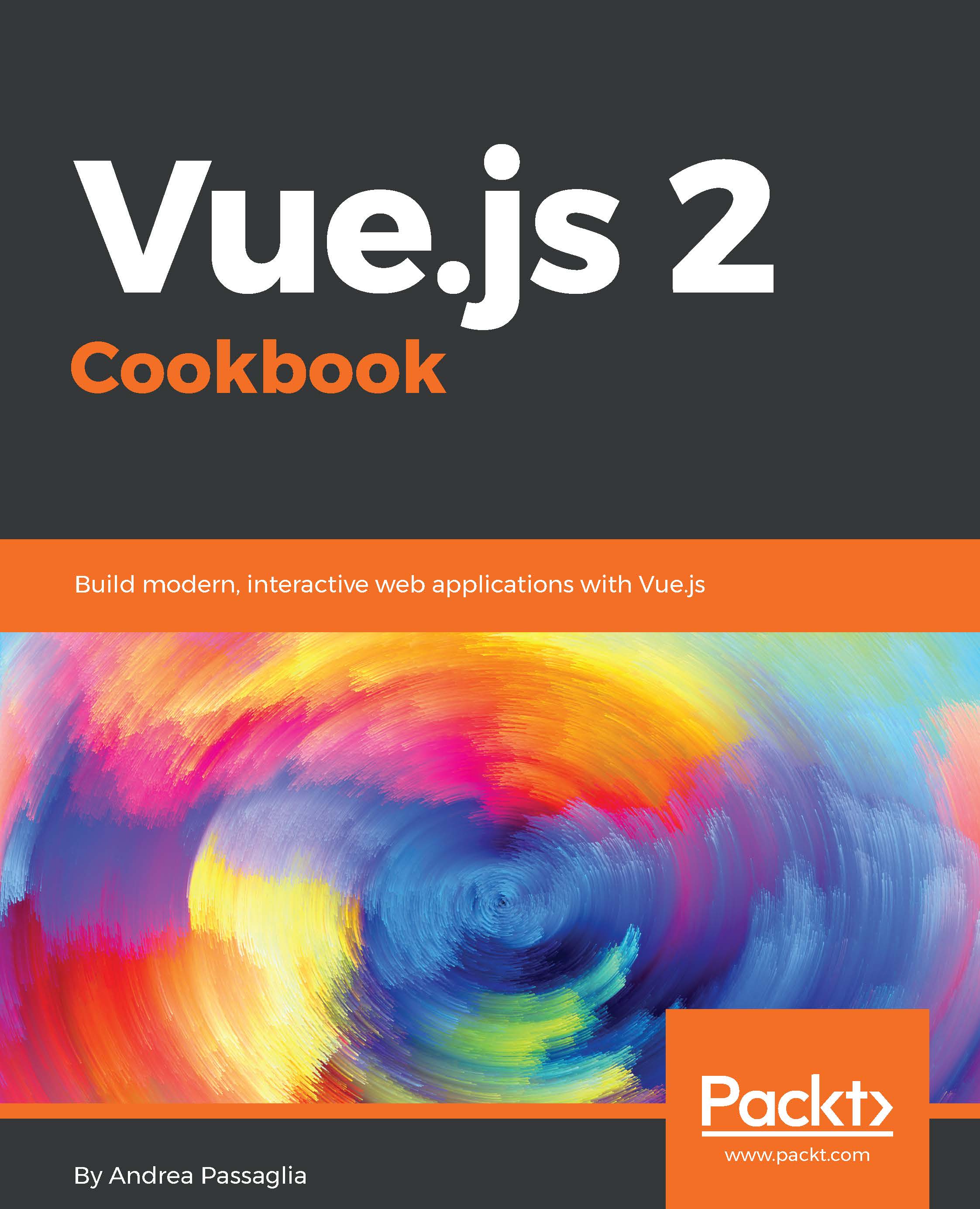
Vue.js 2 Cookbook

Vue.js 2 Cookbook

By : Passaglia
5 (6)
close
close
Vue.js 2 Cookbook

Vue.js 2 Cookbook

5 (6)
By: Passaglia

Overview of this book

Vue.js is an open source JavaScript library for building modern, interactive web applications. With a rapidly growing community and a strong ecosystem, Vue.js makes developing complex single page applications a breeze. Its component-based approach, intuitive API, blazing fast core, and compact size make Vue.js a great solution to craft your next front-end application. From basic to advanced recipes, this book arms you with practical solutions to common tasks when building an application using Vue. We start off by exploring the fundamentals of Vue.js: its reactivity system, data-binding syntax, and component-based architecture through practical examples. After that, we delve into integrating Webpack and Babel to enhance your development workflow using single file components. Finally, we take an in-depth look at Vuex for state management and Vue Router to route in your single page applications, and integrate a variety of technologies ranging from Node.js to Electron, and Socket.io to Firebase and HorizonDB. This book will provide you with the best practices as determined by the Vue.js community.
Table of Contents (12 chapters)
close
close

Creating a new directive


Directives are like mini functions that you can use to quickly drop in to your code, mainly to improve the user experience, and to add new low-level features to your graphic interface.

Getting ready

This recipe, although found in the advanced chapter, is really easy to complete. The main reason directives are advanced is because you should usually prefer composition to add functionality and style to your apps. When components won't cut it, use directives.

How to do it...

We will build a v-pony directive that will turn any element into a pony element. A pony element is created with a pink background and changes color when you click on it.

The HTML code for the pony element is as follows:

<div id="app">
  <p v-pony>I'm a pony paragraph!</p>
  <code v-pony>Pony code</code>
  <blockquote>Normal quote</blockquote>
  <blockquote v-pony>I'm a pony quote</blockquote>
</div>

Just to show the difference, I've included a...

Visually different images
CONTINUE READING
83
Tech Concepts
36
Programming languages
73
Tech Tools
Icon Unlimited access to the largest independent learning library in tech of over 8,000 expert-authored tech books and videos.
Icon Innovative learning tools, including AI book assistants, code context explainers, and text-to-speech.
Icon 50+ new titles added per month and exclusive early access to books as they are being written.
Vue.js 2 Cookbook
notes
bookmark Notes and Bookmarks search Search in title playlist Add to playlist download Download options font-size Font size

Change the font size

margin-width Margin width

Change margin width

day-mode Day/Sepia/Night Modes

Change background colour

Close icon Search
Country selected

Close icon Your notes and bookmarks

Confirmation

Modal Close icon
claim successful

Buy this book with your credits?

Modal Close icon
Are you sure you want to buy this book with one of your credits?
Close
YES, BUY

Submit Your Feedback

Modal Close icon
Modal Close icon
Modal Close icon