Sign In Start Free Trial
Account

Add to playlist

Create a Playlist

Modal Close icon
You need to login to use this feature.
  • Book Overview & Buying Learning WordPress REST API
  • Table Of Contents Toc
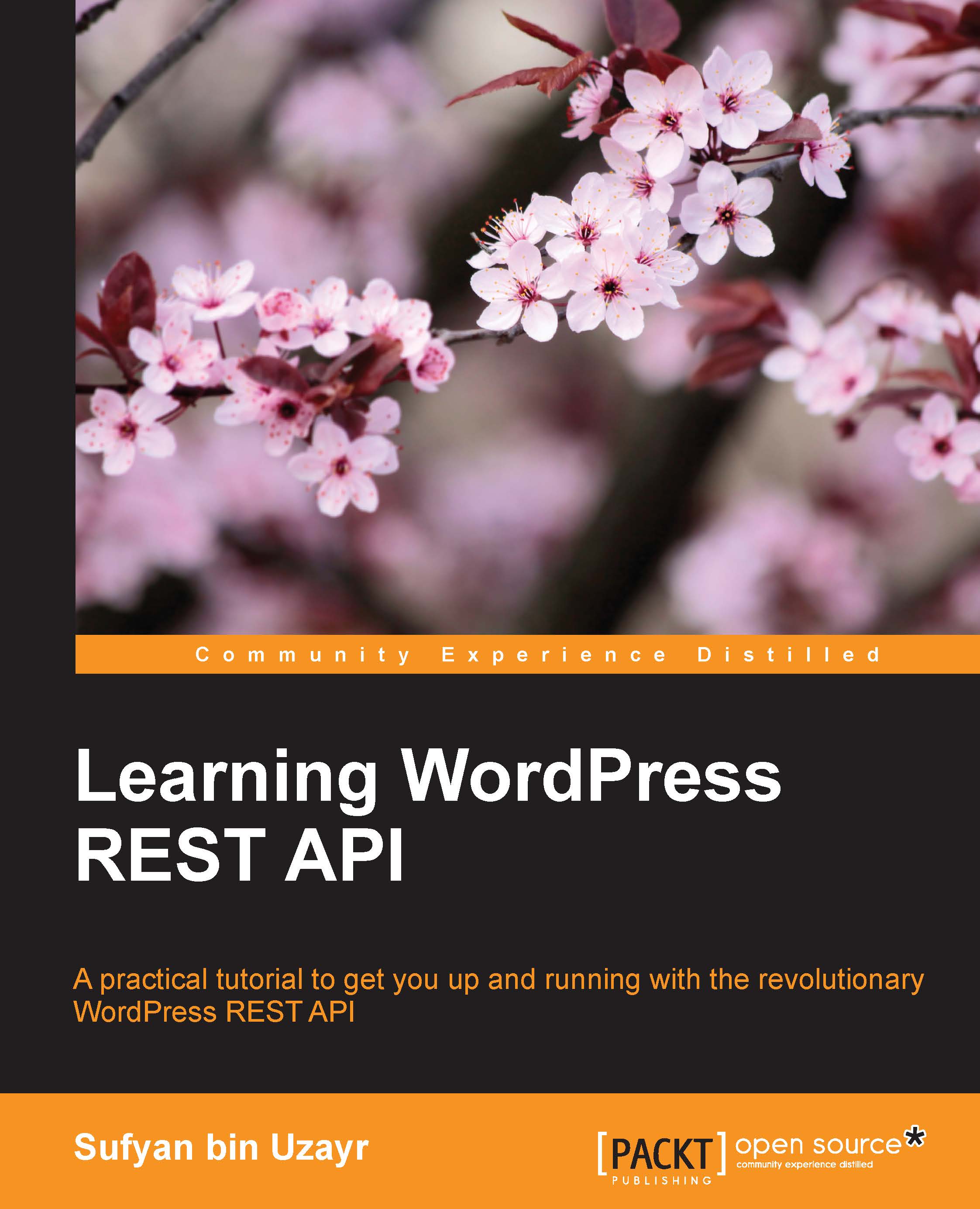
Learning WordPress REST API

Learning WordPress REST API

By : Sufyan bin Uzayr , Mathew Rooney
1 (2)
close
close
Learning WordPress REST API

Learning WordPress REST API

1 (2)
By: Sufyan bin Uzayr , Mathew Rooney

Overview of this book

The WordPress REST API is a recent innovation that has the potential to unlock several new opportunities for WordPress developers. It can help you integrate with technologies outside of WordPress, as well as offer great flexibility when developing themes and plugins for WordPress. As such, the REST API can make developers’ lives easier. The book begins by covering the basics of the REST API and how it can be used along with WordPress. Learn how the REST API interacts with WordPress, allowing you to copy posts and modify post metadata. Move on to get an understanding of taxonomies and user roles are in WordPress and how to use them with the WordPress REST API. Next, find out how to edit and process forms with AJAX and how to create custom routes and functions. You will create a fully-functional single page web app using a WordPress site and the REST API. Lastly, you will see how to deal with the REST API in future versions and will use it to interact it with third-party services. By the end of the book, you will be able to work with the WordPress REST API to build web applications.
Table of Contents (10 chapters)
close
close

Setting up the custom route


We will be using the register_rest_route() function for defining a custom route in a function that will be then hooked up to the rest_api_init action, which will run upon the initialization of REST API. It will be equally important for an action, just like init and plugin_loaded are.

This function will accept the following four arguments:

  • Route namespace

  • URL after namespace

  • Endpoints to a route

  • Optional Boolean argument

We will look into the four arguments briefly as follows.

Route namespace

The first argument would the namespace for the route. It is important to understand that each and every route must be namespaced, which will further be used after the wp-JSON as the next URL segment. All default routes are namespaced with wp. Every core route will have URLs like wp-JSON/wp/posts, while custom route colors within the my-shirt-shop namespace will have the attribute URL as wp-JSON/my-shirt-shop/colors.

Those acting like PHP namespaces or unique slugs as functions for...

Visually different images
CONTINUE READING
83
Tech Concepts
36
Programming languages
73
Tech Tools
Icon Unlimited access to the largest independent learning library in tech of over 8,000 expert-authored tech books and videos.
Icon Innovative learning tools, including AI book assistants, code context explainers, and text-to-speech.
Icon 50+ new titles added per month and exclusive early access to books as they are being written.
Learning WordPress REST API
notes
bookmark Notes and Bookmarks search Search in title playlist Add to playlist download Download options font-size Font size

Change the font size

margin-width Margin width

Change margin width

day-mode Day/Sepia/Night Modes

Change background colour

Close icon Search
Country selected

Close icon Your notes and bookmarks

Confirmation

Modal Close icon
claim successful

Buy this book with your credits?

Modal Close icon
Are you sure you want to buy this book with one of your credits?
Close
YES, BUY

Submit Your Feedback

Modal Close icon
Modal Close icon
Modal Close icon