
Sign In Start Free Trial
Account

Add to playlist

Create a Playlist

Modal Close icon
You need to login to use this feature.
  • Book Overview & Buying Build Applications with Meteor
  • Table Of Contents Toc
  • Feedback & Rating feedback
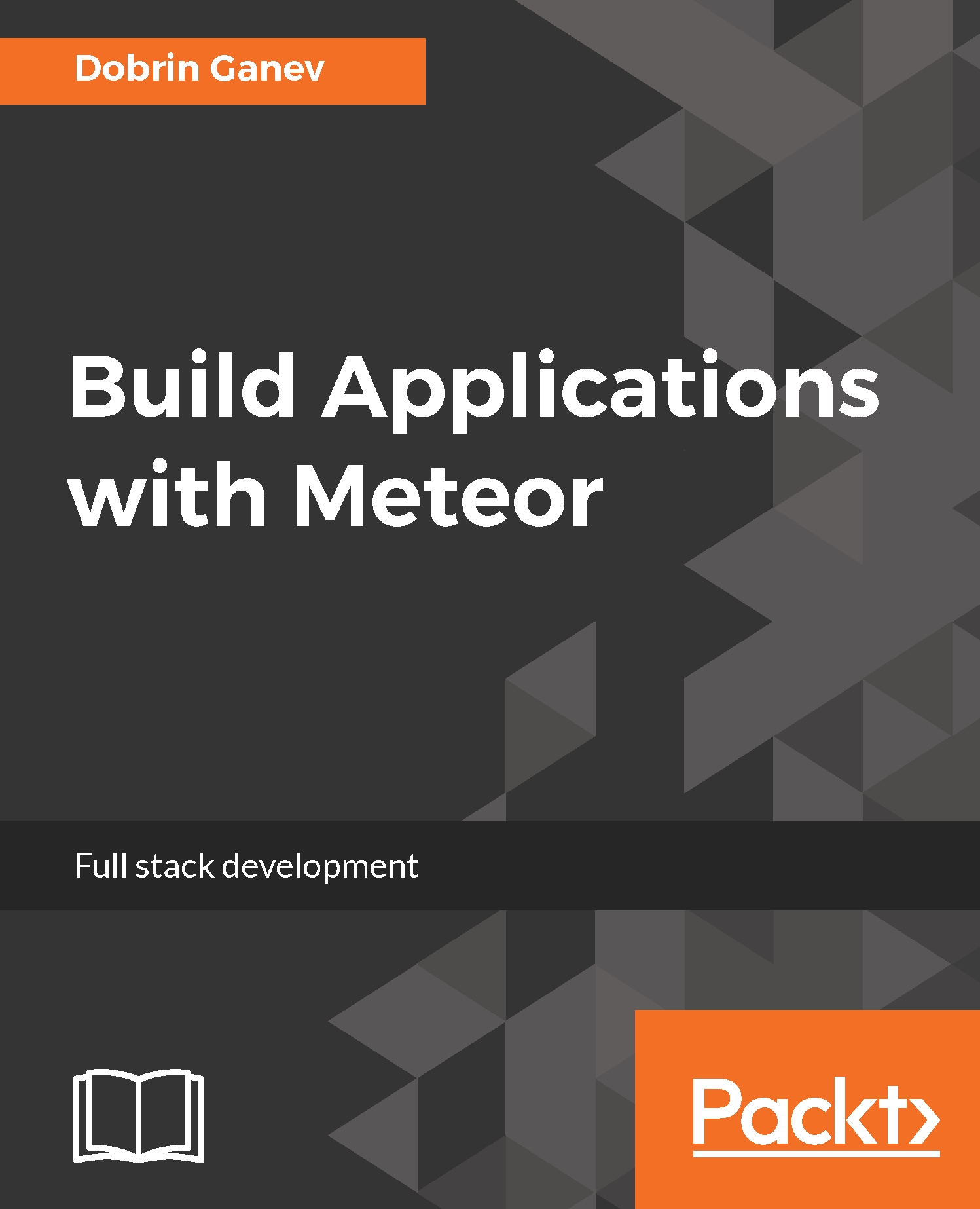
Build Applications with Meteor

Build Applications with Meteor

By : Dobrin Ganev
4 (3)
close
close
Build Applications with Meteor

Build Applications with Meteor

4 (3)
By: Dobrin Ganev

Overview of this book

This book starts with the basic installation and overview of the main components in Meteor. You’ll get hands-on multiple versatile applications covering a wide range of topics from adding a front-end views with the hottest rendering technology React to implementing a microservices oriented architecture.All the code is written with ES6/7 which is the latest significantly improved JavaScript language. We’ll also look at real-time data streaming, server to server data exchange, responsive styles on the front-end, full-text search functionality, and integration of many third-party libraries and APIs using npm. By the end of the book, you’ll have the skills to quickly prototype and even launch your next app idea in a matter of days.
Table of Contents (10 chapters)
close
close
8
Build a Chatbot with Facebook’s Messenger Platform

Modular CSS with LESS

All class names and IDs in CSS are global, which makes it extremely difficult to maintain in large-scale projects. No matter how well you specify your naming conventions, vanilla CSS is a pretty messy language to work with.

Some of the ways we can solve that problem, or at least minimize it, is by implementing CSS preprocessor frameworks, such as Sass and LESS. Both of them are allowing us to separate the style sheets into logical modules (files), create variables, mix in classes, and generate CSS with loops and conditions. At the end of the development cycle, we can compile all the files into one or many plain CSS files before moving the styles to production.

Let's set up a simple Meteor app and implement the same grid with LESS.

In the terminal, run the following command:

>> meteor create less_app;

We need to add the less package, as follows, to allow Meteor to compile...

Visually different images
CONTINUE READING
83
Tech Concepts
36
Programming languages
73
Tech Tools
Icon Unlimited access to the largest independent learning library in tech of over 8,000 expert-authored tech books and videos.
Icon Innovative learning tools, including AI book assistants, code context explainers, and text-to-speech.
Icon 50+ new titles added per month and exclusive early access to books as they are being written.
Build Applications with Meteor
notes
bookmark Notes and Bookmarks search Search in title playlist Add to playlist font-size Font size

Change the font size

margin-width Margin width

Change margin width

day-mode Day/Sepia/Night Modes

Change background colour

Close icon Search
Country selected

Close icon Your notes and bookmarks

Confirmation

Modal Close icon
claim successful

Buy this book with your credits?

Modal Close icon
Are you sure you want to buy this book with one of your credits?
Close
YES, BUY

Submit Your Feedback

Modal Close icon
Modal Close icon
Modal Close icon