
Sign In Start Free Trial
Account

Add to playlist

Create a Playlist

Modal Close icon
You need to login to use this feature.
  • Book Overview & Buying Mastering Angular Components
  • Table Of Contents Toc
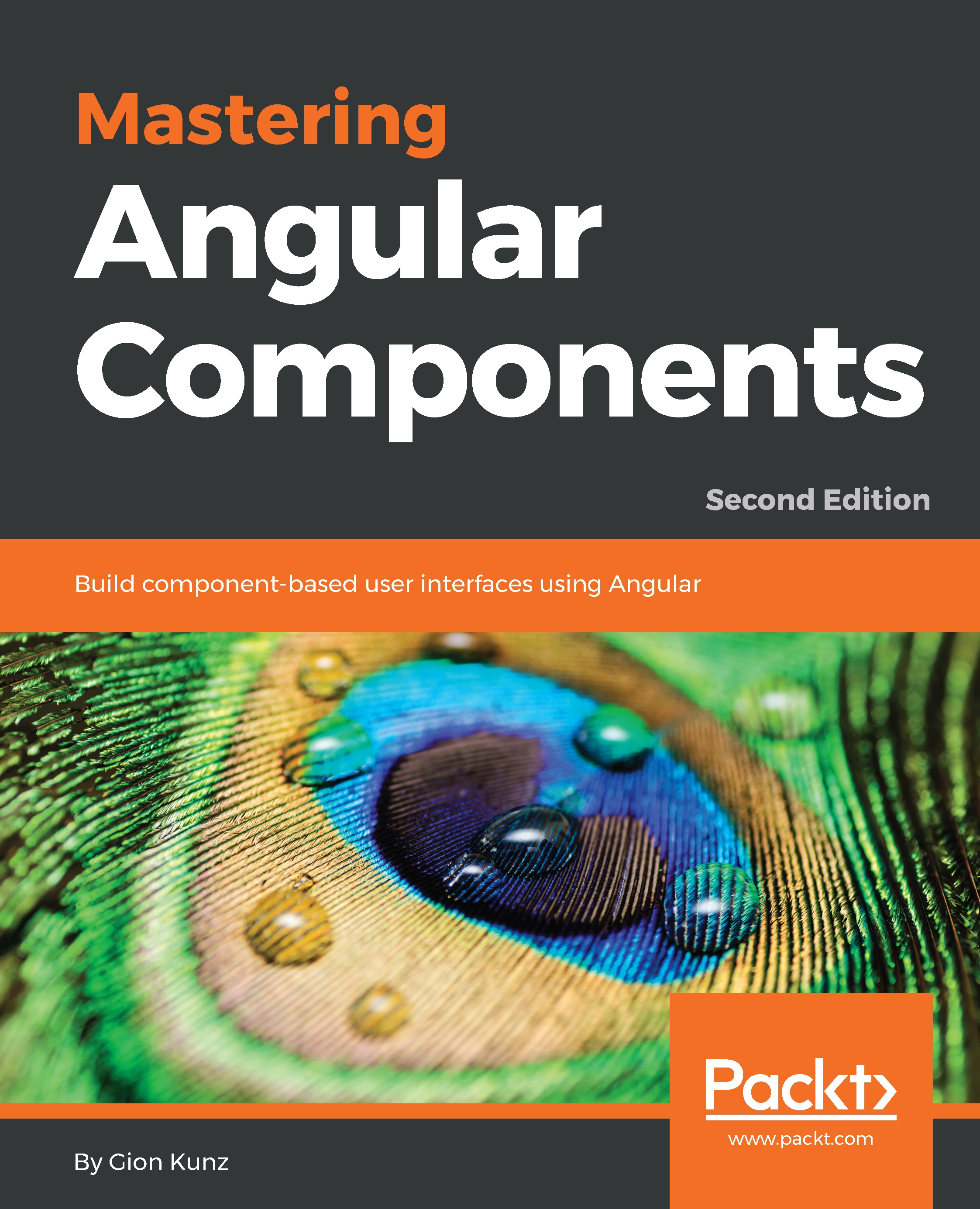
Mastering Angular Components

Mastering Angular Components - Second Edition

By : Kunz
close
close
Mastering Angular Components

Mastering Angular Components

By: Kunz

Overview of this book

Mastering Angular Components will help you learn how to invent, build, and manage shared and reusable components for your web projects. Angular components are an integral part of any Angular app and are responsible for performing specific tasks in controlling the user interface. Complete with detailed explanations of essential concepts and practical examples, the book begins by helping you build basic layout components, along with developing a fully functional task-management application using Angular. You’ll then learn how to create layout components and build clean data and state architecture for your application. The book will even help you understand component-based routing and create components that render Scalable Vector Graphics (SVG). Toward the concluding chapters, you’ll be able to visualize data using the third-party library Chartist and create a plugin architecture using Angular components. By the end of this book, you will have mastered the component-based architecture in Angular and have the skills you need to build modern and clean user interfaces.
Table of Contents (12 chapters)
close
close

Keeping up with Activities

In this chapter, we'll build an activity log in our task management system, using Scalable Vector Graphics (SVG) to build graphical components with Angular. SVG is the perfect candidate when it comes to complex graphical content, and by using Angular components, we can easily build encapsulated and reusable content.

Since we want to log all of the activities within our application, such as adding comments or renaming tasks, we are going to create a central repository for activities. We can then display these activities and render them as an activity timeline by using SVG.

To add an overview of all of the activities and to provide user input to narrow the range of activities displayed, we're going to create an interactive slider component. This component will use a projection to render timestamps, in the form of ticks and activities, directly...

Visually different images
CONTINUE READING
83
Tech Concepts
36
Programming languages
73
Tech Tools
Icon Unlimited access to the largest independent learning library in tech of over 8,000 expert-authored tech books and videos.
Icon Innovative learning tools, including AI book assistants, code context explainers, and text-to-speech.
Icon 50+ new titles added per month and exclusive early access to books as they are being written.
Mastering Angular Components
notes
bookmark Notes and Bookmarks search Search in title playlist Add to playlist download Download options font-size Font size

Change the font size

margin-width Margin width

Change margin width

day-mode Day/Sepia/Night Modes

Change background colour

Close icon Search
Country selected

Close icon Your notes and bookmarks

Confirmation

Modal Close icon
claim successful

Buy this book with your credits?

Modal Close icon
Are you sure you want to buy this book with one of your credits?
Close
YES, BUY

Submit Your Feedback

Modal Close icon
Modal Close icon
Modal Close icon