Sign In Start Free Trial
Account

Add to playlist

Create a Playlist

Modal Close icon
You need to login to use this feature.
  • Book Overview & Buying Moodle 3 E-Learning Course Development
  • Table Of Contents Toc
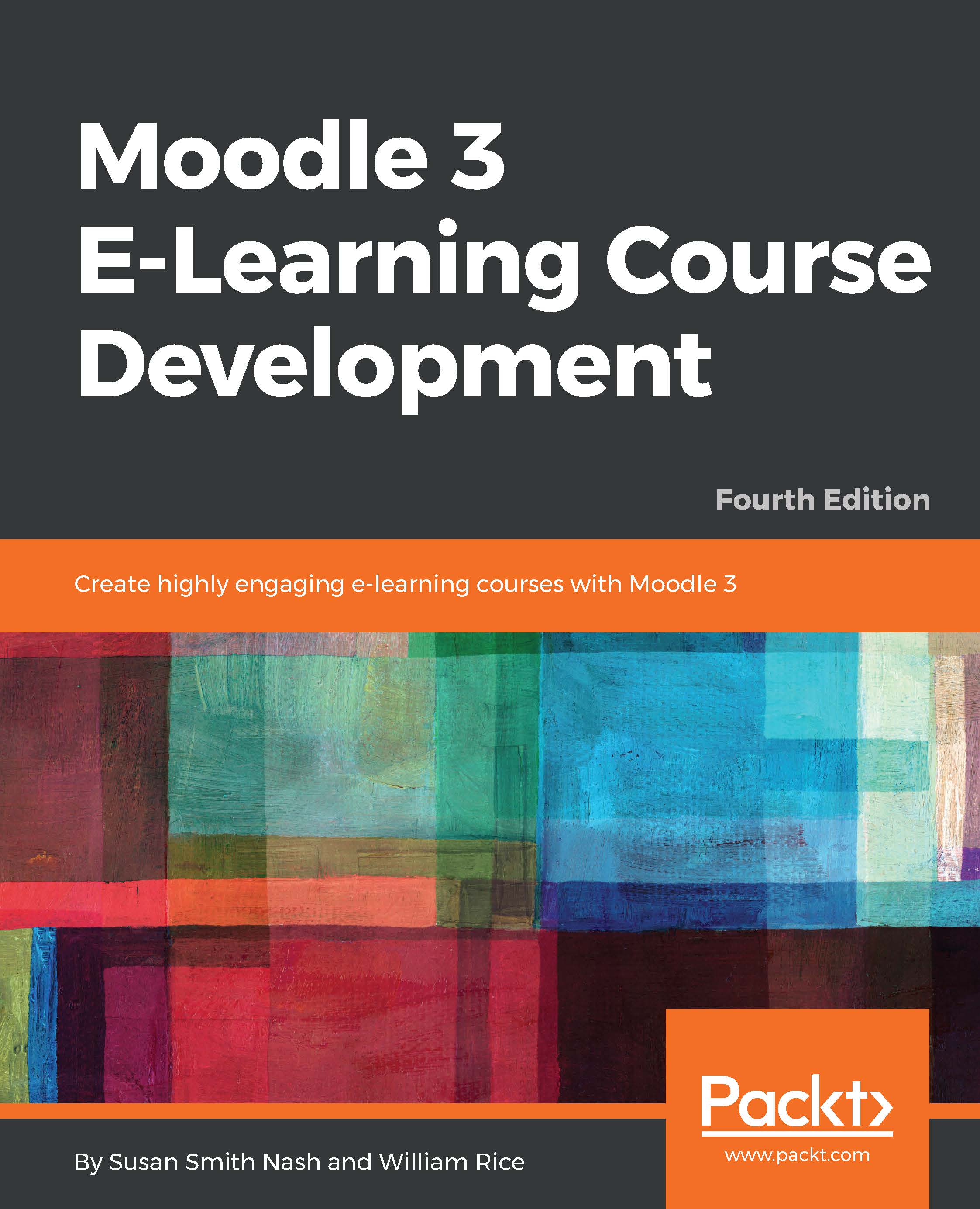
Moodle 3 E-Learning Course Development

Moodle 3 E-Learning Course Development - Fourth Edition

By : Susan Smith Nash, William Rice
5 (3)
close
close
Moodle 3 E-Learning Course Development

Moodle 3 E-Learning Course Development

5 (3)
By: Susan Smith Nash, William Rice

Overview of this book

Moodle is a learning platform or Course Management System (CMS) that is easy to install and use, but the real challenge is in developing a learning process that leverages its power and maps the learning objectives to content and assessments for an integrated and effective course. Moodle 3 E-Learning Course Development guides you through meeting that challenge in a practical way. This latest edition will show you how to add static learning material, assessments, and social features such as forum-based instructional strategy, a chat module, and forums to your courses so that students reach their learning potential. Whether you want to support traditional class teaching or lecturing, or provide complete online and distance e-learning courses, this book will prove to be a powerful resource throughout your use of Moodle. You’ll learn how to create and integrate third-party plugins and widgets in your Moodle app, implement site permissions and user accounts, and ensure the security of content and test papers. Further on, you’ll implement PHP scripts that will help you create customized UIs for your app. You’ll also understand how to create your first Moodle VR e-learning app using the latest VR learning experience that Moodle 3 has to offer. By the end of this book, you will have explored the decisions, design considerations, and thought processes that go into developing a successful course.

Table of Contents (16 chapters)
close
close

Adding Resources

Resources are course materials that students read but don't interact with, such as presentations, graphics, and PDFs. This chapter teaches you how to add those resources to a course, and how to make the best use of them. We will also discuss how to select, sequence, and deploy the resources so that they clearly contribute to the students' success in achieving outcomes.

In this chapter, we also discuss organizing your course and adding different kinds of resources, URLs, pages, and adding files.

Visually different images
CONTINUE READING
83
Tech Concepts
36
Programming languages
73
Tech Tools
Icon Unlimited access to the largest independent learning library in tech of over 8,000 expert-authored tech books and videos.
Icon Innovative learning tools, including AI book assistants, code context explainers, and text-to-speech.
Icon 50+ new titles added per month and exclusive early access to books as they are being written.
Moodle 3 E-Learning Course Development
notes
bookmark Notes and Bookmarks search Search in title playlist Add to playlist font-size Font size

Change the font size

margin-width Margin width

Change margin width

day-mode Day/Sepia/Night Modes

Change background colour

Close icon Search
Country selected

Close icon Your notes and bookmarks

Confirmation

Modal Close icon
claim successful

Buy this book with your credits?

Modal Close icon
Are you sure you want to buy this book with one of your credits?
Close
YES, BUY

Submit Your Feedback

Modal Close icon
Modal Close icon
Modal Close icon