
Sign In Start Free Trial
Account

Add to playlist

Create a Playlist

Modal Close icon
You need to login to use this feature.
  • Book Overview & Buying Mastering SVG
  • Table Of Contents Toc
Mastering SVG

Mastering SVG

By : Rob Larsen
1 (1)
close
close
Mastering SVG

Mastering SVG

1 (1)
By: Rob Larsen

Overview of this book

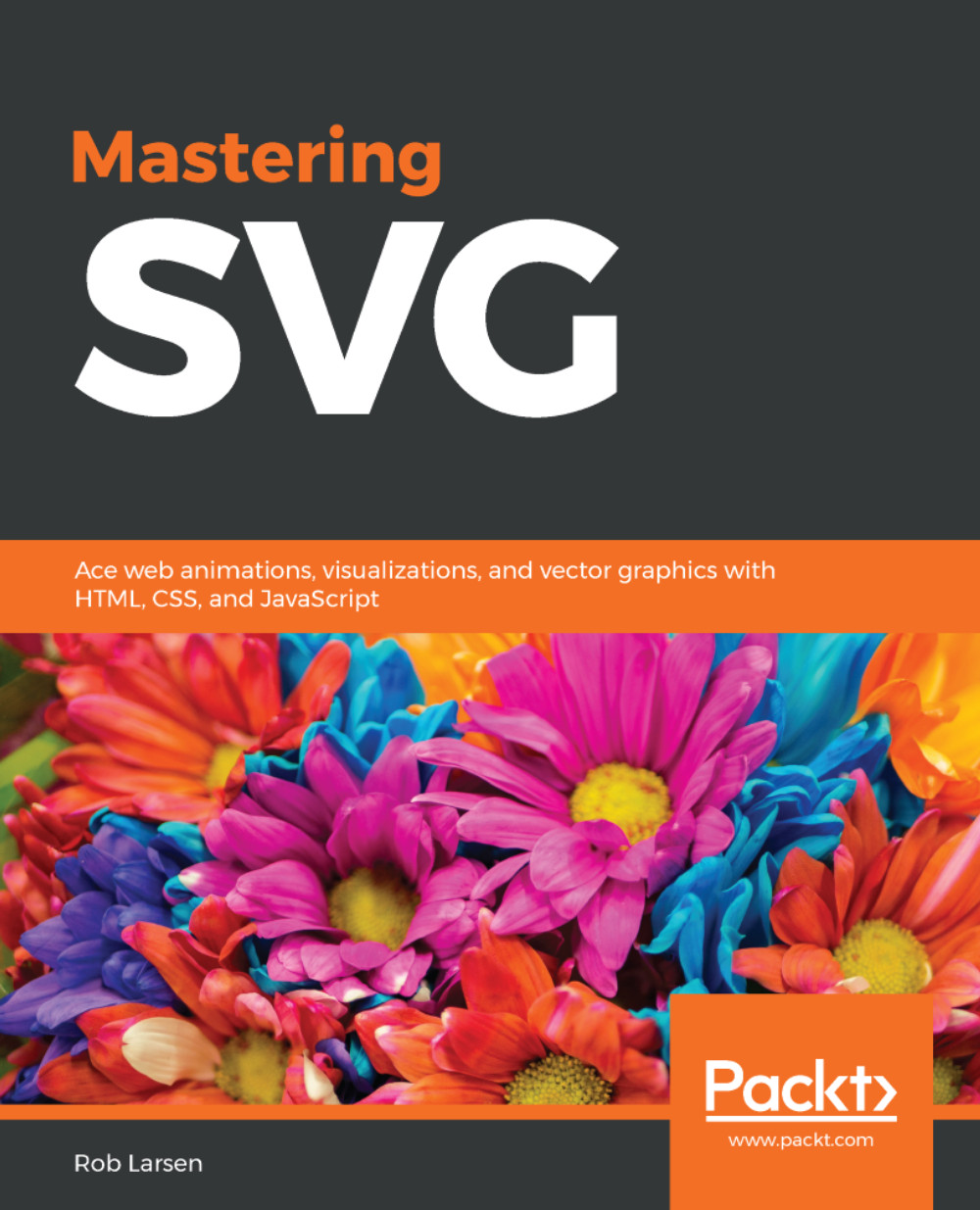
SVG is the most powerful image format in use on the web. In addition to producing resolution-independent images for today's multi-device world, SVG allows you to create animations and visualizations to add to your sites and applications. The simplicity of cross-platform markup, mixed with familiar modern web languages, such as CSS and JavaScript, creates a winning combination for designers and developers alike. In this book, you will learn how to author an SVG document using common SVG features, such as elements and attributes, and serve SVG on the web using simple configuration tips for common web servers. You will also use SVG elements and images in HTML documents. Further, you will use SVG images for a variety of common tasks, such as manipulating SVG elements, adding animations using CSS, mastering the basic JavaScript SVG (API) using Document Object Model (DOM) methods, and interfacing SVG with common libraries and frameworks, such as React, jQuery, and Angular. You will then build an understanding of the Snap.svg and SVG.js APIs, along with the basics of D3, and take a look at how to implement interesting visualizations using the library. By the end of the book, you will have mastered creating animations with SVG.
Table of Contents (13 chapters)
close
close

Helper Libraries Snap.svg and SVG.js

We've learned a lot about SVG so far in this book. If you've made it this far, you're ready to do some serious SVG development, and for that there are three ways to go:

  • Continue doing what we've, mostly, done so far in this book-learn about the way the core technologies interact and integrate SVG into your sites or applications, as you would in any markup. Manipulate it with JavaScript and CSS and you're ready to tackle basically anything. This is a valid approach and is the one I often take in my own work. 
  •  Use task-specific frameworks and libraries. We've started to look at this a little bit with GSAP and Vivus for animation. We'll continue to look at this in Chapter 10Working with D3.js, when we look at D3, a powerful visualization framework.
  • Use general purpose SVG libraries that will...

Visually different images
CONTINUE READING
83
Tech Concepts
36
Programming languages
73
Tech Tools
Icon Unlimited access to the largest independent learning library in tech of over 8,000 expert-authored tech books and videos.
Icon Innovative learning tools, including AI book assistants, code context explainers, and text-to-speech.
Icon 50+ new titles added per month and exclusive early access to books as they are being written.
Mastering SVG
notes
bookmark Notes and Bookmarks search Search in title playlist Add to playlist download Download options font-size Font size

Change the font size

margin-width Margin width

Change margin width

day-mode Day/Sepia/Night Modes

Change background colour

Close icon Search
Country selected

Close icon Your notes and bookmarks

Confirmation

Modal Close icon
claim successful

Buy this book with your credits?

Modal Close icon
Are you sure you want to buy this book with one of your credits?
Close
YES, BUY

Submit Your Feedback

Modal Close icon
Modal Close icon
Modal Close icon