Sign In Start Free Trial
Account

Add to playlist

Create a Playlist

Modal Close icon
You need to login to use this feature.
  • Book Overview & Buying React 16 Tooling
  • Table Of Contents Toc
React 16 Tooling

React 16 Tooling

By : Adam Boduch, Pitt
close
close
React 16 Tooling

React 16 Tooling

By: Adam Boduch, Pitt

Overview of this book

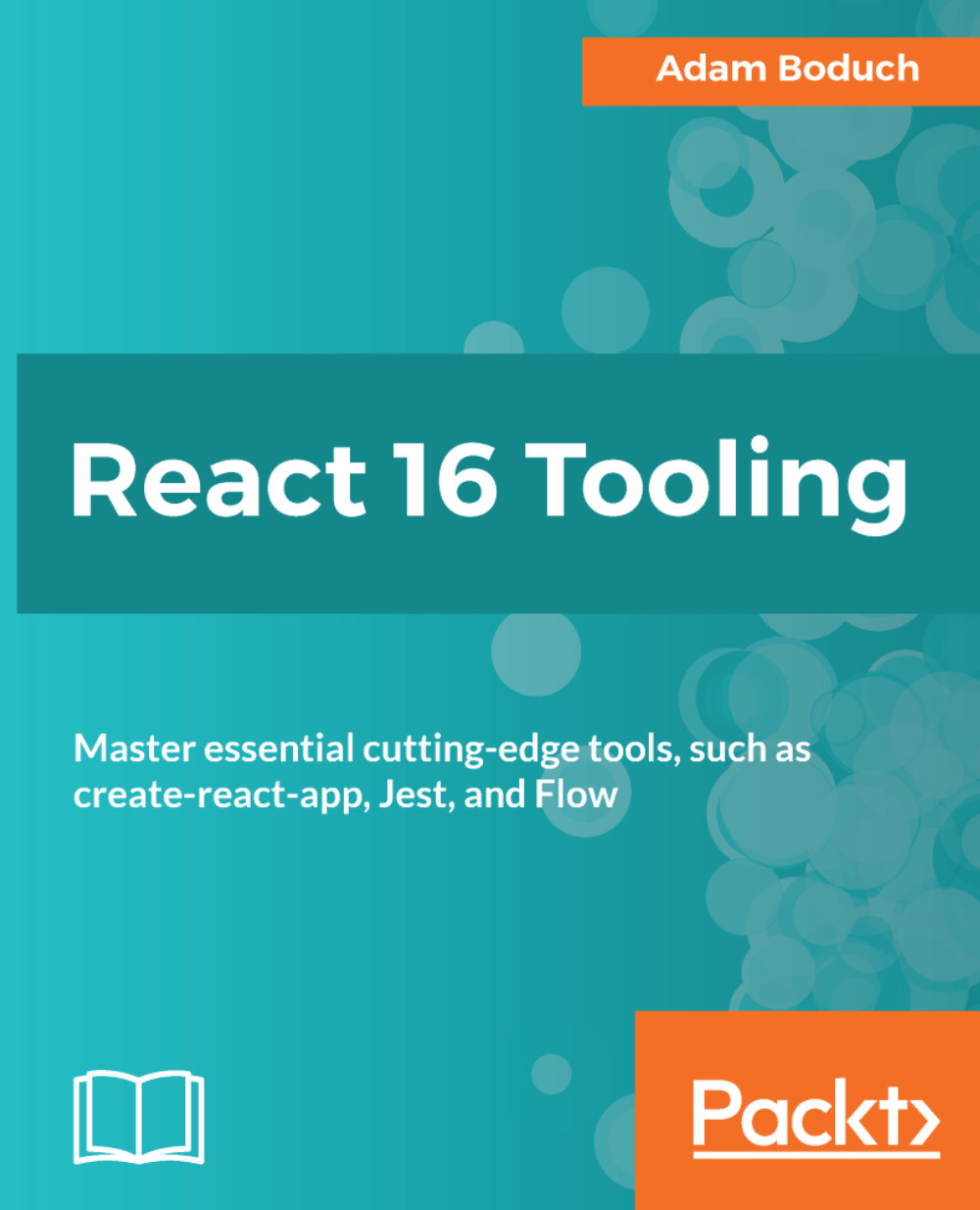
React 16 Tooling covers the most important tools, utilities, and libraries that every React developer needs to know — in detail. As React has grown, the amazing toolset around it has also grown, adding features and enhancing the development workflow. Each of these essential tools is presented in a practical manner and in a logical order mirroring the development workflow. These tools will make your development life simpler and happier, enabling you to create better and more performant apps. Adam starts with a hand-picked selection of the best tools for the React 16 ecosystem. For starters, there’s the create-react-app utility that’s officially supported by the React team. Not only does this tool bootstrap your React project for you, it also provides a consistent and stable framework to build upon. The premise is that when you don’t have to think about meta development work, more focus goes into the product itself. Other React tools follow this same approach to automating and improving your development life. Jest makes unit testing quicker. Flow makes catching errors easier. Docker containers make deployment in a stack simpler. Storybook makes developing components straightforward. ESLint makes writing standardized code faster. The React DevTools plugin makes debugging a cinch. React 16 Tooling clears away the barriers so you can focus on developing the good parts. In this book, we’ll look at each of these powerful tools in detail, showing you how to build the perfect React ecosystem to develop your apps within.

Table of Contents (12 chapters)
close
close
2
Efficiently Bootstrapping React Applications with Create React App
chevron up

Installing Create React App

The first step is installing Create React App, which is an npm package: create-react-app. This package should be installed globally because it installs a command on your system that's used to create your React projects. In other words, create-react-app isn't actually part of your React project—it's used to initialize your React project.

Here's how you can install Create React App globally:

$ npm install -g create-react-app

Notice the -g flag in the command—this makes sure that the create-react-app command is installed globally. Once the installation is complete, you can make sure that the command is good to go by running the following:

$ create-react-app -V

> 1.4.1

Now you're ready to use this tool to create your first React app!

...
Visually different images
CONTINUE READING
83
Tech Concepts
36
Programming languages
73
Tech Tools
Icon Unlimited access to the largest independent learning library in tech of over 8,000 expert-authored tech books and videos.
Icon Innovative learning tools, including AI book assistants, code context explainers, and text-to-speech.
Icon 50+ new titles added per month and exclusive early access to books as they are being written.
React 16 Tooling
notes
bookmark Notes and Bookmarks search Search in title playlist Add to playlist download Download options font-size Font size

Change the font size

margin-width Margin width

Change margin width

day-mode Day/Sepia/Night Modes

Change background colour

Close icon Search
Country selected

Close icon Your notes and bookmarks

Confirmation

Modal Close icon
claim successful

Buy this book with your credits?

Modal Close icon
Are you sure you want to buy this book with one of your credits?
Close
YES, BUY

Submit Your Feedback

Modal Close icon
Modal Close icon
Modal Close icon