
Sign In Start Free Trial
Account

Add to playlist

Create a Playlist

Modal Close icon
You need to login to use this feature.
  • Book Overview & Buying ASP.NET Core 2 and Vue.js
  • Table Of Contents Toc
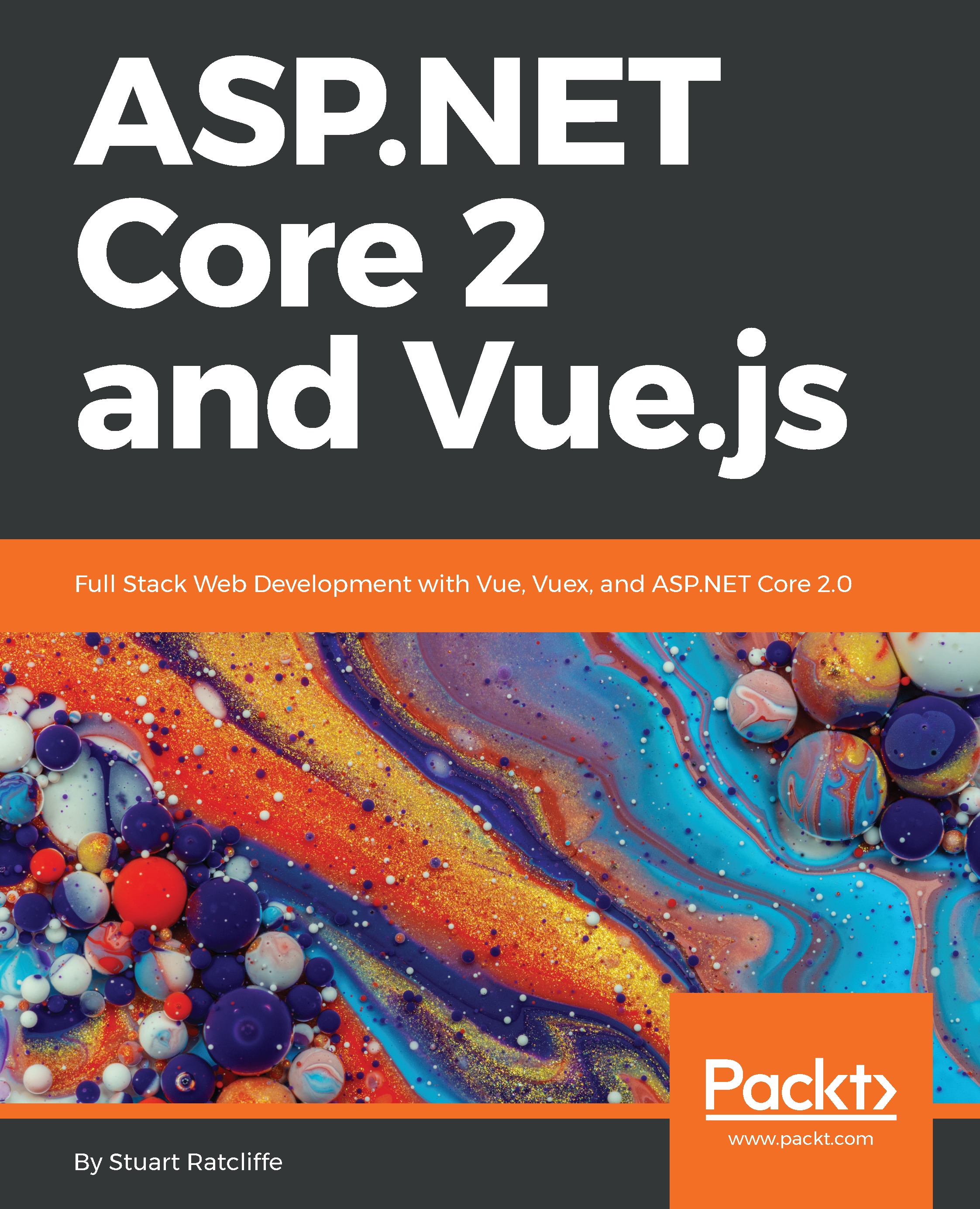
ASP.NET Core 2 and Vue.js

ASP.NET Core 2 and Vue.js

By : Ratcliffe
4 (8)
close
close
ASP.NET Core 2 and Vue.js

ASP.NET Core 2 and Vue.js

4 (8)
By: Ratcliffe

Overview of this book

This book will walk you through the process of developing an e-commerce application from start to finish, utilizing an ASP.NET Core web API and Vue.js Single-Page Application (SPA) frontend. We will build the application using a featureslice approach, whereby in each chapter we will add the required frontend and backend changes to complete an entire feature. In the early chapters, we’ll keep things fairly simple to get you started, but by the end of the book, you’ll be utilizing some advanced concepts, such as server-side rendering and continuous integration and deployment. You will learn how to set up and configure a modern development environment for building ASP.NET Core web APIs and Vue.js SPA frontends.You will also learn about how ASP.NET Core differs from its predecessors, and how we can utilize those changes to our benefit. Finally, you will learn the fundamentals of building modern frontend applications using Vue.js, as well as some of the more advanced concepts, which can help make you more productive in your own applications in the future.
Table of Contents (15 chapters)
close
close

Component composition

The first thing to do is import this component into the ClientApp/components/App.vue file, and register it as a child component of our main App component. Replace the entire script block of the App component with the following:

<script>
import ProductList from "./products/List.vue";
export default {
name: "app",
components: {
ProductList: ProductList
}
};
</script>

The first thing to note here is the import line at the top of this block. If you're new to frontend frameworks, this might not make a lot of sense to you. In the modern JavaScript world, we break the application up into chunks, usually also splitting it into separate physical files, which are known as modules. A module will export some piece of functionality which can then be imported into another dependent module using a line of code like this one. This can...

CONTINUE READING
83
Tech Concepts
36
Programming languages
73
Tech Tools
Icon Unlimited access to the largest independent learning library in tech of over 8,000 expert-authored tech books and videos.
Icon Innovative learning tools, including AI book assistants, code context explainers, and text-to-speech.
Icon 50+ new titles added per month and exclusive early access to books as they are being written.
ASP.NET Core 2 and Vue.js
notes
bookmark Notes and Bookmarks search Search in title playlist Add to playlist download Download options font-size Font size

Change the font size

margin-width Margin width

Change margin width

day-mode Day/Sepia/Night Modes

Change background colour

Close icon Search
Country selected

Close icon Your notes and bookmarks

Confirmation

Modal Close icon
claim successful

Buy this book with your credits?

Modal Close icon
Are you sure you want to buy this book with one of your credits?
Close
YES, BUY

Submit Your Feedback

Modal Close icon
Modal Close icon
Modal Close icon