
Sign In Start Free Trial
Account

Add to playlist

Create a Playlist

Modal Close icon
You need to login to use this feature.
  • Book Overview & Buying Advanced TypeScript Programming Projects
  • Table Of Contents Toc
Advanced TypeScript Programming Projects

Advanced TypeScript Programming Projects

By : O'Hanlon
5 (2)
close
close
Advanced TypeScript Programming Projects

Advanced TypeScript Programming Projects

5 (2)
By: O'Hanlon

Overview of this book

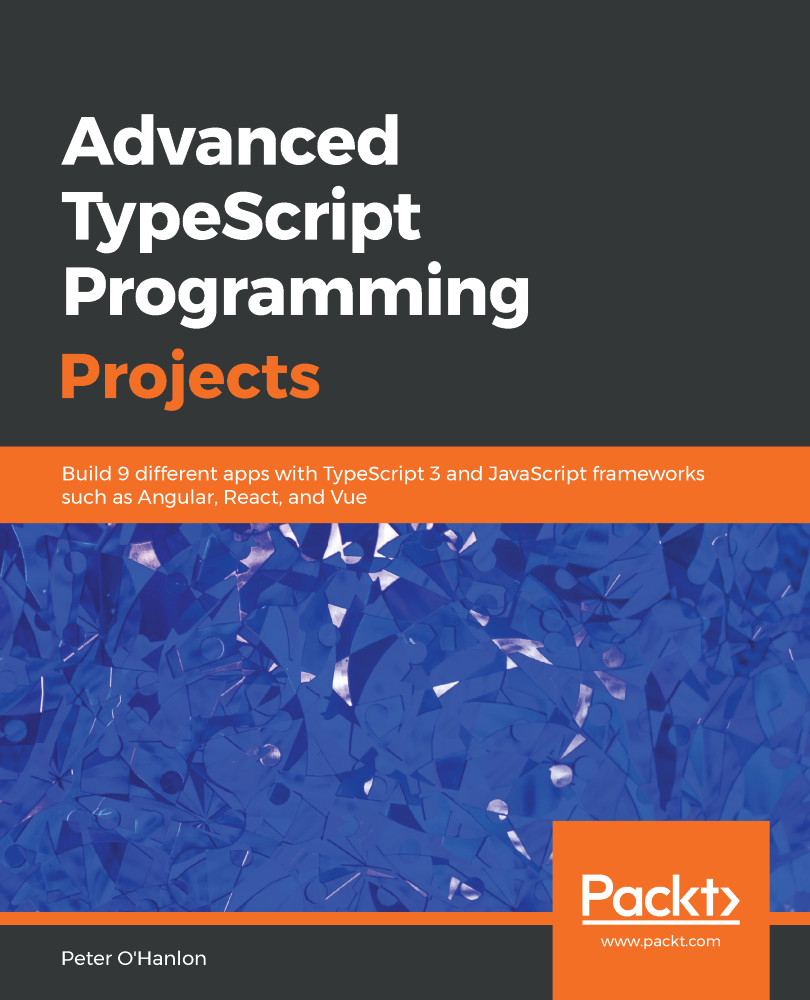
With the demand for ever more complex websites, the need to write robust, standard-compliant JavaScript has never been greater. TypeScript is modern JavaScript with the support of a first-class type system, which makes it simpler to write complex web systems. With this book, you’ll explore core concepts and learn by building a series of websites and TypeScript apps. You’ll start with an introduction to TypeScript features that are often overlooked in other books, before moving on to creating a simple markdown parser. You’ll then explore React and get up to speed with creating a client-side contacts manager. Next, the book will help you discover the Angular framework and use the MEAN stack to create a photo gallery. Later sections will assist you in creating a GraphQL Angular Todo app and then writing a Socket.IO chatroom. The book will also lead you through developing your final Angular project which is a mapping app. As you progress, you’ll gain insights into React with Docker and microservices. You’ll even focus on how to build an image classification program with machine learning using TensorFlow. Finally, you’ll learn to combine TypeScript and C# to create an ASP.NET Core-based music library app. By the end of this book, you’ll be able to confidently use TypeScript 3.0 and different JavaScript frameworks to build high-quality apps.
Table of Contents (13 chapters)
close
close

Technical requirements

In order to complete this chapter, you are going to need Node.js installed. You can download and install Node.js from https://nodejs.org/en/.

You will also need the TypeScript compiler installed. There are two ways to do this through Node.js using the Node Package Manager (NPM). If you want the same version of TypeScript used in all of your applications and are happy that they will all run on the same version whenever you update it, use the following command:

npm install -g typescript

If you want the version of TypeScript to be local to a particular project, type the following in the project folder:

npm install typescript --save-dev

For a code editor, you can use any suitable editor or even a basic text editor. Throughout this book, I will be using Visual Studio Code, a free cross-platform integrated development environment (IDE), available at https://code.visualstudio.com/.

All code is available on GitHub at https://github.com/PacktPublishing/Advanced-TypeScript-3-Programming-Projects/tree/master/Chapter01.

CONTINUE READING
83
Tech Concepts
36
Programming languages
73
Tech Tools
Icon Unlimited access to the largest independent learning library in tech of over 8,000 expert-authored tech books and videos.
Icon Innovative learning tools, including AI book assistants, code context explainers, and text-to-speech.
Icon 50+ new titles added per month and exclusive early access to books as they are being written.
Advanced TypeScript Programming Projects
notes
bookmark Notes and Bookmarks search Search in title playlist Add to playlist download Download options font-size Font size

Change the font size

margin-width Margin width

Change margin width

day-mode Day/Sepia/Night Modes

Change background colour

Close icon Search
Country selected

Close icon Your notes and bookmarks

Confirmation

Modal Close icon
claim successful

Buy this book with your credits?

Modal Close icon
Are you sure you want to buy this book with one of your credits?
Close
YES, BUY

Submit Your Feedback

Modal Close icon
Modal Close icon
Modal Close icon