
Sign In Start Free Trial
Account

Add to playlist

Create a Playlist

Modal Close icon
You need to login to use this feature.
  • Book Overview & Buying Mastering React Test-Driven Development
  • Table Of Contents Toc
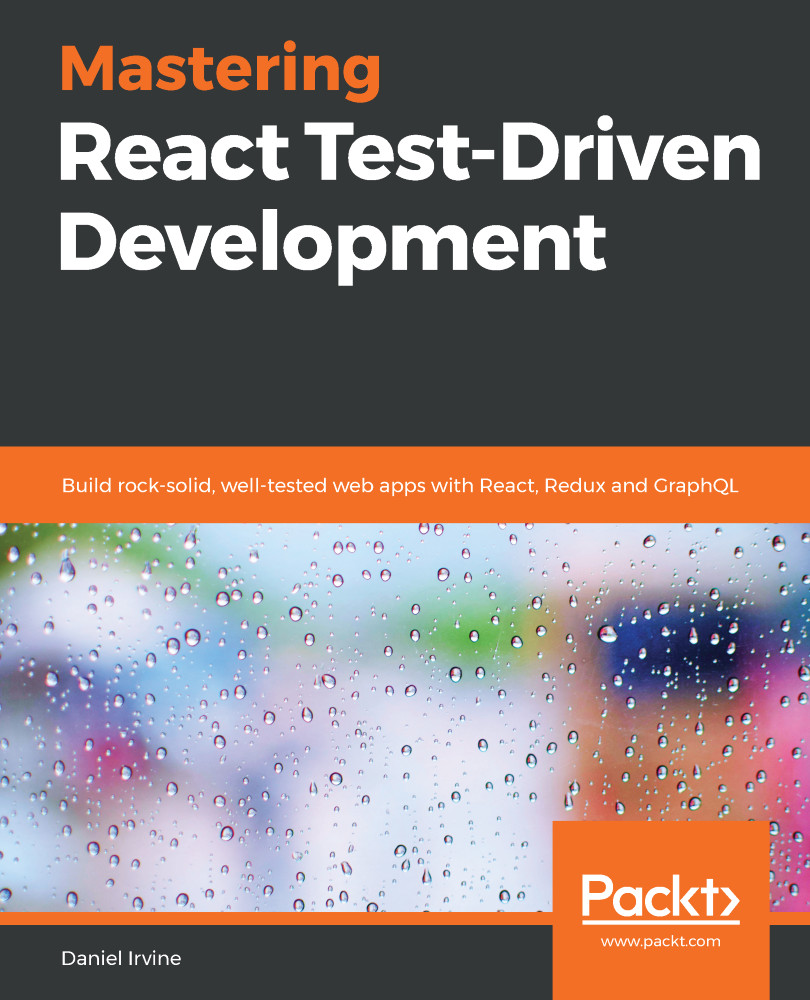
Mastering React Test-Driven Development

Mastering React Test-Driven Development

By : Daniel Irvine
4.6 (12)
close
close
Mastering React Test-Driven Development

Mastering React Test-Driven Development

4.6 (12)
By: Daniel Irvine

Overview of this book

Many programmers are aware of TDD but struggle to apply it beyond basic examples. This book teaches how to build complex, real-world applications using Test-Driven Development (TDD). It takes a first principles approach to the TDD process using plain Jest and includes test-driving the integration of libraries including React Router, Redux, and Relay (GraphQL). Readers will practice systematic refactoring while building out their own test framework, gaining a deep understanding of TDD tools and techniques. They will learn how to test-drive features such as client- and server-side form validation, data filtering and searching, navigation and user workflow, undo/redo, animation, LocalStorage access, WebSocket communication, and querying GraphQL endpoints. The book covers refactoring codebases to use the React Router and Redux libraries. via TDD. Redux is explored in depth, with reducers, middleware, sagas, and connected React components. The book also covers acceptance testing using Cucumber and Puppeteer. The book is fully up to date with React 16.9 and has in-depth coverage of hooks and the ‘act’ test helper.
Table of Contents (21 chapters)
close
close
Lock Free Chapter
1
Section 1: First Principles of TDD
6
Section 2: Building a Single-Page Application
12
Section 3: Interactivity
16
Section 4: Acceptance Testing with BDD

Adding table row actions

The Git tag for this section is table-row-actions.

The final thing we need to do is display actions that the user can choose to take for each customer. For now, we'll need just one action: Create appointment. When the user has found the customer they are searching for, they can move on to creating an appointment for that customer by clicking a button.

We'll display these actions by using a render prop, renderCustomerActions, which is passed to CustomerSearch. This enables the component to be agnostic of which actions can be performed; the client needs to specify what those are.

I've chosen to go with a render prop simply to show you how to test that approach. In the real world, I may not have chosen to do this as it's something of a premature generalization. A perfectly reasonable approach would be to hard-code the actions in place...
CONTINUE READING
83
Tech Concepts
36
Programming languages
73
Tech Tools
Icon Unlimited access to the largest independent learning library in tech of over 8,000 expert-authored tech books and videos.
Icon Innovative learning tools, including AI book assistants, code context explainers, and text-to-speech.
Icon 50+ new titles added per month and exclusive early access to books as they are being written.
Mastering React Test-Driven Development
notes
bookmark Notes and Bookmarks search Search in title playlist Add to playlist download Download options font-size Font size

Change the font size

margin-width Margin width

Change margin width

day-mode Day/Sepia/Night Modes

Change background colour

Close icon Search
Country selected

Close icon Your notes and bookmarks

Confirmation

Modal Close icon
claim successful

Buy this book with your credits?

Modal Close icon
Are you sure you want to buy this book with one of your credits?
Close
YES, BUY

Submit Your Feedback

Modal Close icon
Modal Close icon
Modal Close icon