


-
Book Overview & Buying
-
Table Of Contents

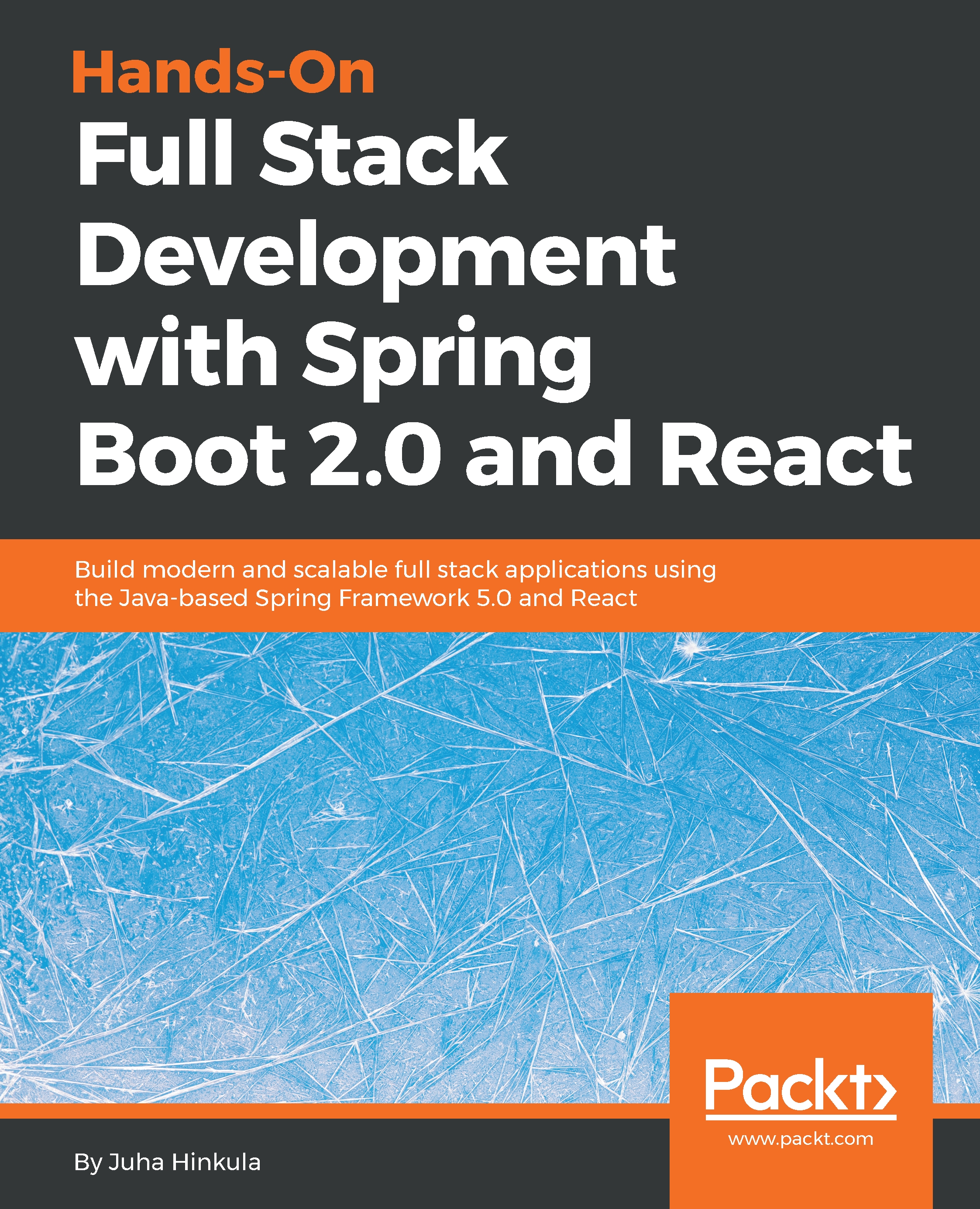
Hands-On Full Stack Development with Spring Boot 2.0 and React
By :


Hands-On Full Stack Development with Spring Boot 2.0 and React
By:
Overview of this book
Apart from knowing how to write frontend and backend code, a full-stack engineer has to tackle all the problems that are encountered in the application development life cycle, starting from a simple idea to UI design, the technical design, and all the way to implementing, testing, production, deployment, and monitoring. This book covers the full set of technologies that you need to know to become a full-stack web developer with Spring Boot for the backend and React for the frontend.
This comprehensive guide demonstrates how to build a modern full-stack application in practice. This book will teach you how to build RESTful API endpoints and work with the data access Layer of Spring, using Hibernate as the ORM. As we move ahead, you will be introduced to the other components of Spring, such as Spring Security, which will teach you how to secure the backend. Then, we will move on to the frontend, where you will be introduced to React, a modern JavaScript library for building fast and reliable user interfaces, and its app development environment and components.
You will also create a Docker container for your application. Finally, the book will lay out the best practices that underpin professional full-stack web development.
Table of Contents (18 chapters)
Preface


 Free Chapter
Setting Up the Environment and Tools – Backend
Using JPA to Create and Access a Database
Creating a RESTful Web Service with Spring Boot
Securing and Testing Your Backend
Setting Up the Environment and Tools – Frontend
Getting Started with React
Consuming the REST API with React

Useful Third-Party Components for React
Setting Up the Frontend for Our Spring Boot RESTful Web Service
Adding CRUD Functionalities
Styling the Frontend with React Material-UI
Testing Your Frontend
Securing Your Application
Deploying Your Application
Best Practices
Assessments
Other Books You May Enjoy


