
Sign In Start Free Trial
Account

Add to playlist

Create a Playlist

Modal Close icon
You need to login to use this feature.
  • Book Overview & Buying Hands-On Server-Side Web Development with Swift
  • Table Of Contents Toc
Hands-On Server-Side Web Development with Swift

Hands-On Server-Side Web Development with Swift

By : Yeung
close
close
Hands-On Server-Side Web Development with Swift

Hands-On Server-Side Web Development with Swift

By: Yeung

Overview of this book

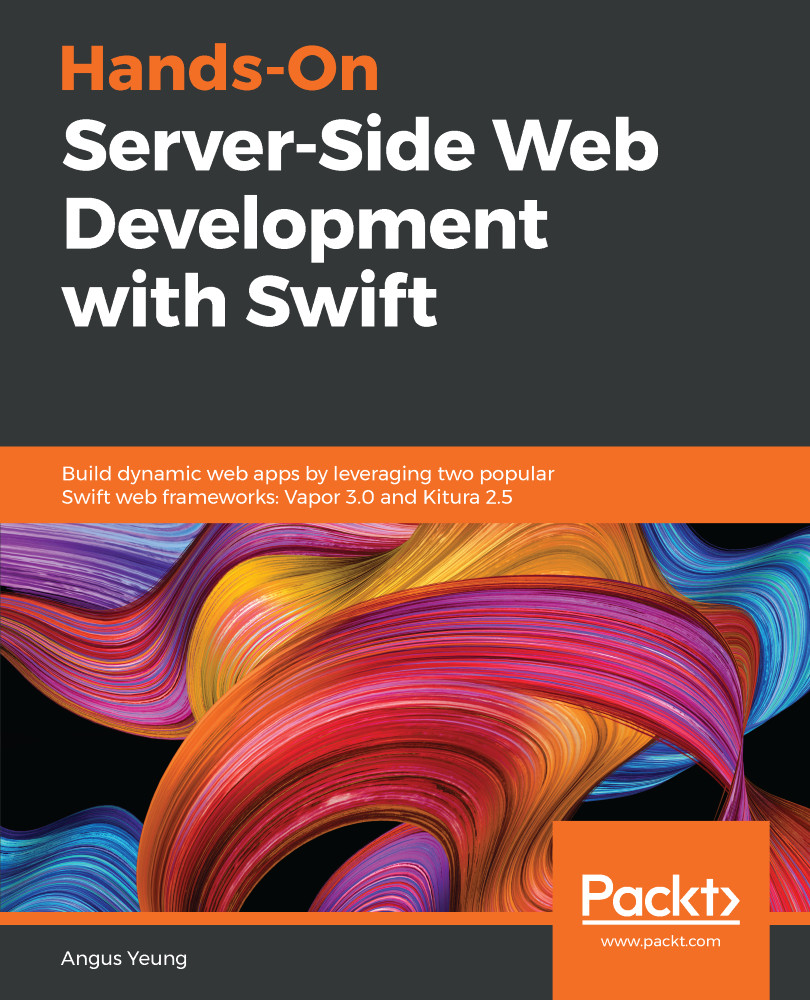
This book is about building professional web applications and web services using Swift 4.0 and leveraging two popular Swift web frameworks: Vapor 3.0 and Kitura 2.5. In the first part of this book, we’ll focus on the creation of basic web applications from Vapor and Kitura boilerplate projects. As the web apps start out simple, more useful techniques, such as unit test development, debugging, logging, and the build and release process, will be introduced to readers. In the second part, we’ll learn different aspects of web application development with server-side Swift, including setting up routes and controllers to process custom client requests, working with template engines such as Leaf and Stencil to create dynamic web content, beautifying the content with Bootstrap, managing user access with authentication framework, and leveraging the Object Relational Mapping (ORM) abstraction layer (Vapor’s Fluent and Kitura’s Kuery) to perform database operations. Finally, in the third part, we’ll develop web services in Swift and build our API Gateway, microservices and database backend in a three-tier architecture design. Readers will learn how to design RESTful APIs, work with asynchronous processes, and leverage container technology such as Docker in deploying microservices to cloud hosting services such as Vapor Cloud and IBM Cloud.
Table of Contents (18 chapters)
close
close

Deploying to the Cloud

In this chapter, you'll learn how to deploy your web services to the cloud. You'll get introduced to four hosted cloud solutions: Vapor Cloud and IBM Cloud (Bluemix). Vapor Cloud is the official hosting service for Vapor and there is built-in support in Vapor CLI to let you deploy and manage your Vapor instance easily without installing additional libraries and tools. Similarly, IBM Cloud is a natural choice for a hosted solution for Kitura web service since both of them are part of IBM cloud solutions.

You'll have the following knowledge after finishing this chapter:

  • Getting familiar with the features offered in Vapor Cloud
  • Having hands-on experience with deploying a sample project to Vapor Cloud
  • Knowing how to monitor and manage your deployed applications on Vapor Cloud
  • Getting familiar with IBM Cloud and its offered features for Kitura...

Visually different images
CONTINUE READING
83
Tech Concepts
36
Programming languages
73
Tech Tools
Icon Unlimited access to the largest independent learning library in tech of over 8,000 expert-authored tech books and videos.
Icon Innovative learning tools, including AI book assistants, code context explainers, and text-to-speech.
Icon 50+ new titles added per month and exclusive early access to books as they are being written.
Hands-On Server-Side Web Development with Swift
notes
bookmark Notes and Bookmarks search Search in title playlist Add to playlist download Download options font-size Font size

Change the font size

margin-width Margin width

Change margin width

day-mode Day/Sepia/Night Modes

Change background colour

Close icon Search
Country selected

Close icon Your notes and bookmarks

Confirmation

Modal Close icon
claim successful

Buy this book with your credits?

Modal Close icon
Are you sure you want to buy this book with one of your credits?
Close
YES, BUY

Submit Your Feedback

Modal Close icon
Modal Close icon
Modal Close icon