
Sign In Start Free Trial
Account

Add to playlist

Create a Playlist

Modal Close icon
You need to login to use this feature.
  • Book Overview & Buying Hands-on Nuxt.js Web Development
  • Table Of Contents Toc
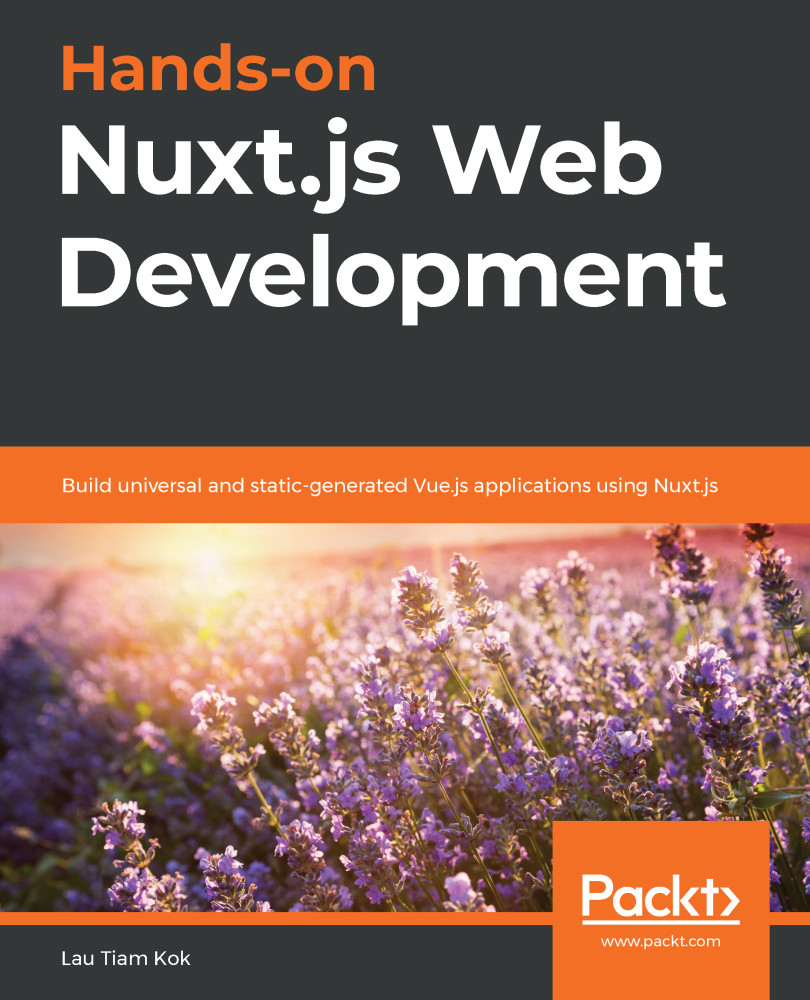
Hands-on Nuxt.js Web Development

Hands-on Nuxt.js Web Development

By : Lau Tiam Kok Kok Lau, LAU THIAM KOK
3 (2)
close
close
Hands-on Nuxt.js Web Development

Hands-on Nuxt.js Web Development

3 (2)
By: Lau Tiam Kok Kok Lau, LAU THIAM KOK

Overview of this book

Nuxt.js is a progressive web framework built on top of Vue.js for server-side rendering (SSR). With Nuxt.js and Vue.js, building universal and static-generated applications from scratch is now easier than ever before. This book starts with an introduction to Nuxt.js and its constituents as a universal SSR framework. You'll learn the fundamentals of Nuxt.js and find out how you can integrate it with the latest version of Vue.js. You'll then explore the Nuxt.js directory structure and set up your first Nuxt.js project using pages, views, routing, and Vue components. With the help of practical examples, you'll learn how to connect your Nuxt.js application with the backend API by exploring your Nuxt.js application’s configuration, plugins, modules, middleware, and the Vuex store. The book shows you how you can turn your Nuxt.js application into a universal or static-generated application by working with REST and GraphQL APIs over HTTP requests. Finally, you'll get to grips with security techniques using authorization, package your Nuxt.js application for testing, and deploy it to production. By the end of this web development book, you'll have developed a solid understanding of using Nuxt.js for your projects and be able to build secure, end-to-end tested, and scalable web applications with SSR, data handling, and SEO capabilities.
Table of Contents (26 chapters)
close
close
1
Section 1: Your First Nuxt App
5
Section 2: View, Routing, Components, Plugins, and Modules
10
Section 3: Server-Side Development and Data Management
14
Section 4: Middleware and Security
17
Section 5: Testing and Deployment
20
Section 6: The Further Fields

Creating custom routes

If we are going to understand how a router works in Nuxt, we should first understand how it works in Vue. We can then understand how to implement it in our Nuxt app. Custom routes in a traditional Vue app are created via Vue Router. So, let's begin by understanding what Vue Router is.

Introducing Vue Router

Vue Router is a Vue plugin that allows you to create robust routes for navigating between pages in a single-page application (SPA) without having to refresh the page. A quick use is, for example, if we want to have a User component that is used for all users but with different user IDs. You can use this component as follows:

const User = {
template: '<div>User {{ $route.params.id }}</div>'
}

const router = new VueRouter({
routes: [
{ path: '/user/:id', component: User }
]
})

In this example, any /user route followed by an ID (for example, /user/1 or user/2) will be directed to the User component, which will render the template...

Visually different images
CONTINUE READING
83
Tech Concepts
36
Programming languages
73
Tech Tools
Icon Unlimited access to the largest independent learning library in tech of over 8,000 expert-authored tech books and videos.
Icon Innovative learning tools, including AI book assistants, code context explainers, and text-to-speech.
Icon 50+ new titles added per month and exclusive early access to books as they are being written.
Hands-on Nuxt.js Web Development
notes
bookmark Notes and Bookmarks search Search in title playlist Add to playlist download Download options font-size Font size

Change the font size

margin-width Margin width

Change margin width

day-mode Day/Sepia/Night Modes

Change background colour

Close icon Search
Country selected

Close icon Your notes and bookmarks

Confirmation

Modal Close icon
claim successful

Buy this book with your credits?

Modal Close icon
Are you sure you want to buy this book with one of your credits?
Close
YES, BUY

Submit Your Feedback

Modal Close icon
Modal Close icon
Modal Close icon