


-
Book Overview & Buying
-
Table Of Contents

Practical Node-RED Programming
By :


Practical Node-RED Programming
By:
Overview of this book
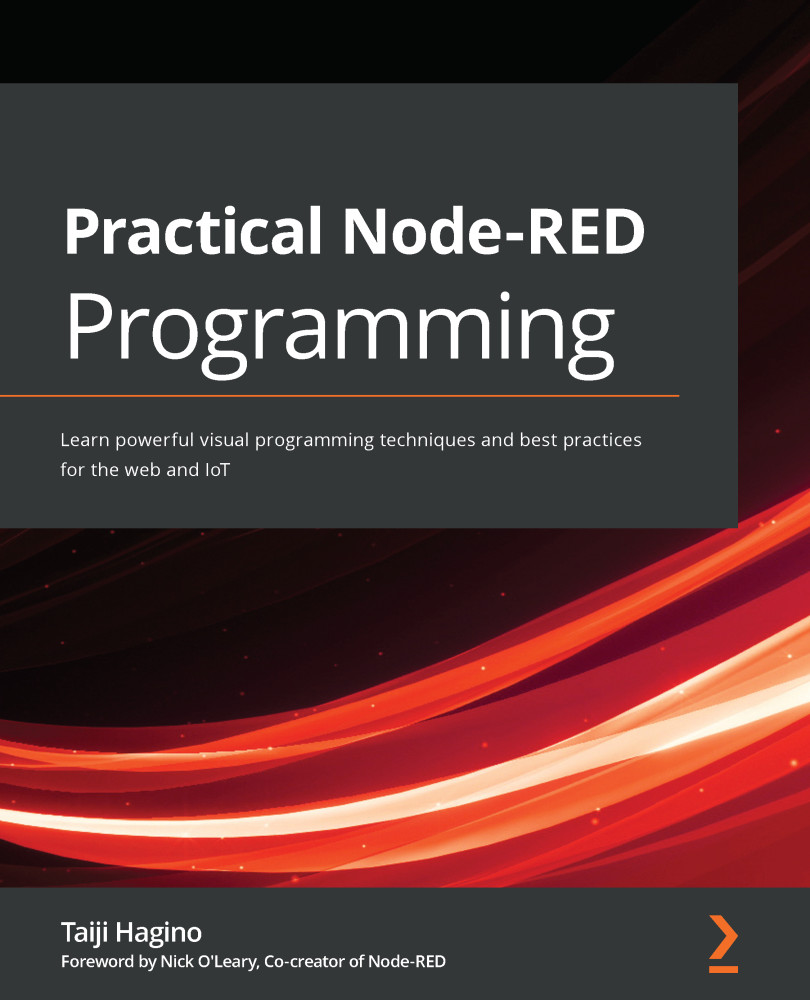
Node-RED is a free and open source flow-based programming tool used to handle IoT data that allows programmers of any level to interconnect physical I/O, cloud-based systems, databases, and APIs to build web applications without code.
Practical Node-RED Programming is a comprehensive introduction for anyone looking to get up to speed with the Node-RED ecosystem in no time. Complete with hands-on tutorials, projects, and self-assessment questions, this easy-to-follow guide will help you to become well versed in the foundations of Node-RED. You’ll learn how to use Node-RED to handle IoT data and build web applications without having to write complex code. Once you’ve covered the basics, you’ll explore various visual programming techniques and find out how to make sample flows as you cover web development, IoT development, and cloud service connections, and finally build useful real-world applications.
By the end of this book, you’ll have learned how to use Node-RED to develop a real-world application from scratch, which can then be implemented in your business.
Table of Contents (19 chapters)
Preface


Section 1: Node-RED Basics
 Free Chapter
Chapter 1: Introducing Node-RED and Flow-Based Programming
Chapter 2: Setting Up the Development Environment
Chapter 3: Understanding Node-RED Characteristics by Creating Basic Flows

Chapter 4: Learning the Major Nodes
Section 2: Mastering Node-RED
Chapter 5: Implementing Node-RED Locally
Chapter 6: Implementing Node-RED in the Cloud
Chapter 7: Calling a Web API from Node-RED
Chapter 8: Using the Project Feature with Git
Section 3: Practical Matters
Chapter 9: Creating a ToDo Application with Node-RED
Chapter 10: Handling Sensor Data on the Raspberry Pi
Chapter 11: Visualize Data by Creating a Server-Side Application in the IBM Cloud
Chapter 12: Developing a Chatbot Application Using Slack and IBM Watson
Chapter 13: Creating and Publishing Your Own Node on the Node-RED Library
Other Books You May Enjoy
Appendix: Node-RED User Community


