


-
Book Overview & Buying
-
Table Of Contents

ASP.NET Core and Vue.js
By :


ASP.NET Core and Vue.js
By:
Overview of this book
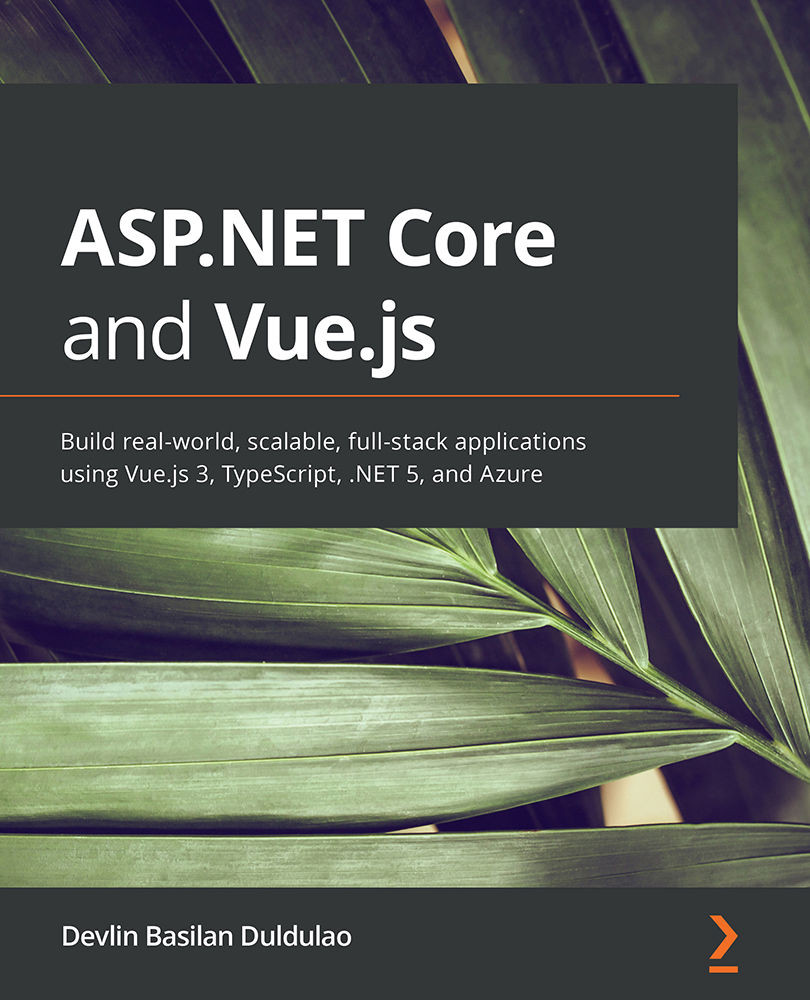
Vue.js 3 is faster and smaller than the previous version, and TypeScript’s full support out of the box makes it a more maintainable and easier-to-use version of Vue.js. Then, there's ASP.NET Core 5, which is the fastest .NET web framework today. Together, Vue.js for the frontend and ASP.NET Core 5 for the backend make a powerful combination.
This book follows a hands-on approach to implementing practical methodologies for building robust applications using ASP.NET Core 5 and Vue.js 3. The topics here are not deep dive and the book is intended for busy .NET developers who have limited time and want a quick implementation of a clean architecture with popular libraries.
You’ll start by setting up your web app’s backend, guided by clean architecture, command query responsibility segregation (CQRS), mediator pattern, and Entity Framework Core 5. The book then shows you how to build the frontend application using best practices, state management with Vuex, Vuetify UI component libraries, Vuelidate for input validations, lazy loading with Vue Router, and JWT authentication. Later, you’ll focus on testing and deployment. All the tutorials in this book support Windows 10, macOS, and Linux users.
By the end of this book, you’ll be able to build an enterprise full-stack web app, use the most common npm packages for Vue.js and NuGet packages for ASP.NET Core, and deploy Vue.js and ASP.NET Core to Azure App Service using GitHub Actions.
Table of Contents (25 chapters)
Preface


Section 1: Getting Started
 Free Chapter
Chapter 1: Getting Started with ASP.NET Core and Vue.js
Chapter 2: Setting Up a Development Environment
Section 2: Backend Development
Chapter 3: Starting Your First ASP.NET Core Project
Chapter 4: Applying Clean Architecture to an ASP.NET Core Solution
Chapter 5: Setting Up DbContext and Controllers
Chapter 6: Diving into CQRS
Chapter 7: CQRS in Action
Chapter 8: API Versioning and Logging in ASP.NET Core
Chapter 9: Securing ASP.NET Core
Chapter 10: Performance Enhancement with Redis

Section 3: Frontend Development
Chapter 11: Vue.js Fundamentals in a Todo App
Chapter 12: Using a UI Component Library and Creating Routes and Navigations
Chapter 13: Integrating a Vue.js Application with ASP.NET Core
Chapter 14: Simplifying State Management with Vuex and Sending GET HTTP Requests
Chapter 15: Sending POST, DELETE, and PUT HTTP Requests in Vue.js with Vuex
Chapter 16: Adding Authentication in Vue.js
Section 4: Testing and Deployment
Chapter 17: Input Validations in Forms
Chapter 18: Writing Integration Tests Using xUnit
Chapter 19: Automatic Deployment Using GitHub Actions and Azure



