


-
Book Overview & Buying
-
Table Of Contents

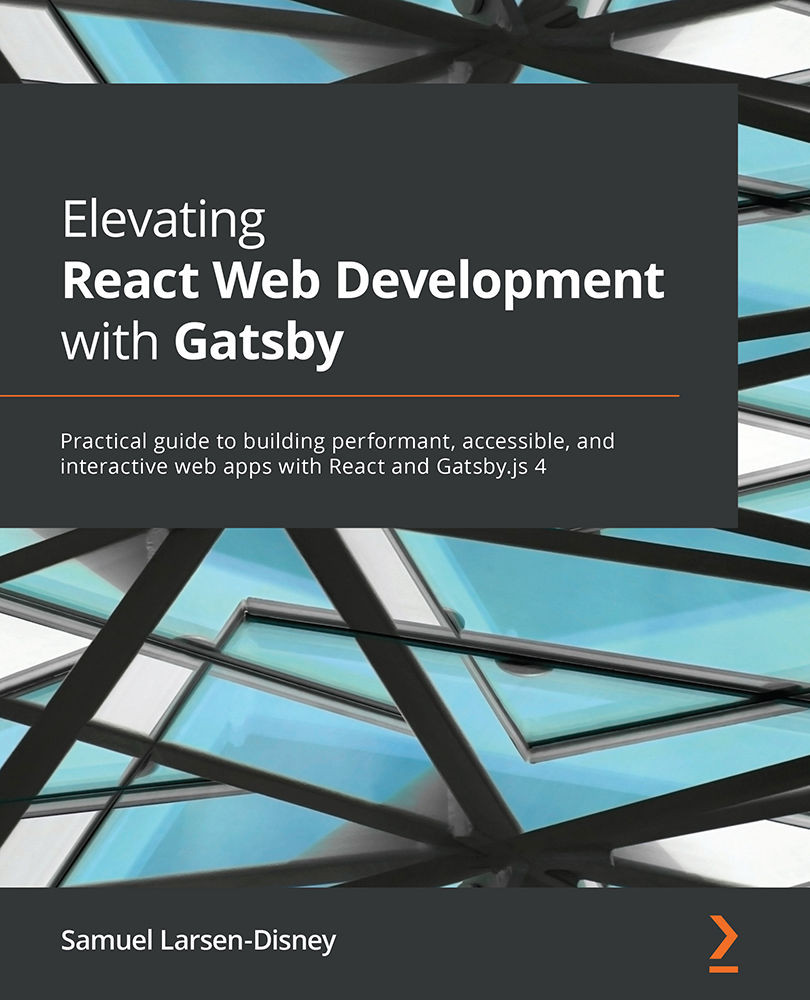
Elevating React Web Development with Gatsby
By :


Elevating React Web Development with Gatsby
By:
Overview of this book
Gatsby is a powerful React static site generator that enables you to create lightning-fast web experiences. With the latest version of Gatsby, you can combine your static content with server-side rendered and deferred static content to create a fully rounded application. Elevating React Web Development with Gatsby provides a comprehensive introduction for anyone new to GatsbyJS and will help you get up to speed in no time.
Complete with hands-on tutorials and projects, this easy-to-follow guide starts by teaching you the core concepts of GatsbyJS. You'll then discover how to build performant, accessible, and scalable websites with the GatsbyJS framework. Once you've worked through the practical projects in the book, you'll be able to build anything from a personal website to large-scale applications with authentication and make your site rise through those SEO rankings.
By the end of this Gatsby development book, you'll be well-versed in every aspect of the tool's performance and accessibility and have learned how to build client websites that your users will love.
Table of Contents (18 chapters)
Preface


Part 1: Getting Started
 Free Chapter
Chapter 1: An Overview of Gatsby.js for the Uninitiated
Chapter 2: Styling Choices and Creating Reusable Layouts

Chapter 3: Sourcing and Querying Data (from Anywhere!)
Chapter 4: Creating Reusable Templates
Chapter 5: Working with Images
Part 2: Going Live
Chapter 6: Improving Your Site's Search Engine Optimization
Chapter 7: Testing and Auditing Your Site
Chapter 8: Web Analytics and Performance Monitoring
Chapter 9: Deployment and Hosting
Part 3: Advanced Concepts
Chapter 10: Creating Gatsby Plugins
Chapter 11: Creating Authenticated Experiences
Chapter 12: Using Real-Time Data
Chapter 13: Internationalization and Localization
Other Books You May Enjoy


