


-
Book Overview & Buying
-
Table Of Contents

Amazon Redshift Cookbook
By :


Amazon Redshift Cookbook
By:
Overview of this book
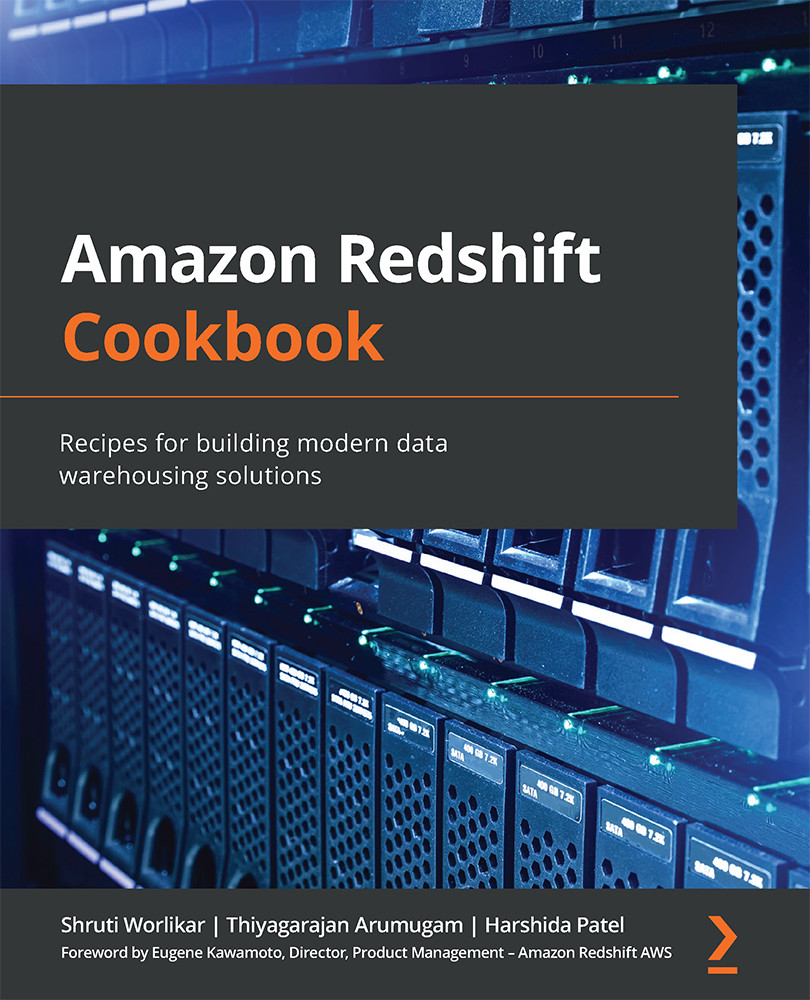
Amazon Redshift is a fully managed, petabyte-scale AWS cloud data warehousing service. It enables you to build new data warehouse workloads on AWS and migrate on-premises traditional data warehousing platforms to Redshift.
This book on Amazon Redshift starts by focusing on Redshift architecture, showing you how to perform database administration tasks on Redshift. You'll then learn how to optimize your data warehouse to quickly execute complex analytic queries against very large datasets. Because of the massive amount of data involved in data warehousing, designing your database for analytical processing lets you take full advantage of Redshift's columnar architecture and managed services. As you advance, you’ll discover how to deploy fully automated and highly scalable extract, transform, and load (ETL) processes, which help minimize the operational efforts that you have to invest in managing regular ETL pipelines and ensure the timely and accurate refreshing of your data warehouse. Finally, you'll gain a clear understanding of Redshift use cases, data ingestion, data management, security, and scaling so that you can build a scalable data warehouse platform.
By the end of this Redshift book, you'll be able to implement a Redshift-based data analytics solution and have understood the best practice solutions to commonly faced problems.
Table of Contents (13 chapters)
Preface


Chapter 1: Getting Started with Amazon Redshift
 Free Chapter
Chapter 2: Data Management

Chapter 3: Loading and Unloading Data
Chapter 4: Data Pipelines
Chapter 5: Scalable Data Orchestration for Automation
Chapter 6: Data Authorization and Security
Chapter 7: Performance Optimization
Chapter 8: Cost Optimization
Chapter 9: Lake House Architecture
Chapter 10: Extending Redshift's Capabilities
Other Books You May Enjoy



