


-
Book Overview & Buying
-
Table Of Contents

-
Feedback & Rating

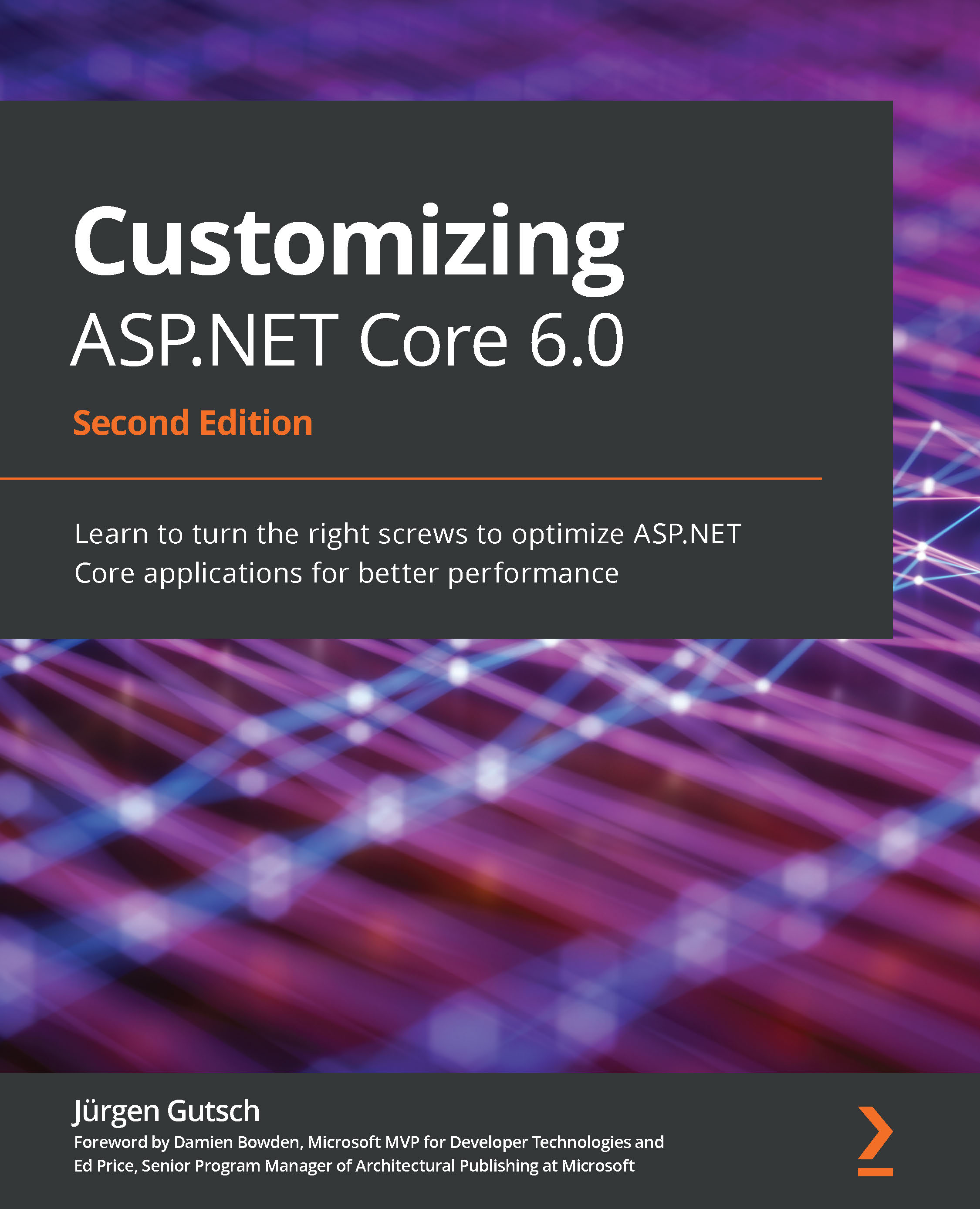
Customizing ASP.NET Core 6.0 - Second Edition
By :


Customizing ASP.NET Core 6.0
By:
Overview of this book
ASP.NET Core is packed full of hidden features for building sophisticated web applications – but if you don’t know how to customize it, you’re not making the most of its capabilities. Customizing ASP.NET Core 6.0 is a book that will teach you all about tweaking the knobs at various layers and take experienced programmers’ skills to a new level.
This updated second edition covers the latest features and changes in the .NET 6 LTS version, along with new insights and customization techniques for important topics such as authentication and authorization. You’ll also learn how to work with caches and change the default behavior of ASP.NET Core apps.
This book will show you the essential concepts relating to tweaking the framework, such as configuration, dependency injection, routing, action filters, and more. As you progress, you'll be able to create custom solutions that meet the needs of your use case with ASP.NET Core. Later chapters will cover expert techniques and best practices for using the framework for your app development needs, from UI design to hosting. Finally, you'll focus on the new endpoint routing in ASP.NET Core to build custom endpoints and add third-party endpoints to your web apps for processing requests faster.
By the end of this book, you'll be able to customize ASP.NET Core to develop better, more robust apps.
Table of Contents (18 chapters)
Preface


Chapter 1: Customizing Logging
 Free Chapter
Chapter 2: Customizing App Configuration
Chapter 3: Customizing Dependency Injection
Chapter 4: Configuring and Customizing HTTPS with Kestrel
Chapter 5: Configuring WebHostBuilder
Chapter 6: Using Different Hosting Models
Chapter 7: Using IHostedService and BackgroundService
Chapter 8: Writing Custom Middleware
Chapter 9: Working with Endpoint Routing
Chapter 10: Customizing ASP.NET Core Identity
Chapter 11: Configuring Identity Management
Chapter 12: Content Negotiation Using a Custom OutputFormatter
Chapter 13: Managing Inputs with Custom ModelBinder
Chapter 14: Creating a Custom ActionFilter
Chapter 15: Working with Caches
Chapter 16: Creating Custom TagHelper

Other Books You May Enjoy
Customer Reviews



