


-
Book Overview & Buying
-
Table Of Contents

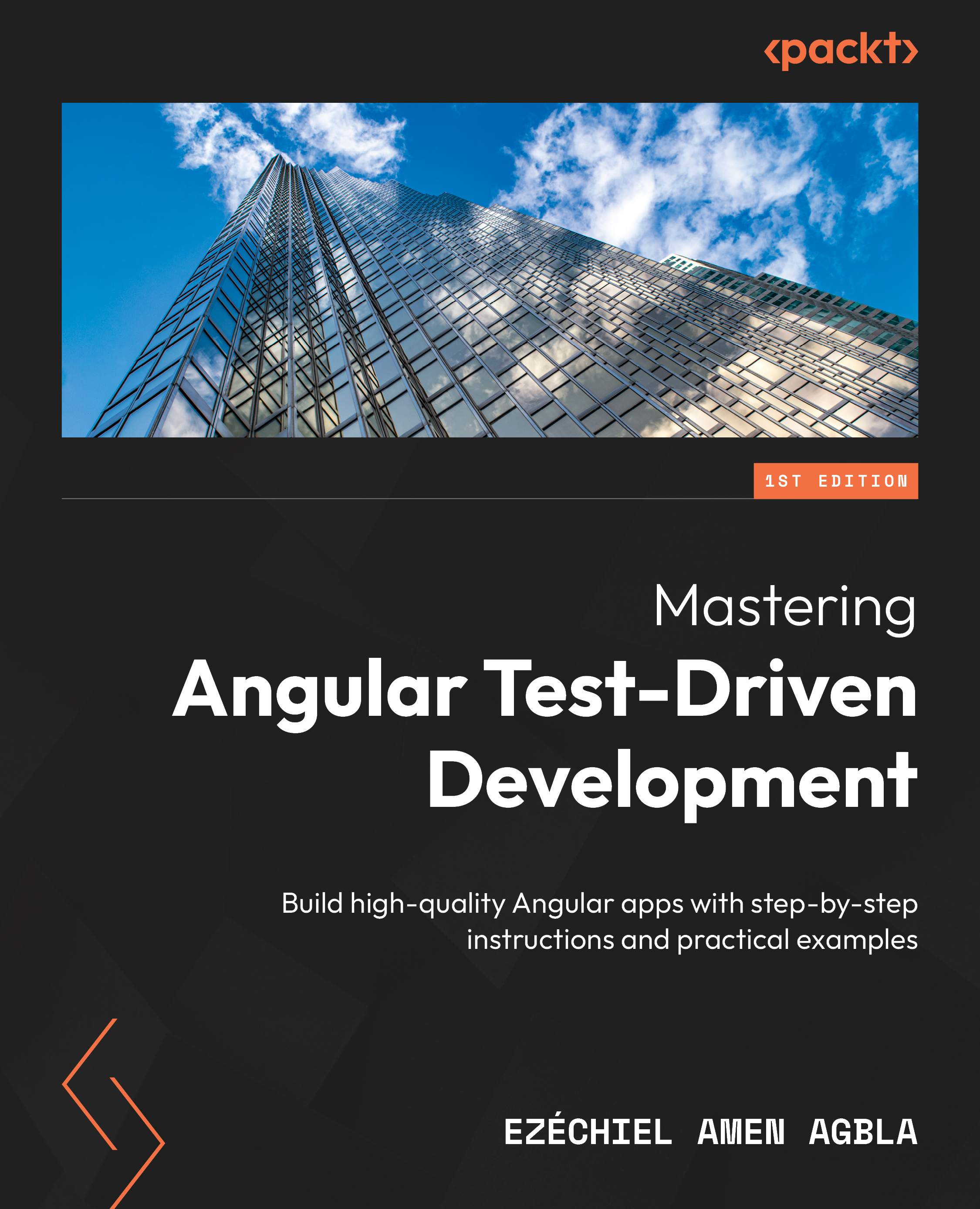
Mastering Angular Test-Driven Development
By :


Mastering Angular Test-Driven Development
By:
Overview of this book
Do you want to learn how to build robust, reliable, and impressive Angular applications? If yes, then Angular test-driven development is for you!
Mastering Angular Test-Driven Development is a comprehensive guide that provides you with essential resources to enhance your skills and deliver high-quality Angular applications. With a practical approach and real-world examples, the book extensively covers TDD concepts, techniques, and tools, going beyond unit testing to explore testing Angular pipes, forms, and reactive programming.
In this book, you’ll learn how to validate and manipulate data using pipes, test Angular forms for input validation and user interactions, and handle asynchronous operations with reactive programming. Additionally, you’ll discover end-to-end testing using Protractor, Cypress, and Playwright frameworks, gaining valuable insights into writing robust tests for web applications, navigation, element interaction, and behavior validation. You’ll also understand how to integrate TDD with CI/CD, learning best practices for automating tests, deploying Angular applications, and achieving faster feedback loops.
By the end of this book, you’ll be able to successfully implement TDD in your Angular projects with the help of practical examples, best practices, and clear explanations.
Table of Contents (18 chapters)
Preface


 Free Chapter
Part 1: Getting Started with Test-Driven Development in Angular
Chapter 1: Taking Your First Steps with TDD
Chapter 2: Using Jasmine and Karma to Test Angular Applications
Part 2: Writing Effective Unit Tests
Chapter 3: Writing Effective Unit Tests for Angular Components, Services, and Directives
Chapter 4: Mocking and Stubbing Dependencies in Angular Tests
Chapter 5: Testing Angular Pipes, Forms, and Reactive Programming
Part 3: End-to-End Testing
Chapter 6: Exploring End-to-End Testing with Protractor, Cypress, and Playwright
Chapter 7: Understanding Cypress and its Role in End-to-End Tests for Web Applications

Chapter 8: Writing Effective End-to-End Component Tests with Cypress
Part 4: Continuous Integration and Continuous Deployment for Angular Applications
Chapter 9: Understanding Continuous Integration and Continuous Deployment (CI/CD)
Chapter 10: Best Practices and Patterns for Angular TDD
Chapter 11: Refactoring and Improving Angular Code through TDD
Index


