Sign In Start Free Trial
Account

Add to playlist

Create a Playlist

Modal Close icon
You need to login to use this feature.
  • Book Overview & Buying ASP.NET Core 8 and Angular
  • Table Of Contents Toc
ASP.NET Core 8 and Angular

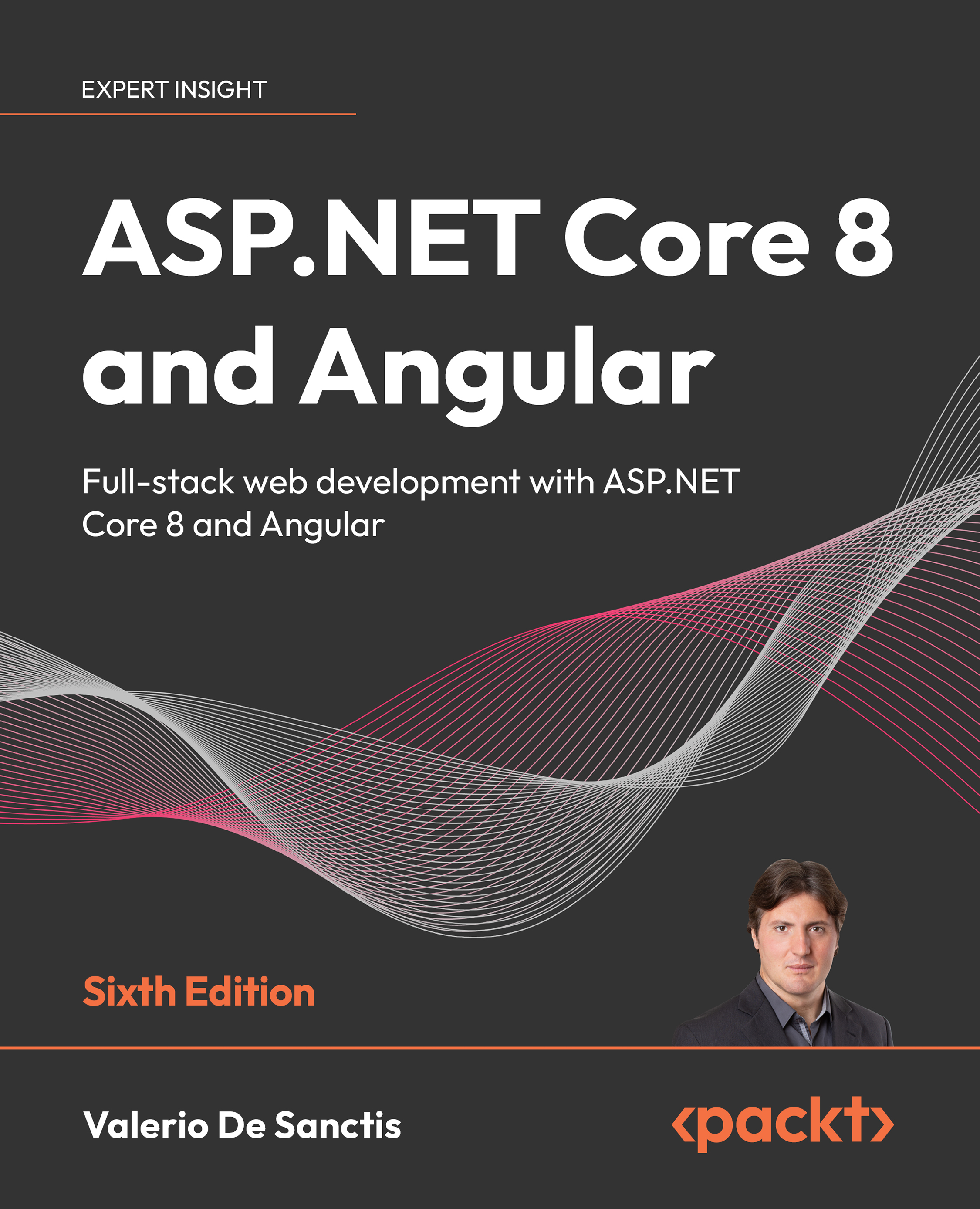
ASP.NET Core 8 and Angular - Sixth Edition

By : Valerio De Sanctis
4.4 (14)
close
close
ASP.NET Core 8 and Angular

ASP.NET Core 8 and Angular

4.4 (14)
By: Valerio De Sanctis

Overview of this book

If you want to learn how to use ASP.NET Core with Angular effectively, this hands-on guide is for you. Improve the way you create, debug, and deploy web applications while keeping up to date with the latest developments in .NET 8 and modern Angular, including .NET Minimal APIs and the new Angular standalone API defaults. You’ll begin by setting up SQL Server 2022 and building a data model with Entity Framework Core. You’ll progress to fetching and displaying data, handling user input with Angular reactive forms, and implementing front-end and back-end validators for maximum effect. After that, you will perform advanced debugging and explore unit testing features with xUnit for .NET, and Jasmine and Karma for Angular. You’ll use Identity API endpoints in ASP.NET Core and functional route guards in Angular to add authentication and authorization to your apps. Finally, you’ll learn how to deploy to Windows, Linux, and Azure. By the end of this book, you will understand how to tie together the front-end and back-end to build and deploy secure and robust web applications.
Table of Contents (18 chapters)
close
close
16
Other Books You May Enjoy
17
Index

Summary

In this chapter, we spent some valuable time exploring and understanding our sample project’s core components, how they work together, and their distinctive roles. For the sake of simplicity, we split the analysis into two parts: the .NET back-end ecosystem, where we inspected the ASP.NET Core Web API project (HealthCheck.Server), and the Angular front-end architecture, which was dedicated to the Angular project (healthcheck.client). We’ve seen how each project comes with its own configuration files, folder structure, naming conventions, and overall scope.

At the end of the day, we’ve met the end goal of this chapter and learned a fair number of useful things. We know the location and purpose of both server-side and client-side source code files. We are aware of most ASP.NET Core and Angular configuration settings and parameters. We also learned how to change these settings to meet our needs, such as the Web API routing endpoints, and insert new stuff...

CONTINUE READING
83
Tech Concepts
36
Programming languages
73
Tech Tools
Icon Unlimited access to the largest independent learning library in tech of over 8,000 expert-authored tech books and videos.
Icon Innovative learning tools, including AI book assistants, code context explainers, and text-to-speech.
Icon 50+ new titles added per month and exclusive early access to books as they are being written.
ASP.NET Core 8 and Angular
notes
bookmark Notes and Bookmarks search Search in title playlist Add to playlist download Download options font-size Font size

Change the font size

margin-width Margin width

Change margin width

day-mode Day/Sepia/Night Modes

Change background colour

Close icon Search
Country selected

Close icon Your notes and bookmarks

Confirmation

Modal Close icon
claim successful

Buy this book with your credits?

Modal Close icon
Are you sure you want to buy this book with one of your credits?
Close
YES, BUY

Submit Your Feedback

Modal Close icon
Modal Close icon
Modal Close icon