-
Book Overview & Buying
-
Table Of Contents

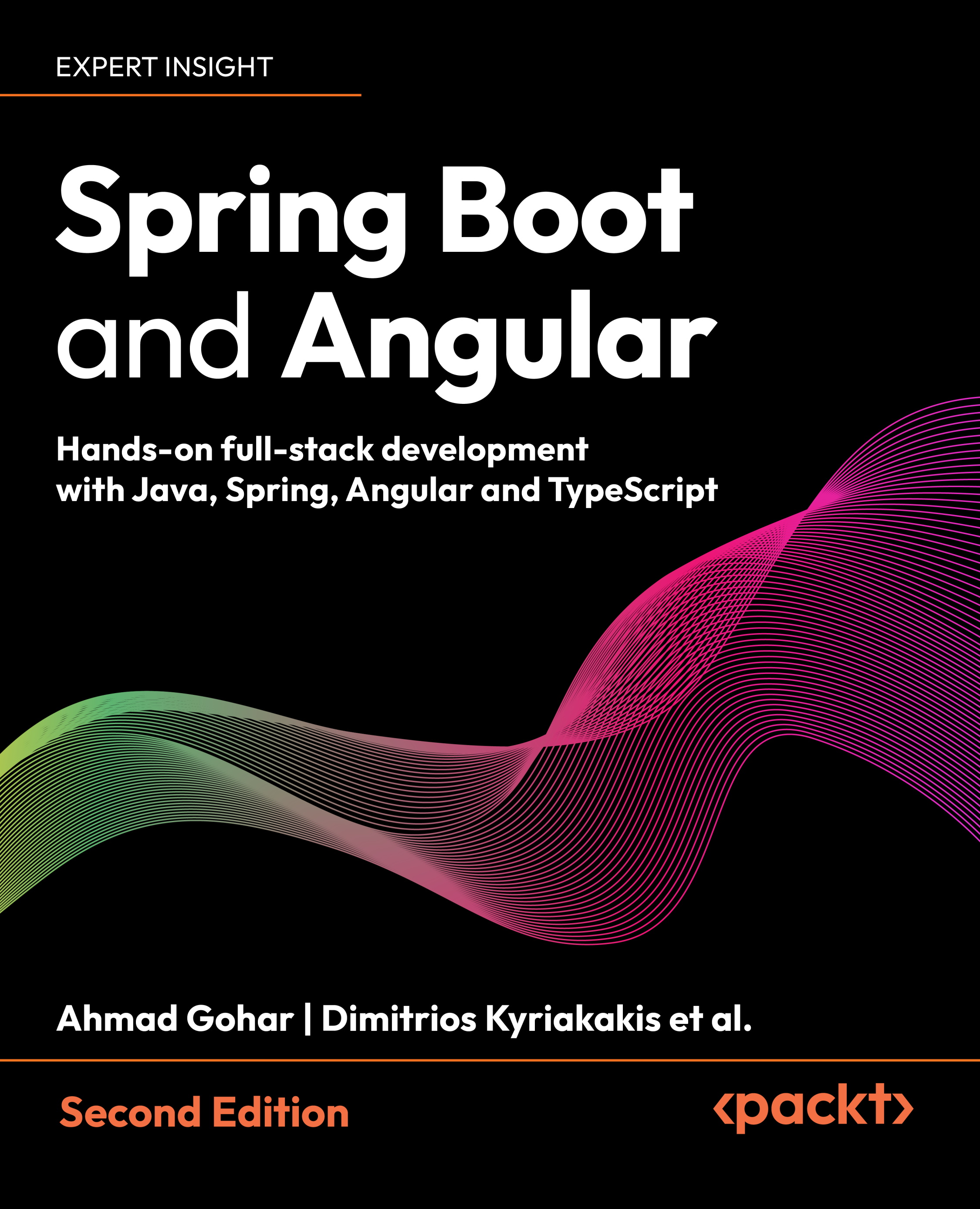
Spring Boot and Angular - Second Edition
By :


Spring Boot and Angular
By:
Overview of this book
This book is your practical roadmap to building modern, production-ready full-stack applications. Through real-world examples and proven workflows, you’ll combine Spring Boot 3 microservices with Angular 20’s latest features to build secure, scalable systems that are ready for deployment.
This second edition of Spring Boot and Angular written by two seasoned full-stack experts with decades of combined experience starts by laying a solid backend foundation by developing microservices with Spring Boot and Spring Cloud, implementing JWT security, and working with both SQL and NoSQL databases using Spring Data. You’ll then switch to the frontend to build reactive user interfaces with Angular, enable server-side rendering (SSR), and manage real-time data sharing for dynamic applications. You’ll also be guided through connecting Spring Boot APIs to Angular frontends using best practices and reactive integration patterns.
The chapters help you to not only master the development aspects but also boost your efficiency with AI-powered coding using GitHub Copilot in VSCode. This guide will enable you to deploy containerized Spring Boot services, optimize Angular builds, and set up streamlined CI/CD pipelines for cloud delivery.
By the end of this book, you’ll have built a complete, deployable application along with mastering the full development lifecycle.
Table of Contents (7 chapters)
 Free Chapter
Welcome to Packt Early Access


1 Spring Boot and Angular – The Big Picture and Kickstart the Environment
2 Getting Started With Microservices Using Spring Boot
3 Setting Up Your AI Development Assistant
4 Setting Up Databases and Repositories Using Spring Data JPA
10 Setting Up Our Angular Project and Architecture

11 Preparing for AI-assisted Frontend Development