Sign In Start Free Trial
Account

Add to playlist

Create a Playlist

Modal Close icon
You need to login to use this feature.
  • Book Overview & Buying Apps and Services with .NET 10
  • Table Of Contents Toc
Apps and Services with .NET 10

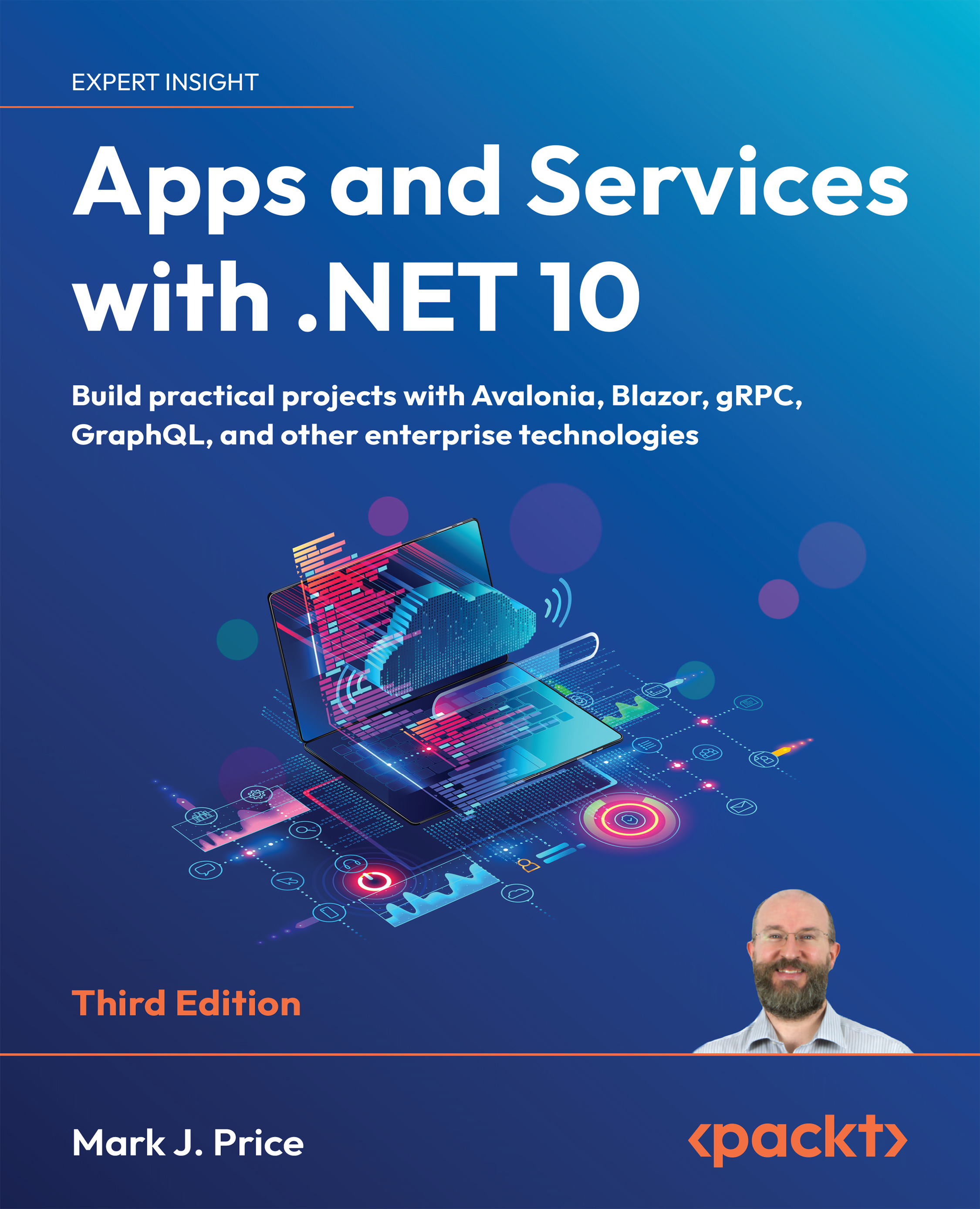
Apps and Services with .NET 10 - Third Edition

By : Mark J. Price
5 (2)
close
close
Apps and Services with .NET 10

Apps and Services with .NET 10

5 (2)
By: Mark J. Price

Overview of this book

Building modern apps and services with C# and .NET isn’t just about knowing the syntax—it’s about knowing the right tools for the job. Whether you’re building for web, desktop, or mobile, the .NET ecosystem offers a vast range of technologies. But with so many choices, it’s easy to get stuck in a narrow skillset. Apps and Services with .NET 10 helps you build real-world experience across the breadth of what .NET has to offer. This edition covers practical implementations across a diverse set of technologies. You'll build APIs with ASP.NET Core Minimal API, gRPC, GraphQL, and SignalR, and create user-facing applications using Blazor for the web, Avalonia for desktop, and .NET MAUI for mobile. You’ll also explore native AOT (Ahead-of-Time) compilation for high-performance web services, along with caching, messaging, and long-running background tasks. Each chapter provides hands-on projects and real-world context for when and why to use each tool. By the end, you’ll have a full-stack command of modern .NET. You’ll know how to select the right UI tech for your target platform, build APIs that scale, architect reliable backend services, and confidently adopt newer patterns. You won’t just understand the tools—you’ll know how to put them together to deliver robust, user-friendly, cross-platform apps in production environments. *Email sign-up and proof of purchase required
Table of Contents (4 chapters)
close
close

Exploring top-level programs, functions, and namespaces

Since .NET 6, the default project template for console apps uses the top-level program feature introduced with .NET 5. It is important to understand how it works with the automatically generated Program class and its <Main>$ method.Let’s explore how the top-level program feature works when you define functions:

  1. Use your preferred coding tool to create a new project, as defined in the following list:
  2. Project template: Console App / console
  3. Project file and folder: TopLevelFunctions
  4. Solution file and folder: Chapter01
  5. Do not use top-level statements: Cleared
  6. Enable native AOT publishing: Cleared
  7. In the TopLevelFunctions.csproj project file, treat warnings as errors, and then globally and statically import the System.Console class, as shown highlighted in the following markup:
<Project Sdk="Microsoft.NET.Sdk">
    <PropertyGroup>
        <OutputType>Exe</OutputType>
        <TargetFramework...
CONTINUE READING
83
Tech Concepts
36
Programming languages
73
Tech Tools
Icon Unlimited access to the largest independent learning library in tech of over 8,000 expert-authored tech books and videos.
Icon Innovative learning tools, including AI book assistants, code context explainers, and text-to-speech.
Icon 50+ new titles added per month and exclusive early access to books as they are being written.
Apps and Services with .NET 10
notes
bookmark Notes and Bookmarks search Search in title playlist Add to playlist download Download options font-size Font size

Change the font size

margin-width Margin width

Change margin width

day-mode Day/Sepia/Night Modes

Change background colour

Close icon Search
Country selected

Close icon Your notes and bookmarks

Confirmation

Modal Close icon
claim successful

Buy this book with your credits?

Modal Close icon
Are you sure you want to buy this book with one of your credits?
Close
YES, BUY

Submit Your Feedback

Modal Close icon
Modal Close icon
Modal Close icon