


-
Book Overview & Buying
-
Table Of Contents

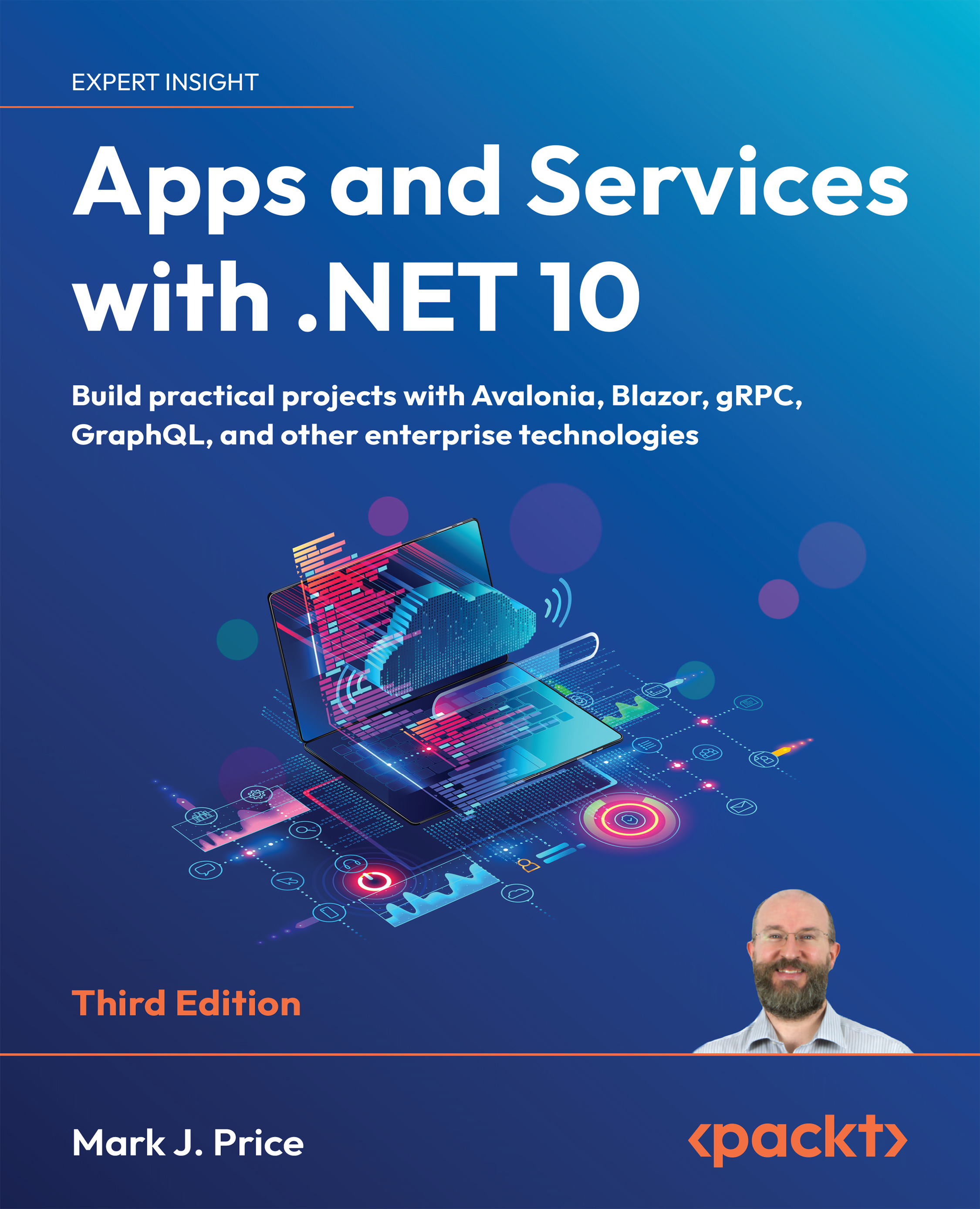
Apps and Services with .NET 10 - Third Edition
By :


Apps and Services with .NET 10
By:
Overview of this book
Building modern apps and services with C# and .NET isn’t just about knowing the syntax—it’s about knowing the right tools for the job. Whether you’re building for web, desktop, or mobile, the .NET ecosystem offers a vast range of technologies. But with so many choices, it’s easy to get stuck in a narrow skillset. Apps and Services with .NET 10 helps you build real-world experience across the breadth of what .NET has to offer.
This edition covers practical implementations across a diverse set of technologies. You'll build APIs with ASP.NET Core Minimal API, gRPC, GraphQL, and SignalR, and create user-facing applications using Blazor for the web, Avalonia for desktop, and .NET MAUI for mobile. You’ll also explore native AOT (Ahead-of-Time) compilation for high-performance web services, along with caching, messaging, and long-running background tasks. Each chapter provides hands-on projects and real-world context for when and why to use each tool.
By the end, you’ll have a full-stack command of modern .NET. You’ll know how to select the right UI tech for your target platform, build APIs that scale, architect reliable backend services, and confidently adopt newer patterns. You won’t just understand the tools—you’ll know how to put them together to deliver robust, user-friendly, cross-platform apps in production environments.
*Email sign-up and proof of purchase required
Table of Contents (18 chapters)
Preface


 Free Chapter
Introducing Apps and Services with .NET
Building Mobile Apps Using .NET MAUI
Building Desktop Apps Using Avalonia

Building Web Apps Using Blazor
Implementing Popular Third-Party Libraries
Handling Dates, Times, and Internationalization
Managing Relational Data Using SQL
Building Entity Models Using EF Core
Building an LLM-Based Chat Service
Building and Securing Minimal API Web Services
Caching, Queuing, and Resilient Background Services
Broadcasting Real-Time Communication Using SignalR
Combining Data Sources Using GraphQL
Building Efficient Microservices Using gRPC
Epilogue
Unlock Your Exclusive Benefits
Index


