


-
Book Overview & Buying
-
Table Of Contents

Web Development with Blazor - Third Edition
By :


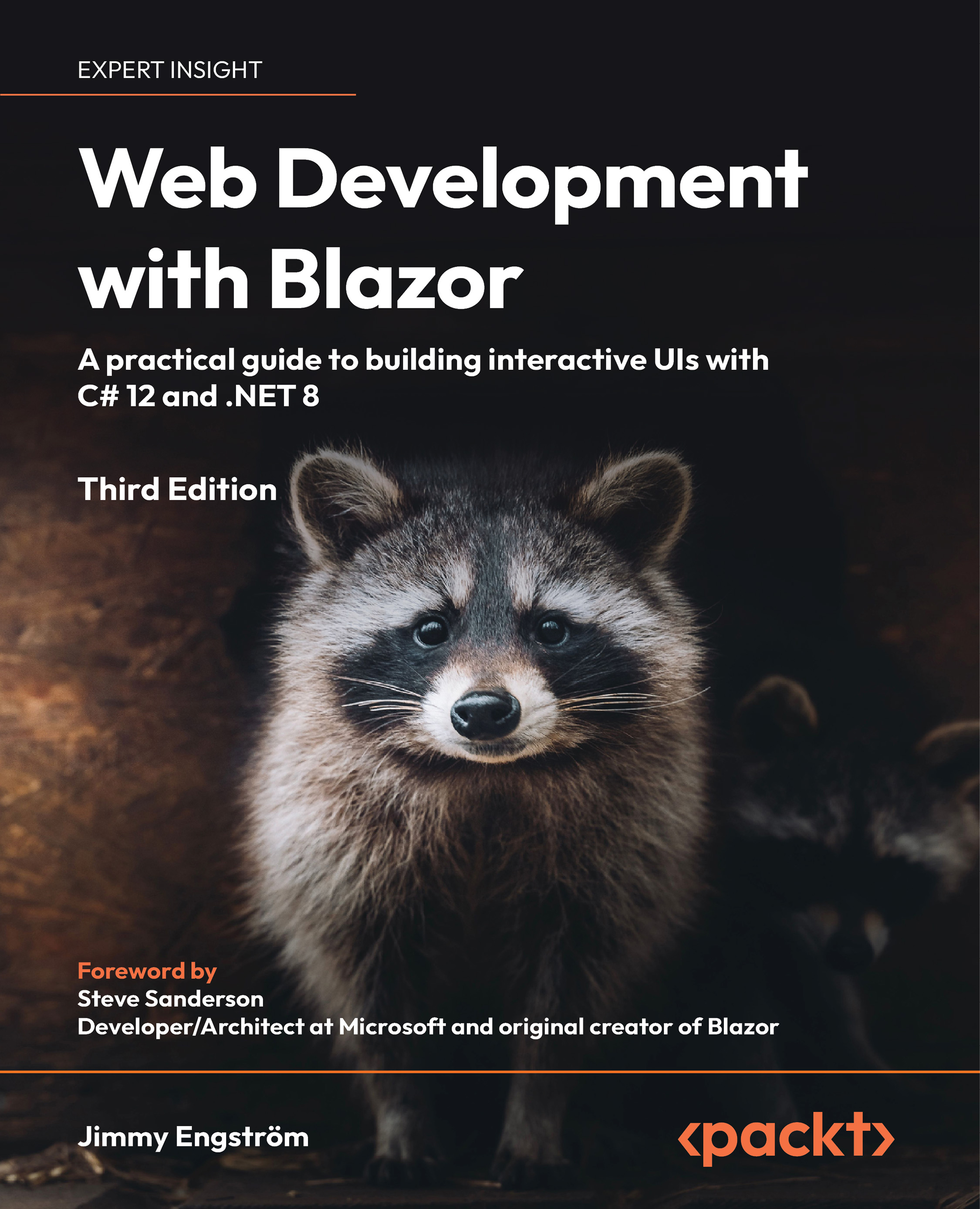
Web Development with Blazor
By:
Overview of this book
Web Development with Blazor is your essential guide to building and deploying interactive web applications in C# – without relying on JavaScript.
Written by an early Blazor adopter and updated for .NET 8, this book takes you through the end-to-end development of an example app, helping you to overcome common challenges along the way. You’ll pick up both Blazor Server and Blazor WebAssembly and discover cutting-edge tools to enrich your development experience.
Responding to evolving needs, this edition introduces flexible hosting models, allowing you to mix and match hosting approaches to create flexible and scalable Blazor applications. It also presents the new Blazor templates, which provide ready-made solutions to simplify and expedite development. You'll learn about the game-changing server-side rendering (SSR), a hybrid hosting model blending the strengths of Blazor Server and Blazor WebAssembly, as well as streaming rendering, a new technique that boosts the performance and user experience of Blazor apps.
By the end of this book, you'll have the confidence you need to create and deploy production-ready Blazor applications using best practices, along with a big-picture view of the Blazor landscape.
Table of Contents (22 chapters)
Preface


 Free Chapter
Hello Blazor
Creating Your First Blazor App
Managing State – Part 1
Understanding Basic Blazor Components
Creating Advanced Blazor Components
Building Forms with Validation
Creating an API
Authentication and Authorization
Sharing Code and Resources
JavaScript Interop
Managing State – Part 2
Debugging the Code
Testing
Deploying to Production
Moving from, or Combining with, an Existing Site

Going Deeper into WebAssembly
Examining Source Generators
Visiting .NET MAUI
Where to Go from Here
Other Books You May Enjoy
Index


