


-
Book Overview & Buying
-
Table Of Contents

Full-Stack Web Development with TypeScript 5
By :


Full-Stack Web Development with TypeScript 5
By:
Overview of this book
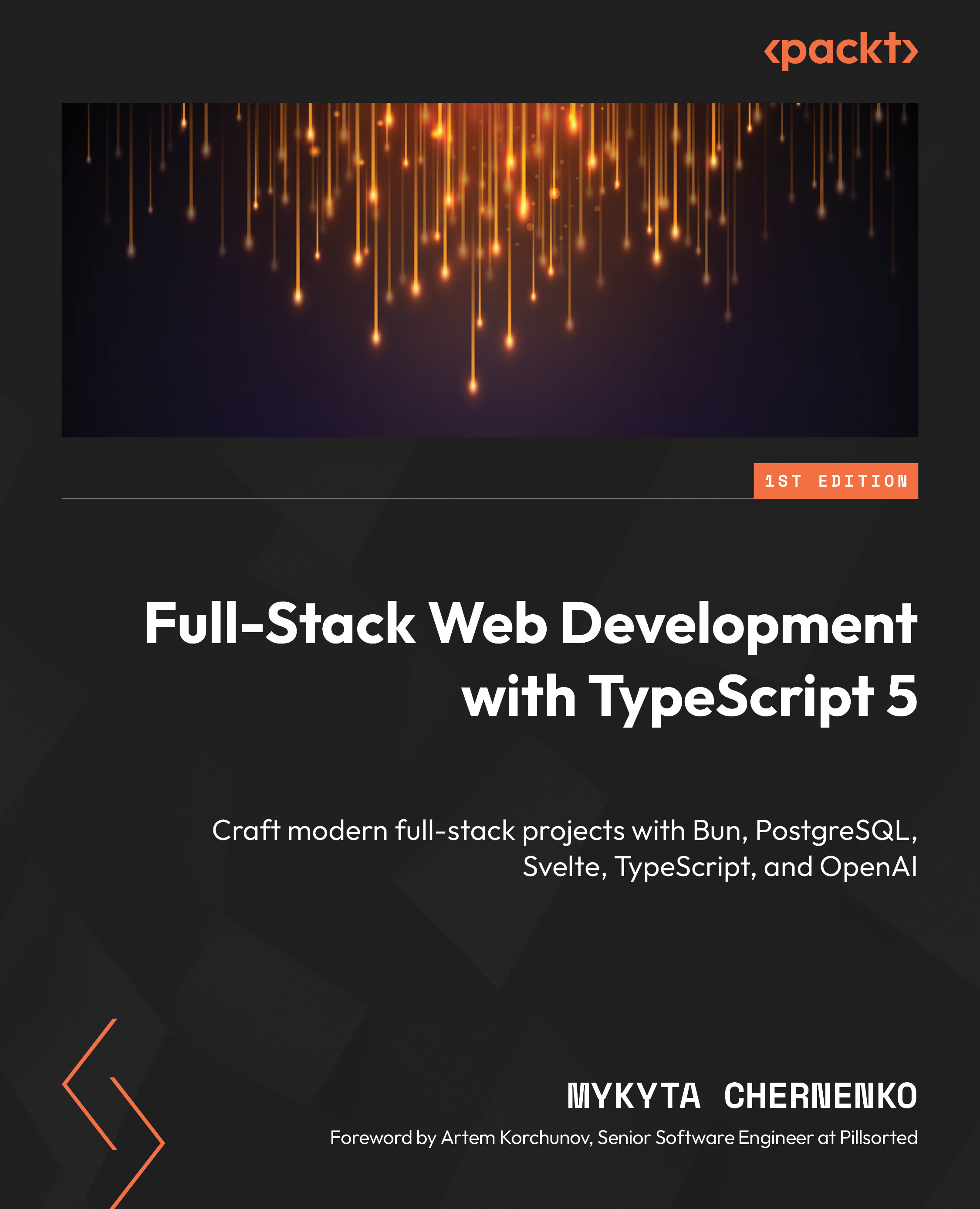
This book takes you on a journey with TypeScript 5, introducing its nuances and advantages over traditional JavaScript, explaining TypeScript basics, and highlighting the syntax, typing, generics, classes, and interfaces. Expert advice will help you build your understanding of TypeScript's role in modern web applications.
You'll gain hands-on experience with the tools required to write full-stack web applications end to end, beginning with setting up the Bun environment for backend development. This book also explores server-side functionality such as authentication, routing, and database integration with PostgreSQL. The second part of the book focuses on the integration of the OpenAI API, demonstrating the use of the GPT API for different use cases. The final part covers frontend development using Svelte, guiding you through UI design, state management, and performance optimization. Each chapter has real-world examples and comparisons to other technologies, providing you with a comprehensive understanding of full-stack development.
By the end of this book, you'll have learned how to build modern web applications using TypeScript 5 and confidently tackle full-stack development challenges.
Table of Contents (23 chapters)
Preface


Chapter 1: TypeScript Fundamentals
Chapter 2: TypeScript Deep Dive – Typing, Generics, Classes, and Interfaces
Part 2: Backend Development with Bun and TypeScript
Chapter 3: Configuring a Backend Environment with Bun and Hono
Chapter 4: Building Backend Infrastructure with Bun, Hono, and TypeScript
Chapter 5: Improving Reliability – Testing and Validation
Chapter 6: Advanced Backend Development – Security, Throttling, Caching, and Logging

Part 3: Integrating PostgreSQL for Data Management
Chapter 7: PostgreSQL Basics, Storage, and Setup
Chapter 8: Interacting with PostgreSQL Using Libraries
Chapter 9: Interacting with PostgreSQL Using Prisma ORM
Part 4: AI Integration with OpenAI API
Chapter 10: Basics of Integrating External APIs with TypeScript and Hono
Chapter 11: Setting Up and Configuring the OpenAI API for the Backend
Part 5: Frontend Development with Svelte
Chapter 12: Introduction to Svelte for Frontend Development
Chapter 13: Setting Up the Svelte Project
Chapter 14: Svelte Chat Application Development
Chapter 15: Advanced Svelte Techniques
Index


