


-
Book Overview & Buying
-
Table Of Contents

Learn React with TypeScript - Third Edition
By :


Learn React with TypeScript
By:
Overview of this book
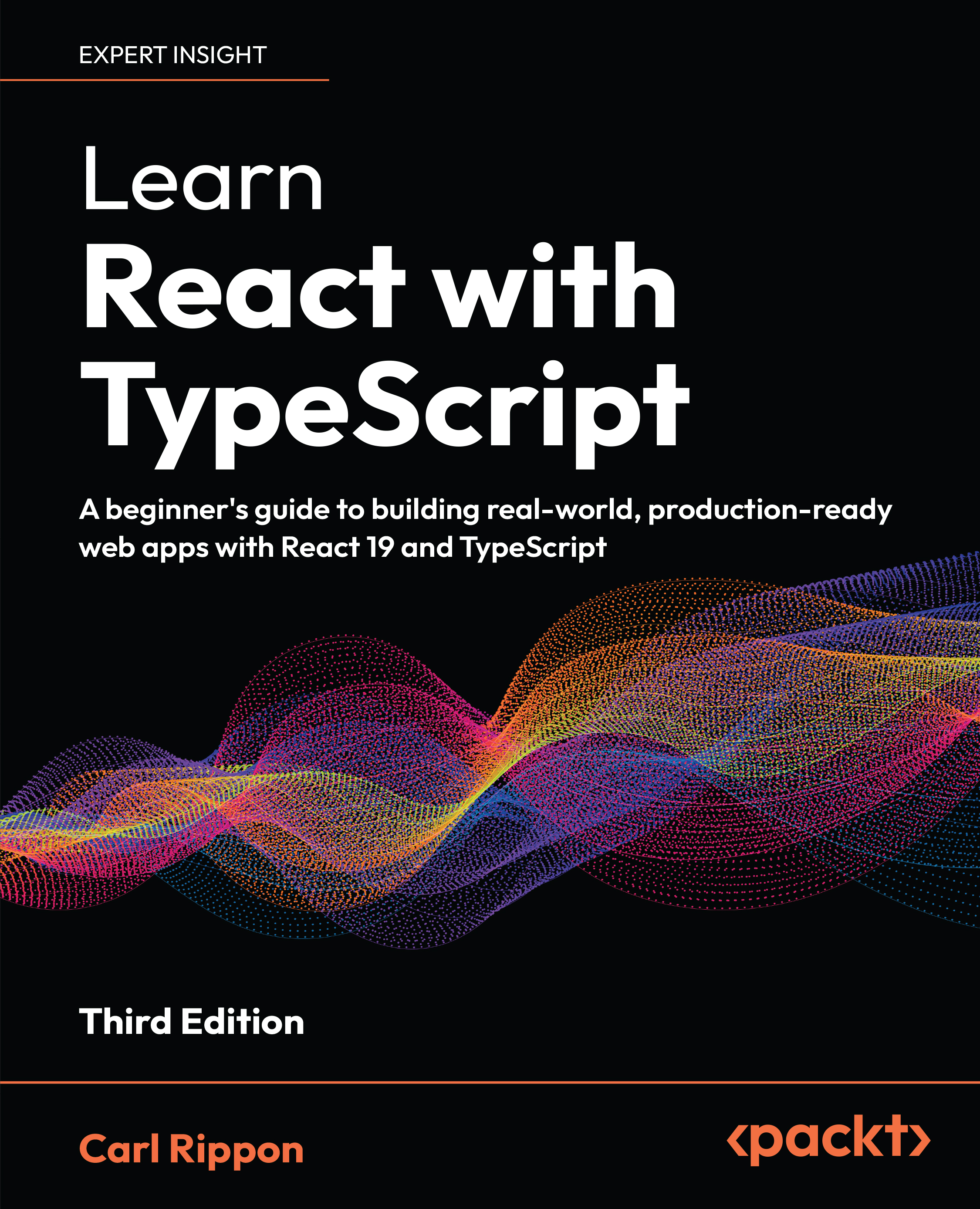
Reading, navigating, and debugging a large frontend codebase can be challenging. Learn React with TypeScript, 3rd Edition helps you overcome these challenges by teaching you React, TypeScript, and Next.js, which are core technologies for building scalable, high-performance apps.
Updated for React 19, this new edition covers new features such as React Server Components, server functions, and powerful modern hooks, including useFormStatus and useActionState. You'll build type-safe components using TypeScript, making this book ideal for React beginners who want to master patterns. aligned with real-world frontend and React developer roles.
You’ll also explore Next.js for RSCs and routing, and learn to use Zustand for global state in React—a lightweight alternative to traditional state managers. The chapters guide you through efficient data-fetching strategies with RSCs in Next.js, as well as in single-page applications (SPAs). The book also covers form handling, reusable architecture, and testing React components with Vitest to ensure robust, production-ready apps.
By the end of this book, you’ll have the confidence and skills to build maintainable React applications with TypeScript and Next.js, following modern web development best practices.
*Email sign-up and proof of purchase required
Table of Contents (20 chapters)
Preface


Chapter 1: Getting Started with React

Chapter 2: Getting Started with TypeScript
Chapter 3: Using React Hooks
Part 2: App Fundamentals
Chapter 4: Approaches to Styling React Frontends
Chapter 5: Using React Server and Client Components
Chapter 6: Creating a Multi-Page App with Next.js
Part 3:Data
Chapter 7: Server Component Data Fetching and Server Function Mutations
Chapter 8: Client Component Data Fetching and Mutations with TanStack Query
Chapter 9: Working with Forms
Part 4:Advanced React
Chapter 10: State Management
Chapter 11: Reusable Components
Chapter 12: Unit Testing with Vitest and the React Testing Library
Chapter 13: Unlock Your Exclusive Benefits
Other Books You May Enjoy
Index


