Sign In Start Free Trial
Account

Add to playlist

Create a Playlist

Modal Close icon
You need to login to use this feature.
  • Book Overview & Buying Svelte with Test-Driven Development
  • Table Of Contents Toc
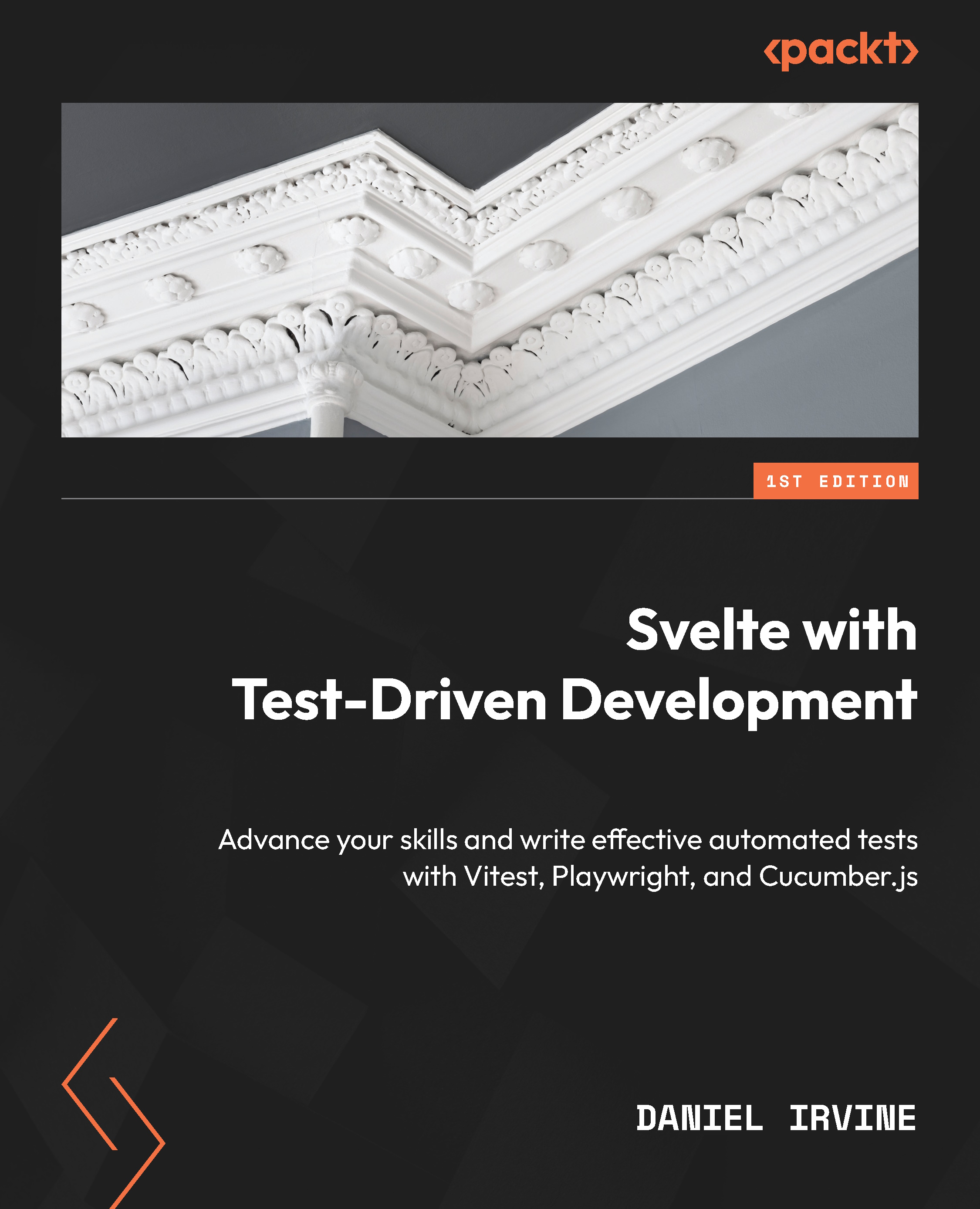
Svelte with Test-Driven Development

Svelte with Test-Driven Development

By : Daniel Irvine
4.9 (10)
close
close
Svelte with Test-Driven Development

Svelte with Test-Driven Development

4.9 (10)
By: Daniel Irvine

Overview of this book

Svelte is a popular front-end framework used for its focus on performance and user-friendliness, and test-driven development (TDD) is a powerful approach that helps in creating automated tests before writing code. By combining them, you can create efficient, maintainable code for modern applications. Svelte with Test-Driven Development will help you learn effective automated testing practices to build and maintain Svelte applications. In the first part of the book, you’ll find a guided walkthrough on building a SvelteKit application using the TDD workflow. You’ll uncover the main concepts for writing effective unit test cases and practical advice for developing solid, maintainable test suites that can speed up application development while remaining effective as the application evolves. In the next part of the book, you’ll focus on refactoring and advanced test techniques, such as using component mocks and writing BDD-style tests with the Cucumber.js framework. In the final part of the book, you’ll explore how to test complex application and framework features, including authentication, Svelte stores, and service workers. By the end of this book, you’ll be well-equipped to build test-driven Svelte applications by employing theoretical and practical knowledge.
Table of Contents (22 chapters)
close
close
1
Part 1: Learning the TDD Cycle
8
Part 2: Refactoring Tests and Application Code
16
Part 3: Testing SvelteKit Features

Setting up for Testing

Back when you were a young schoolchild, you probably learned to write by using a pencil on paper. Now that you’re older, it’s likely you prefer pens. For learners, pencils have a distinct advantage over pens in that mistakes are easy to correct, and when you first start writing out letters and words, you will be making a lot of mistakes. Pencils are also safer for small children – no caps or messy ink to worry about.

But pencils remain a valid writing instrument, and you might still have a personal preference for pencils over pens. The pencil is a perfectly good tool for the job.

Test-Driven Development (TDD) is a tool that can serve you in a similar way. It’s a great way to learn and grow as a developer. Many experienced developers prefer it for their day-to-day work over any alternative.

In this chapter, you’ll configure a work environment that’s designed to help you get the most out of TDD techniques. Since TDD asks you to do a bunch of small repetitive tasks – writing tests, running tests, committing early and often, and switching between test code and application code – it’s important that each of those tasks can be done easily and quickly.

It follows that an important personal discipline to cultivate is that of objectively critiquing your development tools. For every tool that you use, ask yourself this: is this tool serving me well? Is it easy and quick to use?

This could be your Integrated Development Environment (IDE), your operating system, your source code repository, your note-taking program, your time management utilities, and so on. Anything and everything you use in your day job. Scrutinize your tools. Throw away whatever isn’t working for you.

This is a very personal thing and depends a lot on experience and individuality. And your preferences are likely to change over time, too.

I often reach for very plain, simple, keyboard-driven tools that work for me consistently, regardless of the programming language I’m working in, such as the text editor Vim. It doesn’t offer any knowledge about the JavaScript programming language or the Svelte framework, but it makes me extremely effective at editing text.

But if you care about learning JavaScript or program design, then you might prefer an IDE that gives you JavaScript auto-complete suggestions and helpful project assistance.

This chapter walks through the setup of a new SvelteKit project and highlights all the individual choices you’ll need to make, and the additional extras you’ll need in order to practice effective TDD.

It covers the following topics:

  • Creating a new SvelteKit project
  • Preparing your development environment for frequent test runs
  • Configuring support for Svelte component tests
  • Optional configuration you may want to try

By the end of the chapter, you’ll know how to create a new Svelte project that is ready for test-driven feature building.

Visually different images
CONTINUE READING
83
Tech Concepts
36
Programming languages
73
Tech Tools
Icon Unlimited access to the largest independent learning library in tech of over 8,000 expert-authored tech books and videos.
Icon Innovative learning tools, including AI book assistants, code context explainers, and text-to-speech.
Icon 50+ new titles added per month and exclusive early access to books as they are being written.
Svelte with Test-Driven Development
notes
bookmark Notes and Bookmarks search Search in title playlist Add to playlist download Download options font-size Font size

Change the font size

margin-width Margin width

Change margin width

day-mode Day/Sepia/Night Modes

Change background colour

Close icon Search
Country selected

Close icon Your notes and bookmarks

Confirmation

Modal Close icon
claim successful

Buy this book with your credits?

Modal Close icon
Are you sure you want to buy this book with one of your credits?
Close
YES, BUY

Submit Your Feedback

Modal Close icon
Modal Close icon
Modal Close icon