
Sign In Start Free Trial
Account

Add to playlist

Create a Playlist

Modal Close icon
You need to login to use this feature.
  • Book Overview & Buying Hands-On RESTful Web Services with Go
  • Table Of Contents Toc
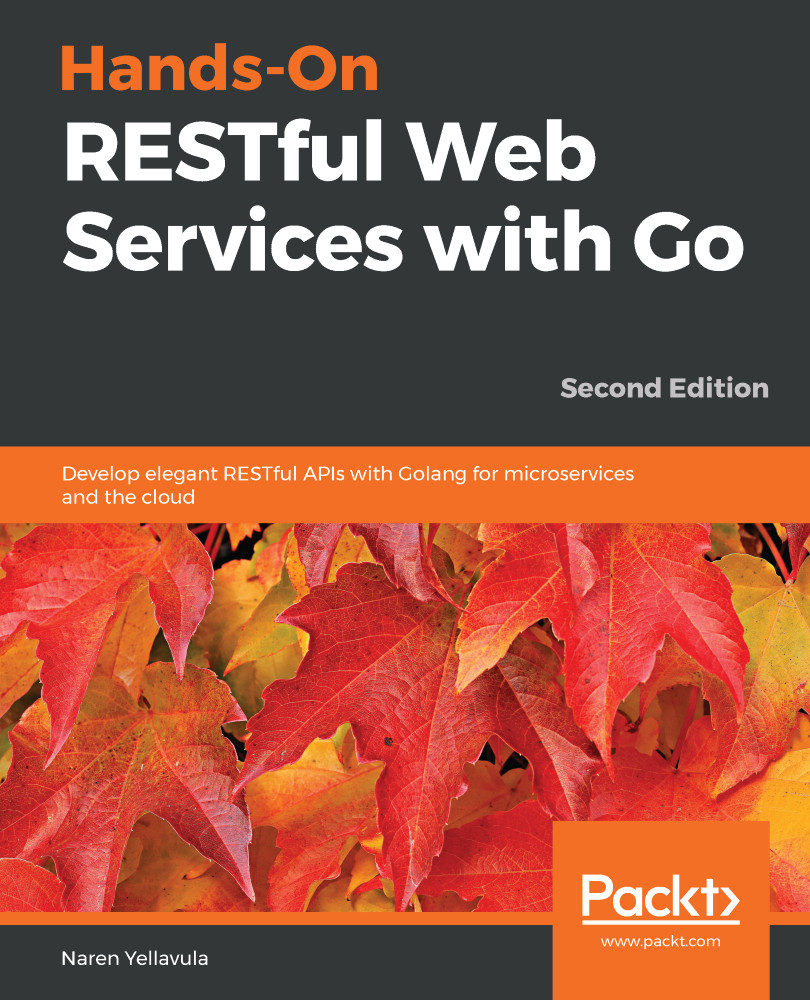
Hands-On RESTful Web Services with Go

Hands-On RESTful Web Services with Go - Second Edition

By : Yellavula
1.8 (4)
close
close
Hands-On RESTful Web Services with Go

Hands-On RESTful Web Services with Go

1.8 (4)
By: Yellavula

Overview of this book

Building RESTful web services can be tough as there are countless standards and ways to develop API. In modern architectures such as microservices, RESTful APIs are common in communication, making idiomatic and scalable API development crucial. This book covers basic through to advanced API development concepts and supporting tools. You’ll start with an introduction to REST API development before moving on to building the essential blocks for working with Go. You’ll explore routers, middleware, and available open source web development solutions in Go to create robust APIs, and understand the application and database layers to build RESTful web services. You’ll learn various data formats like protocol buffers and JSON, and understand how to serve them over HTTP and gRPC. After covering advanced topics such as asynchronous API design and GraphQL for building scalable web services, you’ll discover how microservices can benefit from REST. You’ll also explore packaging artifacts in the form of containers and understand how to set up an ideal deployment ecosystem for web services. Finally, you’ll cover the provisioning of infrastructure using infrastructure as code (IaC) and secure your REST API. By the end of the book, you’ll have intermediate knowledge of web service development and be able to apply the skills you’ve learned in a practical way.
Table of Contents (16 chapters)
close
close

Installing MongoDB and using the shell

MongoDB can be easily installed on any platform. On Ubuntu 18.04, we need to perform some steps before running the apt-get command:

sudo apt-get update
sudo apt-get install -y mongodb

Once you've installed it, check whether the mongo process is running. If not, you can start the MongoDB daemon using the following command:

systemctl start mongod

If the user is root, you can drop the sudo keyword before each command.

We can also download MongoDB manually from the website and copy it to /usr/local/bin. To do this, we have to create an init script for the server since the server stops when the system is shut down. We can use the nohup tool to run the server in the background. Usually, it is better to install it using apt-get.

To install MongoDB on Mac OS X, you'll need to use the Homebrew software. Follow these steps to do so:

  1. We can...
Visually different images
CONTINUE READING
83
Tech Concepts
36
Programming languages
73
Tech Tools
Icon Unlimited access to the largest independent learning library in tech of over 8,000 expert-authored tech books and videos.
Icon Innovative learning tools, including AI book assistants, code context explainers, and text-to-speech.
Icon 50+ new titles added per month and exclusive early access to books as they are being written.
Hands-On RESTful Web Services with Go
notes
bookmark Notes and Bookmarks search Search in title playlist Add to playlist download Download options font-size Font size

Change the font size

margin-width Margin width

Change margin width

day-mode Day/Sepia/Night Modes

Change background colour

Close icon Search
Country selected

Close icon Your notes and bookmarks

Confirmation

Modal Close icon
claim successful

Buy this book with your credits?

Modal Close icon
Are you sure you want to buy this book with one of your credits?
Close
YES, BUY

Submit Your Feedback

Modal Close icon
Modal Close icon
Modal Close icon