


-
Book Overview & Buying
-
Table Of Contents

The React Workshop
By :


The React Workshop
By:
Overview of this book
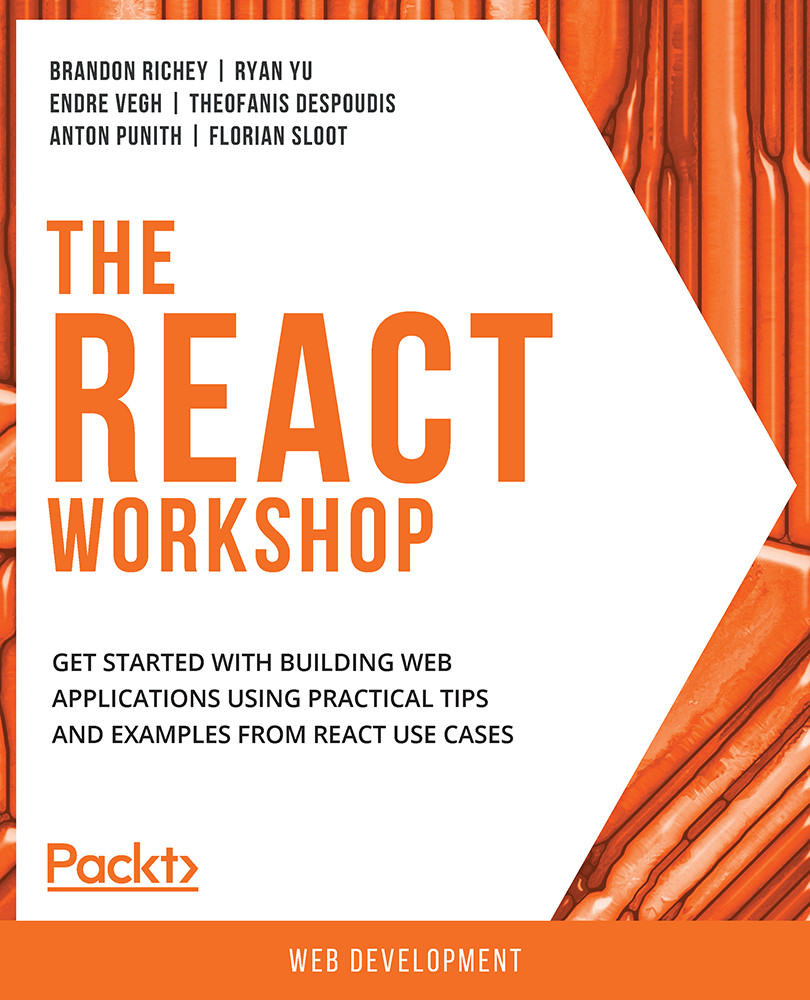
Are you interested in how React takes command of the view layer for web and mobile apps and changes the data of large web applications without needing to reload the page? This workshop will help you learn how and show you how to develop and enhance web apps using the features of the React framework with interesting examples and exercises.
The workshop starts by demonstrating how to create your first React project. You’ll tap into React’s popular feature JSX to develop templates and use DOM events to make your project interactive. Next, you’ll focus on the lifecycle of the React component and understand how components are created, mounted, unmounted, and destroyed. Later, you’ll create and customize components to understand the data flow in React and how props and state communicate between components. You’ll also use Formik to create forms in React to explore the concept of controlled and uncontrolled components and even play with React Router to navigate between React components. The chapters that follow will help you build an interesting image-search app to fetch data from the outside world and populate the data to the React app. Finally, you’ll understand what ref API is and how it is used to manipulate DOM in an imperative way.
By the end of this React book, you’ll have the skills you need to set up and create web apps using React.
Table of Contents (20 chapters)
Preface


1. Getting Started with React

 Free Chapter
2. Dealing with React Events
3. Conditional Rendering and for Loops
4. React Lifecycle Methods
5. Class and Function Components
6. State and Props
7. Communication between Components
8. Introduction to Formik
9. Introduction to React Router
10. Advanced Routing Techniques: Special Cases
11. Hooks – Reusability, Readability, and a Different Mental Model
12. State Management with Hooks
13. Composing Hooks to Solve Complex Problems
14. Fetching Data by Making API Requests
15. Promise API and async/await
16. Fetching Data on Initial Render and Refactoring with Hooks
17. Refs in React
18. Practical Use Cases of Refs
Appendix


