
Sign In Start Free Trial
Account

Add to playlist

Create a Playlist

Modal Close icon
You need to login to use this feature.
  • Book Overview & Buying Getting Started with Web Components
  • Table Of Contents Toc
  • Feedback & Rating feedback
Getting Started with Web Components

Getting Started with Web Components

By : Jadhwani
4 (5)
close
close
Getting Started with Web Components

Getting Started with Web Components

4 (5)
By: Jadhwani

Overview of this book

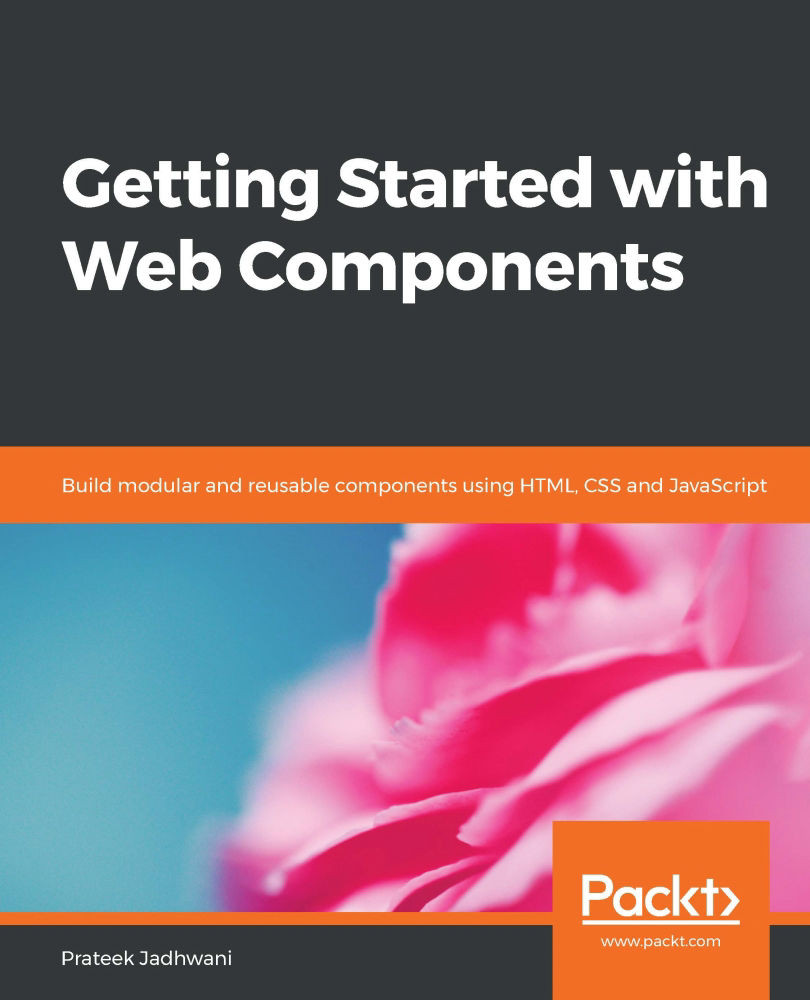
Web Components are a set of APIs that help you build reusable UI modules that can operate in any modern browser using just Vanilla JavaScript. The power of Web Components lies in their ability to build frontend web applications with or without web frameworks. With this practical guide, you will understand how Web Components can help you build reusable UI components for your modern web apps. The book starts by explaining the fundamentals of Web Components' design and strategies for using them in your existing frontend web projects. You will also learn how to use JavaScript libraries such as Polymer.js and Stencil.js for building practical components. As you progress, you will build a single-page application using only Web Components to fully realize their potential. This practical guide demonstrates how to work with Shadow DOM and custom elements to build the standard components of a web application. Toward the end of the book, you will learn how to integrate Web Components with standard web frameworks to help you manage large-scale web applications. By the end of this book, you will have learned about the capabilities of Web Components in building custom elements and have the necessary skills for building a reusable UI for your web applications.
Table of Contents (10 chapters)
close
close
7
Implementing Web Components using Polymer and Stencil

Accessibility for Web Components

Accessibility plays a vital role in web development. Our users can be limited to a keyboard, they might be using a screen reader, or could be color-blind. Making sure that our users are comfortable in all scenarios is the key to making a good site. Similarly, creating a good Web Component also includes making a Web Component accessible. 

When you are creating a Web Component, you need to make sure that your Web Components are accessible at least up to a certain extent. For example, an image should always have alt text. A link should always have alt text. Input fields should have proper aria-labels. There should be sufficient color contrasts. Tab orders should be in the correct order, and so on

Now that we know what can be done to make a component accessible, let's take a look at a small example. Let's say the requirement is...

Visually different images
CONTINUE READING
83
Tech Concepts
36
Programming languages
73
Tech Tools
Icon Unlimited access to the largest independent learning library in tech of over 8,000 expert-authored tech books and videos.
Icon Innovative learning tools, including AI book assistants, code context explainers, and text-to-speech.
Icon 50+ new titles added per month and exclusive early access to books as they are being written.
Getting Started with Web Components
notes
bookmark Notes and Bookmarks search Search in title playlist Add to playlist download Download options font-size Font size

Change the font size

margin-width Margin width

Change margin width

day-mode Day/Sepia/Night Modes

Change background colour

Close icon Search
Country selected

Close icon Your notes and bookmarks

Confirmation

Modal Close icon
claim successful

Buy this book with your credits?

Modal Close icon
Are you sure you want to buy this book with one of your credits?
Close
YES, BUY

Submit Your Feedback

Modal Close icon
Modal Close icon
Modal Close icon