Sign In Start Free Trial
Account

Add to playlist

Create a Playlist

Modal Close icon
You need to login to use this feature.
  • Book Overview & Buying WordPress Plugin Development: Beginner's Guide
  • Table Of Contents Toc
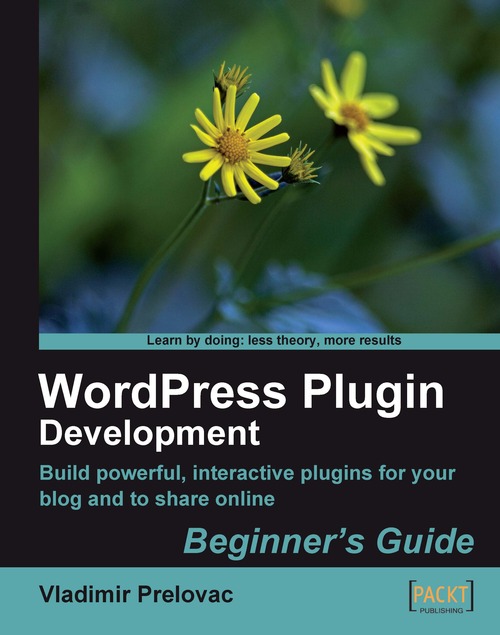
WordPress Plugin Development: Beginner's Guide

WordPress Plugin Development: Beginner's Guide

By : Vladimir Prelovac
4.2 (10)
close
close
WordPress Plugin Development: Beginner's Guide

WordPress Plugin Development: Beginner's Guide

4.2 (10)
By: Vladimir Prelovac

Overview of this book

If you can write WordPress plug-ins, you can make WordPress do just about anything. From making the site easier to administer, to adding the odd tweak or new feature, to completely changing the way your blog works, plug-ins are the method WordPress offers to customize and extend its functionality. This book will show you how to build all sorts of WordPress plug-ins: admin plug-ins, Widgets, plug-ins that alter your post output, present custom "views" of your blog, and more. WordPress Plug-in Development (Beginner's Guide) focuses on teaching you all aspects of modern WordPress development. The book uses real and published WordPress plug-ins and follows their creation from the idea to the finishing touches, in a series of carefully picked, easy-to-follow tutorials. You will discover how to use the WordPress API in all typical situations, from displaying output on the site in the beginning to turning WordPress into a CMS in the last chapter. In Chapters 2 to 7 you will develop six concrete plug-ins and conquer all aspects of WordPress development. Each new chapter and each new plug-in introduces different features of WordPress and how to put them to good use, allowing you to gradually advance your knowledge. This book is written as a guide to take your WordPress skills from the very beginning to the level where you are able to completely understand how WordPress works and how you can use it to your advantage.
Table of Contents (14 chapters)
close
close
WordPress Plugin Development
Credits
About the Author
About the Reviewer
Preface
1
Index

WordPress plugin hooks


Our plugin now works fine, but there is a problem. In order to use it, we also have to edit the theme. This can be a real pain for all sorts of reasons:

  • If you want to change to a different theme, the plugin will stop working until you edit the new theme.

  • If you want to distribute your plugin to other people, they can't just install it and activate it; they have to change their theme files too.

  • If you change the function name, you need to alter the theme files again

We need some way to make the plugin work on its own, without the users having to change their themes or anything else.

Hooks come to the rescue, making it possible to display our Digg This button in our posts—without ever modifying our theme.

Time for action — Use a filter hook

We will use the the_content filter hook to automatically add our Digg This link to the end of the post content. This will avoid the need for the users to edit their theme files if they want to use our plugin.

  1. Create a function that...

CONTINUE READING
83
Tech Concepts
36
Programming languages
73
Tech Tools
Icon Unlimited access to the largest independent learning library in tech of over 8,000 expert-authored tech books and videos.
Icon Innovative learning tools, including AI book assistants, code context explainers, and text-to-speech.
Icon 50+ new titles added per month and exclusive early access to books as they are being written.
WordPress Plugin Development: Beginner's Guide
notes
bookmark Notes and Bookmarks search Search in title playlist Add to playlist font-size Font size

Change the font size

margin-width Margin width

Change margin width

day-mode Day/Sepia/Night Modes

Change background colour

Close icon Search
Country selected

Close icon Your notes and bookmarks

Confirmation

Modal Close icon
claim successful

Buy this book with your credits?

Modal Close icon
Are you sure you want to buy this book with one of your credits?
Close
YES, BUY

Submit Your Feedback

Modal Close icon
Modal Close icon
Modal Close icon