Sign In Start Free Trial
Account

Add to playlist

Create a Playlist

Modal Close icon
You need to login to use this feature.
  • Book Overview & Buying Django 1.0 Template Development
  • Table Of Contents Toc
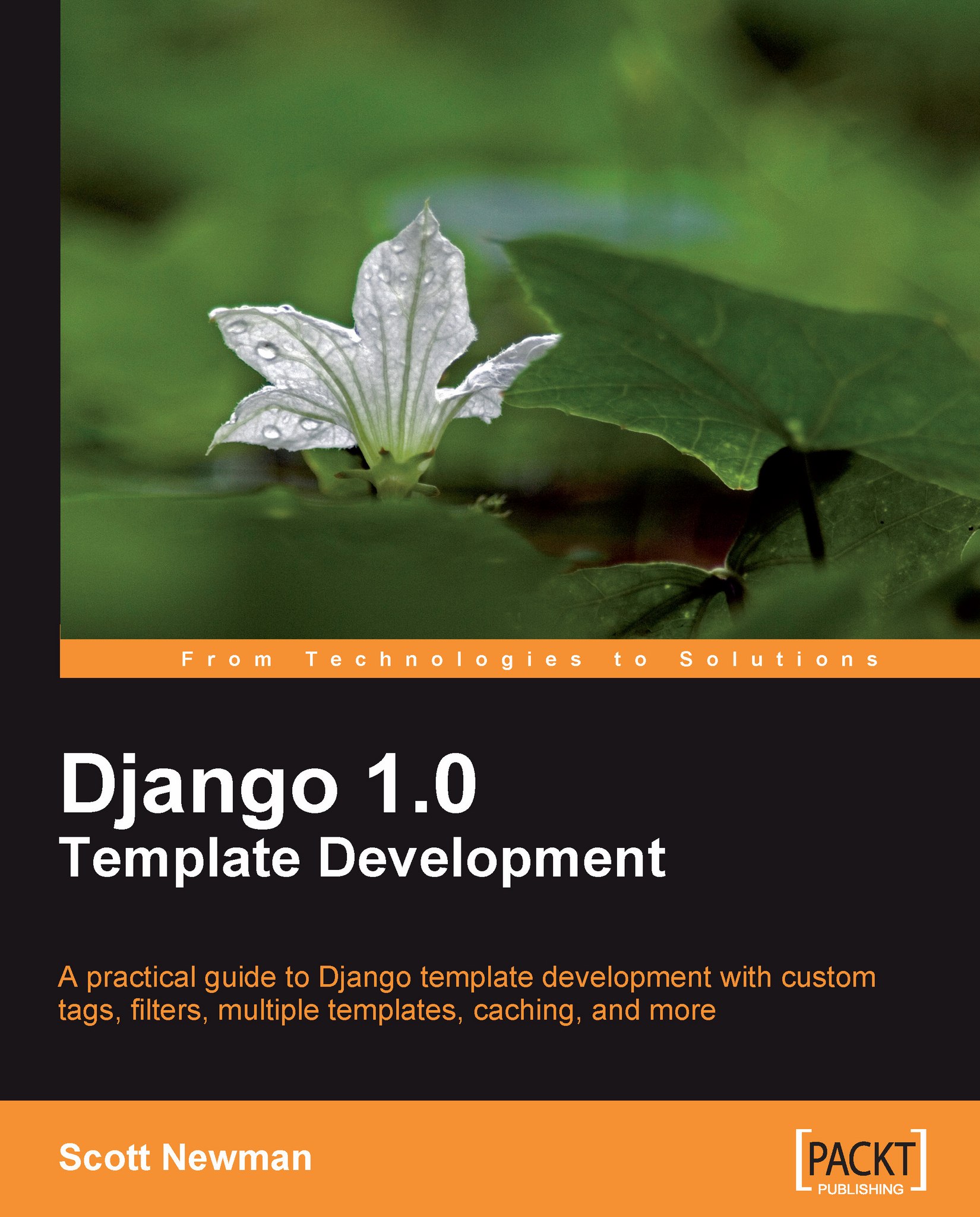
Django 1.0 Template Development

Django 1.0 Template Development

By : Scott Newman
4 (2)
close
close
Django 1.0 Template Development

Django 1.0 Template Development

4 (2)
By: Scott Newman

Overview of this book

This book is designed for readers who learn by doing and employs many examples and screenshots to let the reader dig in and start coding. This book isn't designed to be a reference; instead it has a practical, example-driven approach that teaches you by following along with the examples in the chapters. When you have completed this book, you will fully understand how the template system works, how to extend it when you have specialized needs, and how to optimize the performance and usability of your content. This book is for web developers and template authors who want to fully understand and utilize the Django template system. The reader should have completed the introductory tutorials on the Django project's website and some experience with the framework will be very helpful. Basic knowledge of Python and HTML is assumed.
Table of Contents (17 chapters)
close
close
Django 1.0 Template Development
Credits
About the Author
About the Reviewers
Preface
1
Index

Using include files


Though we saw the limitations of using include files earlier in this chapter, there are times when they can be useful. If you have a piece of content that you need to include in some child templates, it may not make sense to create extra parent/child relationships just to drop in this content. Let's look at two options that Django provides us to easily include content.

Using include

To take the contents of a template file and put it into another template, use the include tag. Pass the tag a template file name to include just like you did with the extends tag:

{% include "menu.html" %}

In this hypothetical example, the menu.html file will be loaded the same way other templates are loaded by the template engine. The location of the file is relative to the TEMPLATE_DIRS setting, and the file is parsed by the template engine using the same context variables as the template that called it.

Note

Because the include files are also rendered with the context, you can use template tags...

CONTINUE READING
83
Tech Concepts
36
Programming languages
73
Tech Tools
Icon Unlimited access to the largest independent learning library in tech of over 8,000 expert-authored tech books and videos.
Icon Innovative learning tools, including AI book assistants, code context explainers, and text-to-speech.
Icon 50+ new titles added per month and exclusive early access to books as they are being written.
Django 1.0 Template Development
notes
bookmark Notes and Bookmarks search Search in title playlist Add to playlist font-size Font size

Change the font size

margin-width Margin width

Change margin width

day-mode Day/Sepia/Night Modes

Change background colour

Close icon Search
Country selected

Close icon Your notes and bookmarks

Confirmation

Modal Close icon
claim successful

Buy this book with your credits?

Modal Close icon
Are you sure you want to buy this book with one of your credits?
Close
YES, BUY

Submit Your Feedback

Modal Close icon
Modal Close icon
Modal Close icon