-
Book Overview & Buying
-
Table Of Contents

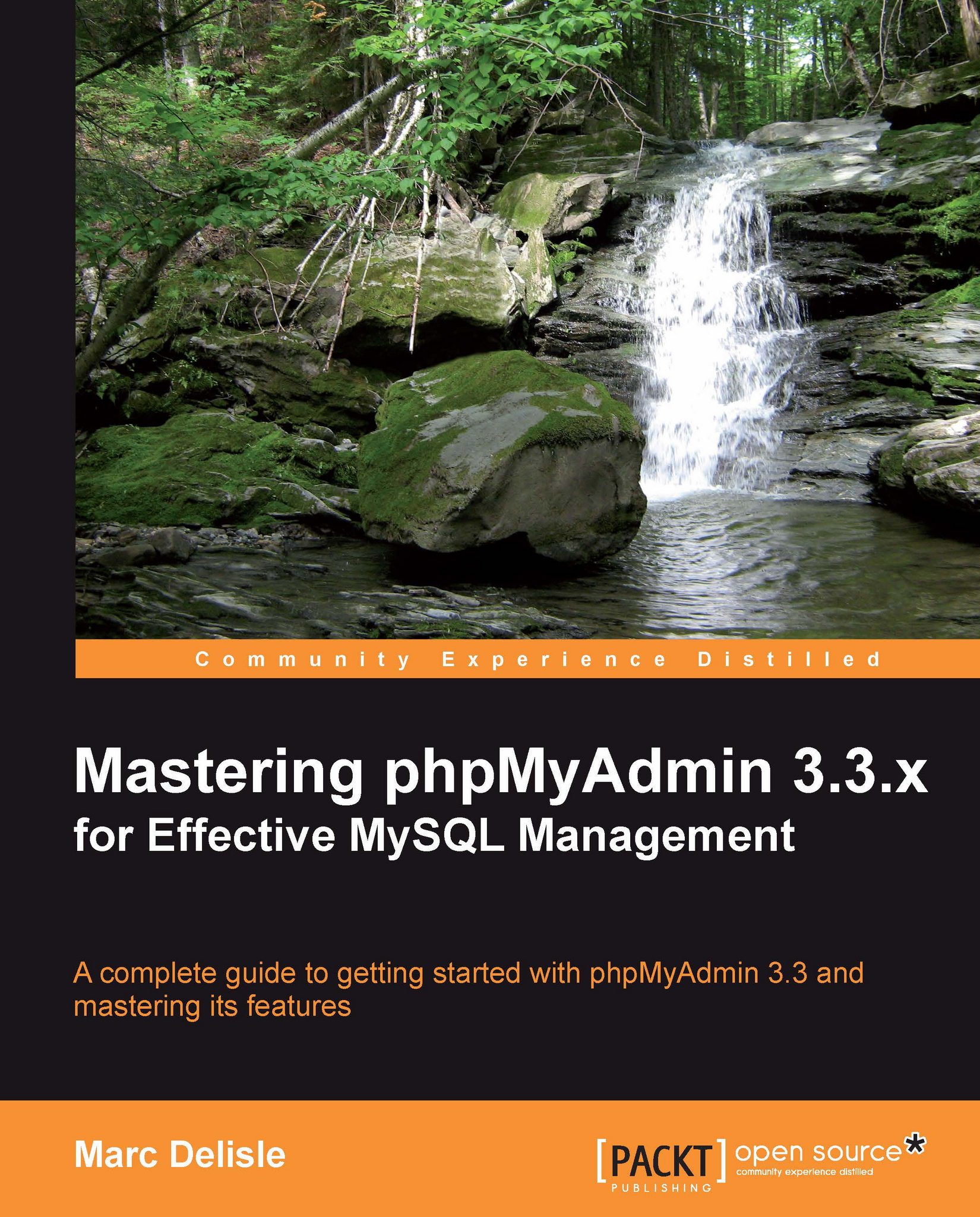
Mastering phpMyAdmin 3.3.x for Effective MySQL Management
By :


Mastering phpMyAdmin 3.3.x for Effective MySQL Management
By:
Overview of this book
phpMyAdmin is an open source tool written in PHP to handle MySQL administration over the World Wide Web. It can execute SQL statements and manage users and their permissions. However, when it comes to exploiting phpMyAdmin to its full potential, even experienced developers and system administrators are left baffled.Mastering phpMyAdmin 3.3.x for Effective MySQL Management is an easy-to-follow, step-by-step guide that walks you through every facet of this efficient tool. Author Marc Delisle draws on his experience as one of the leading developers and project administrator of phpMyAdmin and uses his unique tutorial approach to take full advantage of its potential. This book is filled with illustrative examples that will help you understand every phpMyAdmin feature in detail.The book helps you get started with installing and configuring phpMyAdmin and looks at its features. You then work on a sample project with two basic tables and perform basic actions such as creating, editing, and deleting data, tables, and databases. You will learn how to create up-to-date backups and import the data that you have exported. You will then explore different search mechanisms and options for querying across multiple tables.The book gradually proceeds to advanced features such as defining inter-table relations and installing the linked-tables infrastructure. Some queries are out of the scope of the interface and this book will show you how to accomplish these tasks with SQL commands.New features of version 3.3.x, such as synchronizing databases on different servers and managing MySQL replication to improve performance and data security, are covered in this book. Towards the end of the book you will learn to document your database, track changes made to the database, and manage user accounts using phpMyAdmin server management features.This book is an upgrade from the previous version that covered phpMyAdmin Version 3.1. Version 3.3.x introduced features such as new import and export modules, tracking changes, synchronizing structure and data between servers, and providing support for replication.
Table of Contents (23 chapters)
Preface


 Free Chapter
1. Getting Started with phpMyAdmin
2. Configuring Authentication and Security
3. Over Viewing the Interface
4. Taking First Steps
5. Changing Data and Structure
6. Exporting Structure and Data (Backup)
7. Importing Structure and Data
8. Searching Data
9. Performing Table and Database Operations
10. Benefiting from the Relational System

11. Entering SQL Commands
12. Generating Multi-table Queries
13. Synchronizing Data and Supporting Replication
14. Using Bookmarks
15. Documenting the System
16. Transforming Data Using MIME
17. Supporting MySQL 5.0 and 5.1
18. Tracking Changes
19. Administrating the MySQL Server with phpMyAdmin
A. The History of phpMyAdmin
B. Troubleshooting and Support
Index