Sign In Start Free Trial
Account

Add to playlist

Create a Playlist

Modal Close icon
You need to login to use this feature.
  • Book Overview & Buying Building Online Stores with osCommerce: Beginner Edition
  • Table Of Contents Toc
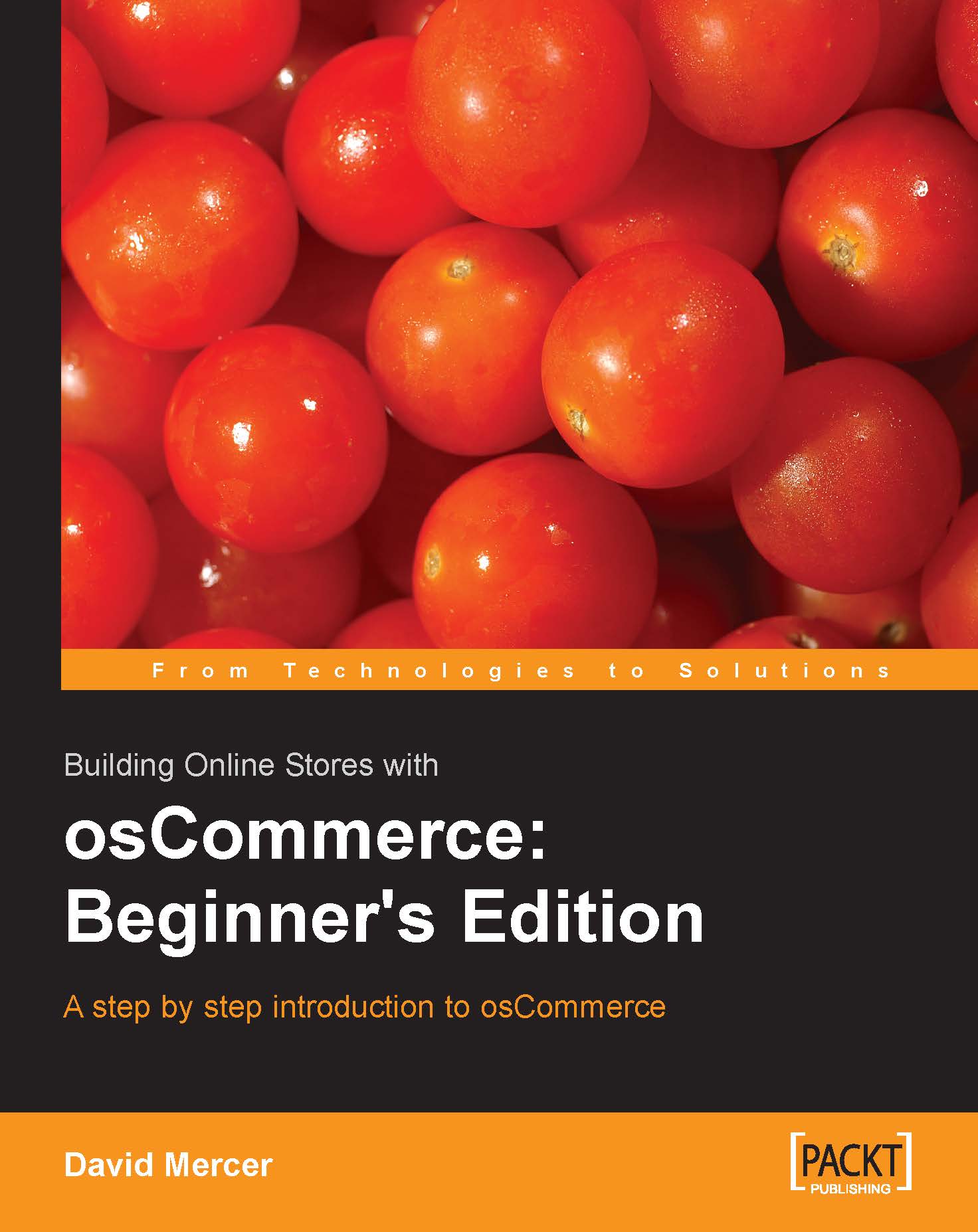
Building Online Stores with osCommerce: Beginner Edition

Building Online Stores with osCommerce: Beginner Edition

By : David Mercer
4 (10)
close
close
Building Online Stores with osCommerce: Beginner Edition

Building Online Stores with osCommerce: Beginner Edition

4 (10)
By: David Mercer

Overview of this book

Using an easy-to-read and engaging style, this book introduces the fundamentals of osCommerce, and helps you build your first online store. It covers the out-of-the-box features of osCommerce, but it also shows you how to customize the application to your own needs. The book starts with the basics of downloading and installing osCommerce, or simply how to enable it on your Internet domain using the tools provided by your host. All of the most important configuration issues are explained, with clear instructions and advice to help you make the right choices. Once osCommerce is installed and configured, you will take a good look at how to work with your store's data including product information as well as other data which is responsible for keeping your site healthy. The all important topic of customization is also dealt with comprehensively. You will see how to develop attractive sites that will make your store a pleasure to browse and your products a pleasure to buy! Of course, no discussion on osCommerce would be complete without a look at how to obtain and treat payments. Using the modules provided with osCommerce you will be collecting money from your happy customers in no time! Once the reader has a fully fledged, and operational site it is time to look at deployment? an important topic for discussion if development has taken place on a development machine. The appendix will add a few tools to your armory and shed some light as to what is going on behind the scenes in case things go awry.
Table of Contents (13 chapters)
close
close

Chapter 4. Working with Data

Data is the heart of any application that needs to retain or manipulate information in any way. How to go about storing information in a database is generally a cause of consternation for developers building applications from scratch. The problem, you see, is that unlike any other part of a program, which can generally be used with little to no modification for other applications, databases must be tailored precisely to their specific application in order to be effective. You don’t need to worry about this though; it’s all taken care of already.

As you know, osCommerce sites use the MySQL Relational Database Management System to store information about products, customers, sessions, languages, configuration, orders, reviews, specials, and a bunch of other things. The structure of the database is created and built during the installation process and is ready to work whenever you decide to make changes. In fact, we have already been working with data because the...

CONTINUE READING
83
Tech Concepts
36
Programming languages
73
Tech Tools
Icon Unlimited access to the largest independent learning library in tech of over 8,000 expert-authored tech books and videos.
Icon Innovative learning tools, including AI book assistants, code context explainers, and text-to-speech.
Icon 50+ new titles added per month and exclusive early access to books as they are being written.
Building Online Stores with osCommerce: Beginner Edition
notes
bookmark Notes and Bookmarks search Search in title playlist Add to playlist font-size Font size

Change the font size

margin-width Margin width

Change margin width

day-mode Day/Sepia/Night Modes

Change background colour

Close icon Search
Country selected

Close icon Your notes and bookmarks

Confirmation

Modal Close icon
claim successful

Buy this book with your credits?

Modal Close icon
Are you sure you want to buy this book with one of your credits?
Close
YES, BUY

Submit Your Feedback

Modal Close icon
Modal Close icon
Modal Close icon