


-
Book Overview & Buying
-
Table Of Contents

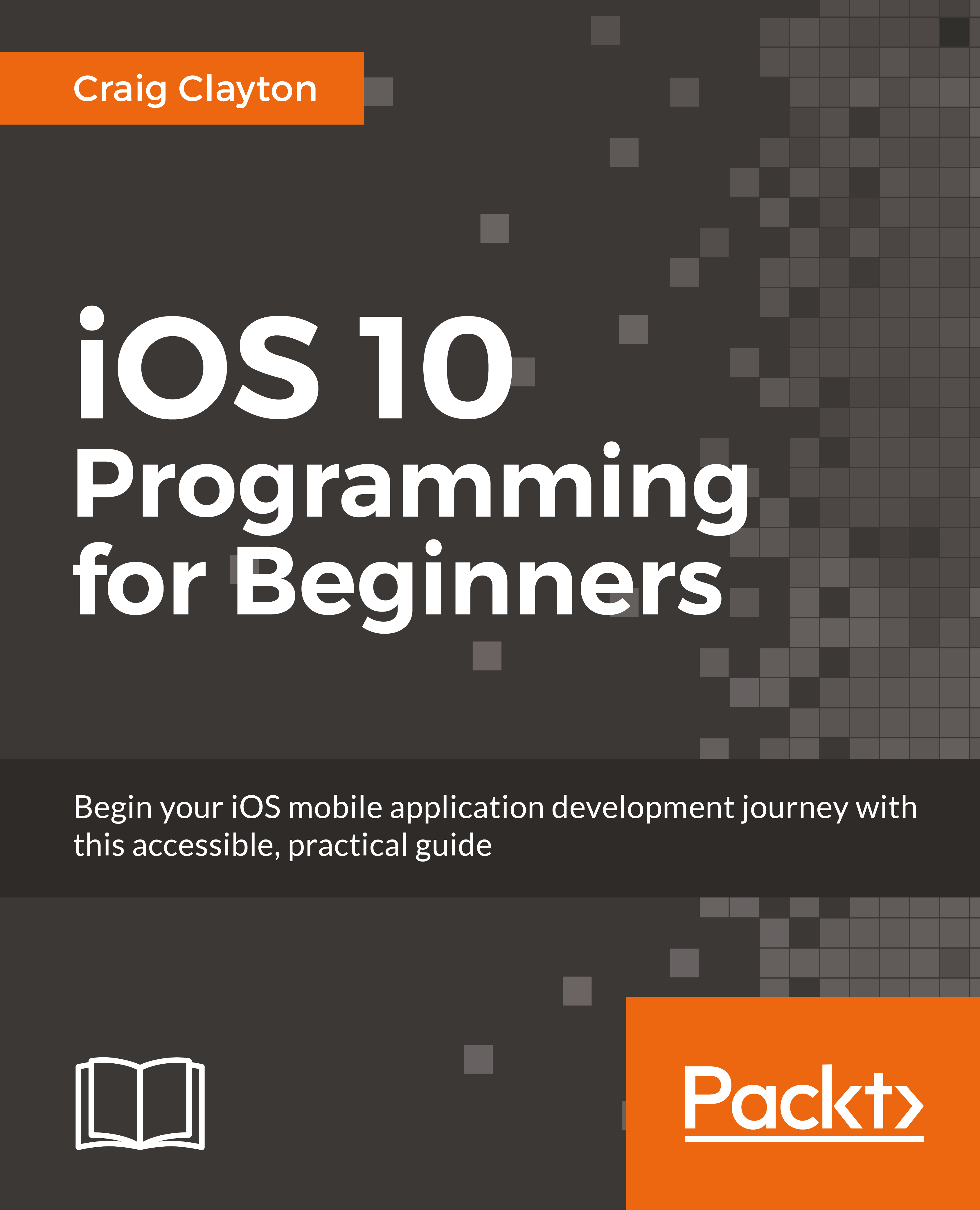
iOS 10 Programming for Beginners
By :


iOS 10 Programming for Beginners
By:
Overview of this book
You want to build iOS applications for iPhone and iPad—but where do you start? Forget sifting through tutorials and blog posts, this is a direct route into iOS development, taking you through the basics and showing you how to put the principles into practice. With every update, iOS has become more and more developer-friendly, so take advantage of it and begin building applications that might just take the App Store by storm!
Whether you’re an experienced programmer or a complete novice, this book guides you through every facet of iOS development. From Xcode and Swift—the building blocks of modern Apple development—and Playgrounds for beginners, one of the most popular features of the iOS development experience, you’ll quickly gain a solid foundation to begin venturing deeper into your development journey. For the experienced programmer, jump right in and learn the latest iOS 10 features.
You’ll also learn the core elements of iOS design, from tables to tab bars, as well as more advanced topics such as gestures and animations that can give your app the edge. Find out how to manage databases, as well as integrating standard elements such as photos, GPS into your app. With further guidance on beta testing with TestFlight, you’ll quickly learn everything you need to get your project on the App Store!
Table of Contents (20 chapters)
Preface


 Free Chapter
1. Getting Familiar with Xcode
2. Building a Foundation with Swift

3. Digging Deeper
4. Digging into Collections
5. Starting the UI Setup
6. Setting Up UI
7. Getting Started with the Grid
8. Getting Started with the List
9. Working More with Lists
10. Where Are We?
11. Where's My Data?
12. Foodie Reviews
13. Saving Reviews
14. Universal
15. iMessages
16. Notifications
17. Just a Peek
18. Beta and Store Submission
Index





