Sign In Start Free Trial
Account

Add to playlist

Create a Playlist

Modal Close icon
You need to login to use this feature.
  • Book Overview & Buying Blender 3D Printing by Example
  • Table Of Contents Toc
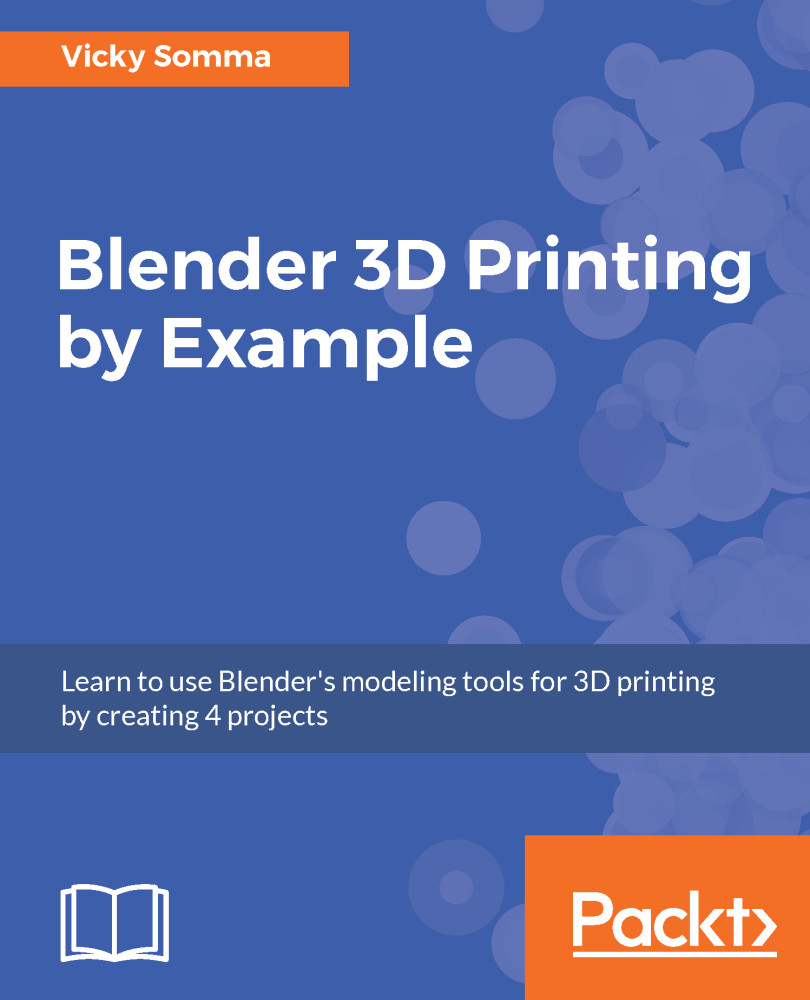
Blender 3D Printing by Example

Blender 3D Printing by Example

By : Vicky Somma
4.3 (14)
close
close
Blender 3D Printing by Example

Blender 3D Printing by Example

4.3 (14)
By: Vicky Somma

Overview of this book

Blender is an open-source modeling and animation program popular in the 3D printing community. 3D printing brings along different considerations than animation and virtual reality. This book walks you through four projects to learn using Blender for 3D Printing, giving you information that you need to know to create high-quality 3D printed objects. The book starts with two jewelry projects-- a pendant of a silhouette and a bracelet with custom text. We then explore architectural modeling as you learn to makes a figurine from photos of a home. The final project, a human hand, illustrates how Blender can be used for organic models and how colors can be added to the design. You will learn modeling for 3D printing with the help of these projects. Whether you plan to print at-home or use a service bureau, you’ll start by understanding design requirements. The book begins with simple projects to get you started with 3D modeling basics and the tools available in Blender. As the book progresses, you’ll get exposed to more robust mesh modeling techniques, modifiers, and Blender shortcuts. By the time you reach your final project, you’ll be ready for organic modeling and learning how to add colors. In the final section, you’ll learn how to check for and correct common modeling issues to ensure the 3D printer can make your idea a reality!

Table of Contents (16 chapters)
close
close

Making Organic Shapes with the Subdivision Surface Modifier

The projects so far have been very geometric, with precise measurements. In this next section of the book, you will work with a more fluid and artistic project. You'll learn how the Subdivision Surface Modifier can be combined with mesh modeling to make more organic shapes. In this chapter, we'll start modeling a human hand. The skills include the following:

  • Thinking ahead about finger placement and print overhangs
  • Starting the model from either a cube or a plane
  • Filling out the hands and fingers with Loop Cut and Slide, Extrude, and Scale
  • Rotating specific faces
  • Adding a Subdivision Surface Modifier and adjusting its View property
Visually different images
CONTINUE READING
83
Tech Concepts
36
Programming languages
73
Tech Tools
Icon Unlimited access to the largest independent learning library in tech of over 8,000 expert-authored tech books and videos.
Icon Innovative learning tools, including AI book assistants, code context explainers, and text-to-speech.
Icon 50+ new titles added per month and exclusive early access to books as they are being written.
Blender 3D Printing by Example
notes
bookmark Notes and Bookmarks search Search in title playlist Add to playlist download Download options font-size Font size

Change the font size

margin-width Margin width

Change margin width

day-mode Day/Sepia/Night Modes

Change background colour

Close icon Search
Country selected

Close icon Your notes and bookmarks

Confirmation

Modal Close icon
claim successful

Buy this book with your credits?

Modal Close icon
Are you sure you want to buy this book with one of your credits?
Close
YES, BUY

Submit Your Feedback

Modal Close icon
Modal Close icon
Modal Close icon