
Sign In Start Free Trial
Account

Add to playlist

Create a Playlist

Modal Close icon
You need to login to use this feature.
  • Book Overview & Buying Odoo 11 Development Essentials
  • Table Of Contents Toc
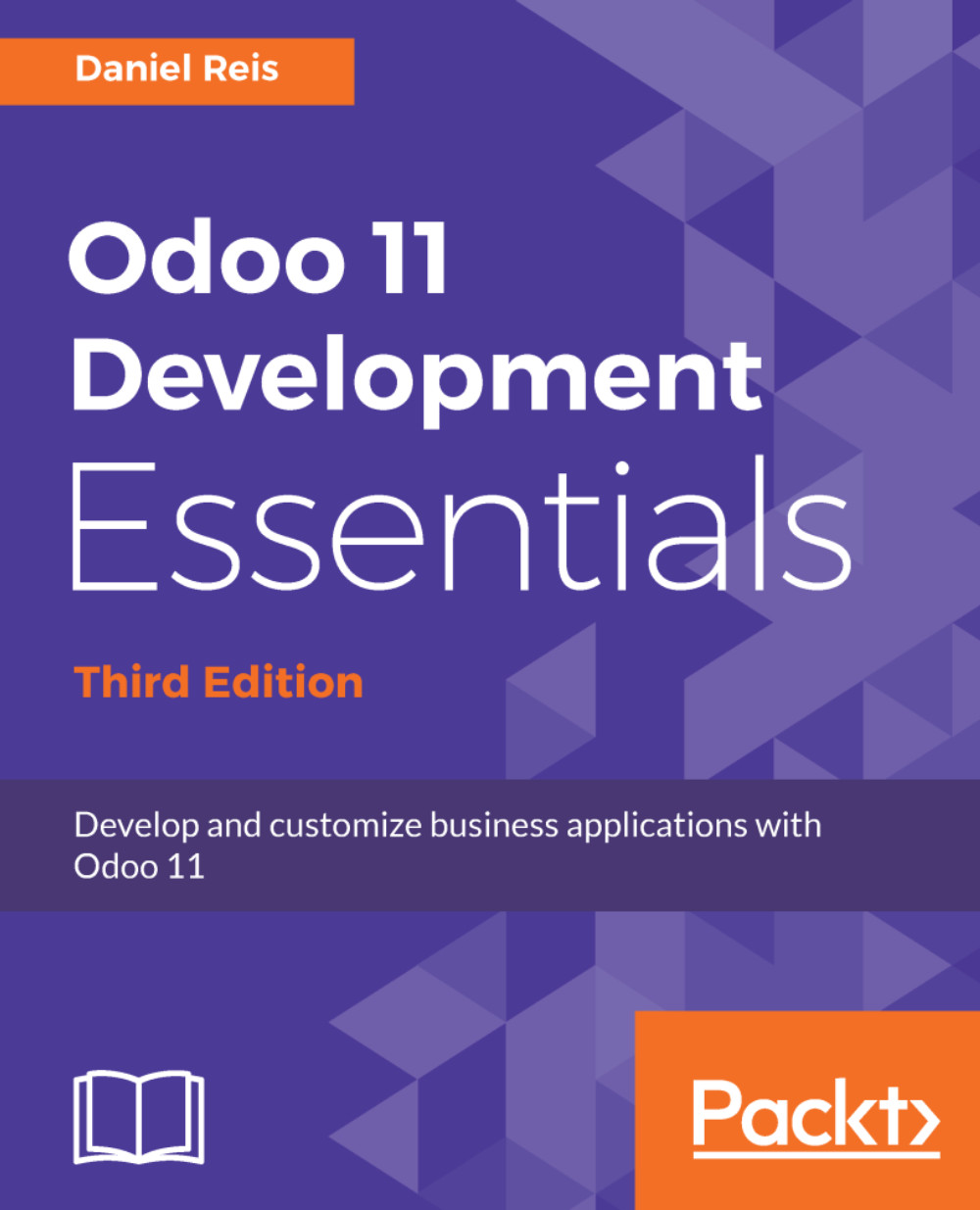
Odoo 11 Development Essentials

Odoo 11 Development Essentials - Third Edition

By : Daniel Reis
5 (1)
close
close
Odoo 11 Development Essentials

Odoo 11 Development Essentials

5 (1)
By: Daniel Reis

Overview of this book

Odoo continues to gain worldwide momentum as the best platform for open source ERP installations. Now, with Odoo 11, you have access to an improved GUI, performance optimization, integrated in-app purchase features, and a fast-growing community to help transform and modernize your business. With this practical guide, you will cover all the new features that Odoo 11 has to offer to build and customize business applications, focusing on the publicly available community edition. We begin with setting up a development environment, and as you make your way through the chapters, you will learn to build feature-rich business applications. With the aim of jump-starting your Odoo proficiency level, from no specific knowledge to application development readiness, you will develop your first Odoo application. We then move on to topics such as models and views, and understand how to use server APIs to add business logic, helping to lay a solid foundation for advanced topics. The book concludes with Odoo interactions and how to use the Odoo API from other programs, all of which will enable you to efficiently integrate applications with other external systems.
Table of Contents (16 chapters)
close
close

Reports based on custom SQL

The report we built was based on a regular recordset. However, in some cases we need to transform or aggregate data in ways that are not easy or desirable to process in a QWeb template.

One approach for this is to write a SQL query to build the dataset we need, expose those results through a special model, and have our report work based on a recordset.

To showcase this, we will create a reports/todo_task_report.py file with the following code:

from odoo import models, fields 
 
class TodoReport(models.Model):
_name = 'todo.task.report' _description = 'To-do Report'
_auto = False

name = fields.Char('Description') is_done = fields.Boolean('Done?') active = fields.Boolean('Active?') user_id = fields.Many2one('res.users', 'Responsible') date_deadline...
CONTINUE READING
83
Tech Concepts
36
Programming languages
73
Tech Tools
Icon Unlimited access to the largest independent learning library in tech of over 8,000 expert-authored tech books and videos.
Icon Innovative learning tools, including AI book assistants, code context explainers, and text-to-speech.
Icon 50+ new titles added per month and exclusive early access to books as they are being written.
Odoo 11 Development Essentials
notes
bookmark Notes and Bookmarks search Search in title playlist Add to playlist download Download options font-size Font size

Change the font size

margin-width Margin width

Change margin width

day-mode Day/Sepia/Night Modes

Change background colour

Close icon Search
Country selected

Close icon Your notes and bookmarks

Confirmation

Modal Close icon
claim successful

Buy this book with your credits?

Modal Close icon
Are you sure you want to buy this book with one of your credits?
Close
YES, BUY

Submit Your Feedback

Modal Close icon
Modal Close icon
Modal Close icon