


-
Book Overview & Buying
-
Table Of Contents

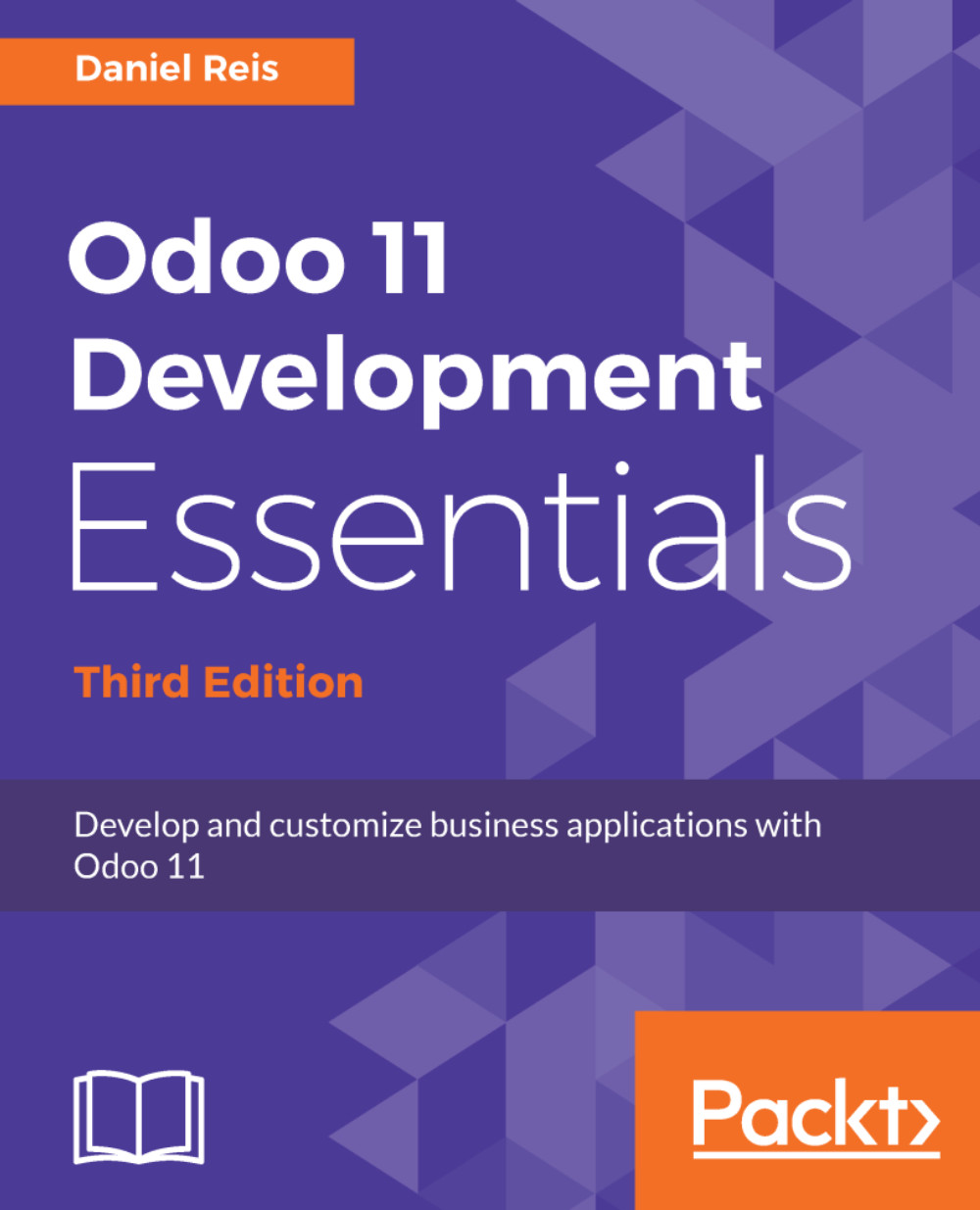
Odoo 11 Development Essentials - Third Edition
By :


Odoo 11 Development Essentials
By:
Overview of this book
Odoo continues to gain worldwide momentum as the best platform for open source ERP installations. Now, with Odoo 11, you have access to an improved GUI, performance optimization, integrated in-app purchase features, and a fast-growing community to help transform and modernize your business. With this practical guide, you will cover all the new features that Odoo 11 has to offer to build and customize business applications, focusing on the publicly available community edition.
We begin with setting up a development environment, and as you make your way through the chapters, you will learn to build feature-rich business applications. With the aim of jump-starting your Odoo proficiency level, from no specific knowledge to application development readiness, you will develop your first Odoo application. We then move on to topics such as models and views, and understand how to use server APIs to add business logic, helping to lay a solid foundation for advanced topics.
The book concludes with Odoo interactions and how to use the Odoo API from other programs, all of which will enable you to efficiently integrate applications with other external systems.
Table of Contents (16 chapters)
Preface


 Free Chapter
Quick Start – The Odoo Developer Mode and Concepts
Installing and Organizing the Development Environment
Your First Odoo Application – A Practical Overview
Models – Structuring the Application Data
Import, Export, and Module Data
The ORM API – Handling Application Data
Business Logic – Supporting Business Processes
External API – Integrating with Other Systems
Backend Views – Design the User Interface
Kanban Views and Client-Side QWeb
Reports and Server-Side QWeb
Creating Website Frontend Features

Debugging and Automated Tests
Deploying and Maintaining Production Instances
Other Books You May Enjoy


