


-
Book Overview & Buying
-
Table Of Contents

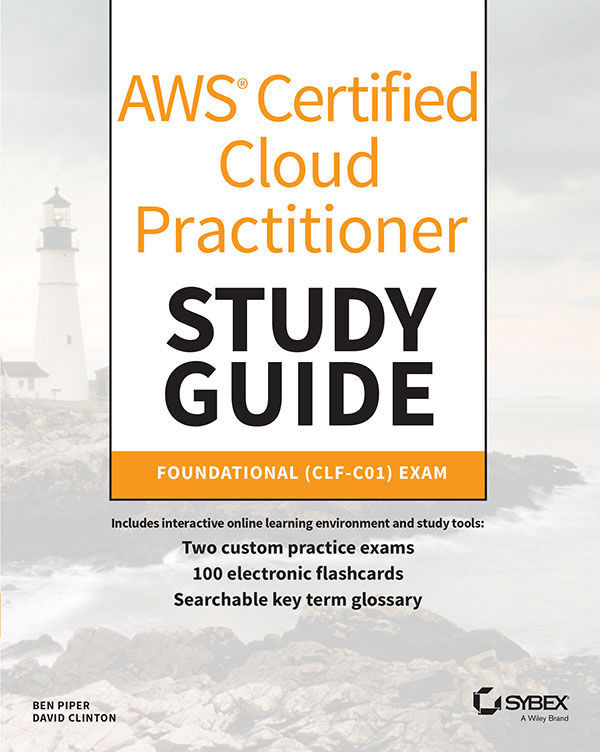
AWS Certified Cloud Practitioner Study Guide: CLF-C01 Exam
By :


AWS Certified Cloud Practitioner Study Guide: CLF-C01 Exam
By:
Overview of this book
AWS certifications validate the technical skills and knowledge required for building secure and reliable applications on the AWS cloud. The AWS Certified Cloud Practitioner certification is for individuals who have the knowledge and skills necessary to demonstrate an understanding of the AWS Cloud, independent of specific technical roles addressed by other AWS certifications. An AWS Certified Cloud Practitioner is a recommended path to achieving specialty certification or an optional start toward Associate certification.
This guide provides a solid introduction and the resources you need to prove your knowledge in the exam. It covers all topics, beginning with what the AWS cloud and its basic global infrastructure and architectural principles. Other chapters dive into the technical, exploring core characteristics of deploying and operating in the AWS Cloud Platform, as well as basic security and compliance aspects and the shared security model. The text identifies sources of documentation or technical assistance, such as white papers or support tickets. The authors discuss the AWS Cloud value proposition and define billing, account management, and pricing models. This includes describing the key services AWS can provide and their common use cases such as compute, analytics, and so on.
By the end of this book, you'll be thoroughly prepared for the foundational CLF-C01 exam.
Table of Contents (24 chapters)


Acknowledgments

About the Authors
Table of Exercises
Introduction
Assessment Test
Answers to Assessment Test
Chapter 1 The Cloud
Chapter 2 Understanding Your AWS Account
Chapter 3 Getting Support on AWS

Chapter 4 Understanding the AWS Environment
Chapter 5 Securing Your AWS Resources
Chapter 6 Working with Your AWS Resources
Chapter 7 The Core Compute Services
Chapter 8 The Core Storage Services
Chapter 9 The Core Database Services
Chapter 10 The Core Networking Services
Chapter 11 Automating Your AWS Workloads
Chapter 12 Common Use-Case Scenarios
Index
Advert
End User License Agreement
Appendix A Answers to Review Questions


