Sign In Start Free Trial
Account

Add to playlist

Create a Playlist

Modal Close icon
You need to login to use this feature.
  • Book Overview & Buying ServiceNow IT Operations Management
  • Table Of Contents Toc
ServiceNow IT Operations Management

ServiceNow IT Operations Management

By : Ajaykumar Guggilla
3.5 (273)
close
close
ServiceNow IT Operations Management

ServiceNow IT Operations Management

3.5 (273)
By: Ajaykumar Guggilla

Overview of this book

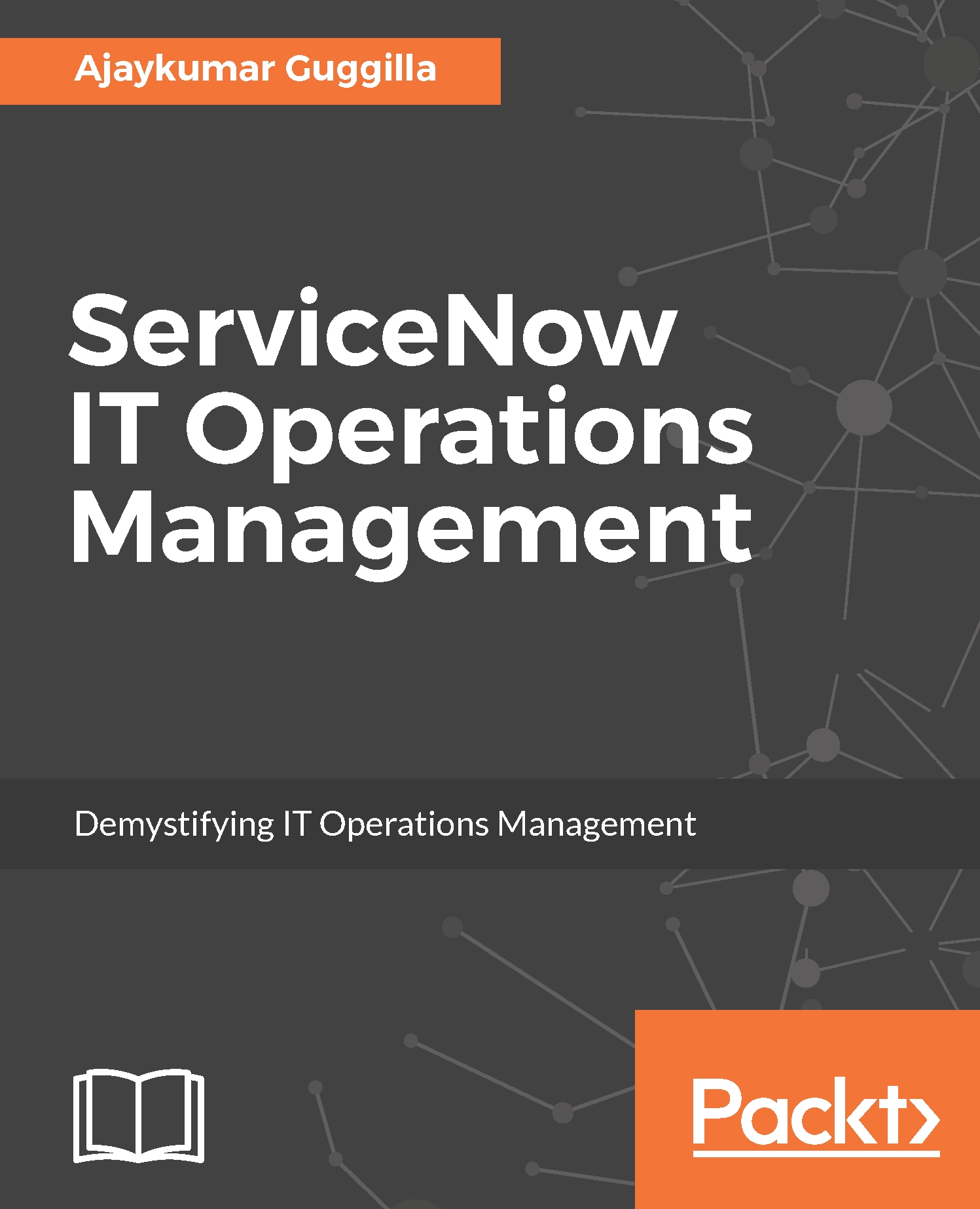
ServiceNow ITOM enables infrastructure and processes to be managed in a highly automated manner. It contains various segments that ensure its applications and enterprise infrastructures are optimized for high performance and helps in creating a lean and agile organization through service?level visibility and automation. This book will be a comprehensive guide that will be based on Geneva release and will help you discover how IT activities can be connected to your business needs, rather than just focusing on internal IT process. It will take a service-centric approach to operations management and consolidate all your resource data into a single system IT record. You will learn about discovery, orchestration, MID server and cloud management, helping you take full advantage of ServiceNow IT Operations Management to improve the quality of service & increasing the service availability. By the end of the book, you will be able to achieve improved service availability, immediate visibility of vital business services and much more, all from the convenience of your single screen.
Table of Contents (9 chapters)
close
close

Configuring discovery the easy way


An easy way to start using discovery is to use discovery quick start, which is under the discovery application. It allows us to set up discovery easily to configure the MID Server, create credentials, and schedule discovery.

Activating the plugin

Follow the steps to activate the discovery plugin. The following steps describe how to activate a plugin on the personal instance. Separate steps need to be followed to activate the plugin for the commercial version of ServiceNow. Plugins are activated from the HI portal.

To activate the discovery plugin, the administrator has to do this from the instance management console:

Note

These screenshots might vary from the actual instance for activating the plugin.

  1. Click on ACTIVATE, which is next to Discovery:
  1. Once you activate the Discovery plugin, now you can navigate to the application navigator and type in Discovery. This will bring up Discovery applications and the options, as shown in the following screenshot:
  1. Under the...
Visually different images
CONTINUE READING
83
Tech Concepts
36
Programming languages
73
Tech Tools
Icon Unlimited access to the largest independent learning library in tech of over 8,000 expert-authored tech books and videos.
Icon Innovative learning tools, including AI book assistants, code context explainers, and text-to-speech.
Icon 50+ new titles added per month and exclusive early access to books as they are being written.
ServiceNow IT Operations Management
notes
bookmark Notes and Bookmarks search Search in title playlist Add to playlist download Download options font-size Font size

Change the font size

margin-width Margin width

Change margin width

day-mode Day/Sepia/Night Modes

Change background colour

Close icon Search
Country selected

Close icon Your notes and bookmarks

Confirmation

Modal Close icon
claim successful

Buy this book with your credits?

Modal Close icon
Are you sure you want to buy this book with one of your credits?
Close
YES, BUY

Submit Your Feedback

Modal Close icon
Modal Close icon
Modal Close icon