


-
Book Overview & Buying
-
Table Of Contents

OpenStack Cloud Computing Cookbook - Fourth Edition
By :


OpenStack Cloud Computing Cookbook
By:
Overview of this book
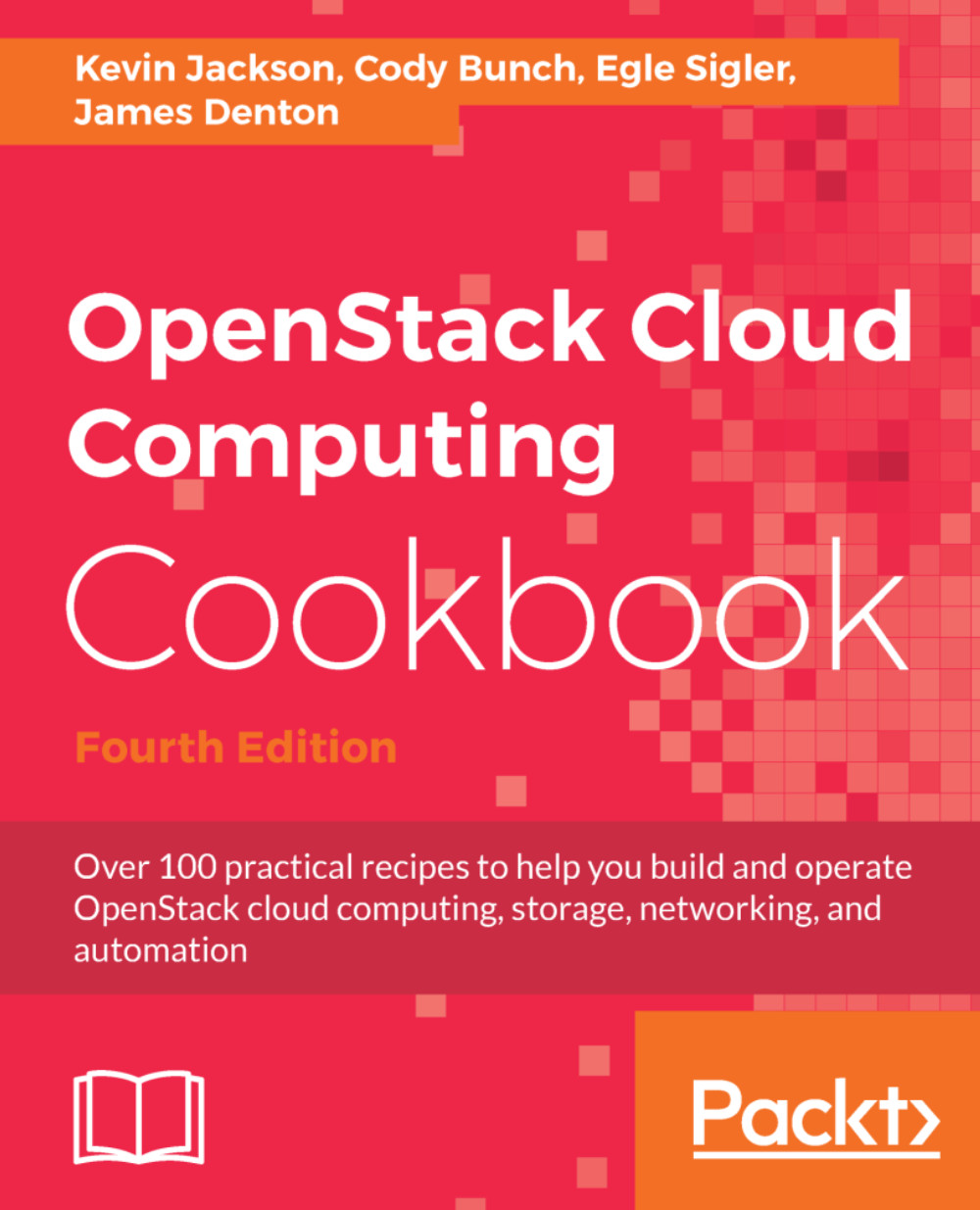
This is the fourth edition of the industry-acclaimed OpenStack Cloud Computing Cookbook, created by four recognized OpenStack experts. It has now been updated to work with the latest OpenStack builds, using tools and processes based on their collective and vast OpenStack experience.
OpenStack Open Source Cloud software is one of the most used cloud infrastructures to support a wide variety of use cases, from software development to big data analysis. It is developed by a thriving community of individual developers from around the globe and backed by most of the leading players in the cloud space today. We make it simple to implement, massively scalable, and able to store a large pool of data and networking resources. OpenStack has a strong ecosystem that helps you provision your cloud storage needs. Add OpenStack's enterprise features to reduce the cost of your business.
This book will begin by showing you the steps to build up an OpenStack private cloud environment using Ansible. You'll then discover the uses of cloud services such as the identity service, image service, and compute service. You'll dive into Neutron, the OpenStack Networking service, and get your hands dirty with configuring networks, routers, load balancers, and more.
You’ll then gather more expert knowledge on OpenStack cloud computing by managing your cloud's security and migration. After that, we delve into OpenStack Object storage and you’ll see how to manage servers and work with objects, cluster, and storage functionalities. Finally, you will learn about OpenStack dashboard, Ansible, Keystone, and other interesting topics.
Table of Contents (15 chapters)
OpenStack Cloud Computing Cookbook Fourth Edition


Contributors
Preface
Another Book You May Enjoy
 Free Chapter
Installing OpenStack with Ansible
The OpenStack Client
Keystone – OpenStack Identity Service
Neutron – OpenStack Networking
Nova – OpenStack Compute
Glance – OpenStack Image Service
Cinder – OpenStack Block Storage

Swift – OpenStack Object Storage
OpenStack Orchestration Using Heat and Ansible
Using OpenStack Dashboard
Index


