
Sign In Start Free Trial
Account

Add to playlist

Create a Playlist

Modal Close icon
You need to login to use this feature.
  • Book Overview & Buying Learning Linux Shell Scripting
  • Table Of Contents Toc
  • Feedback & Rating feedback
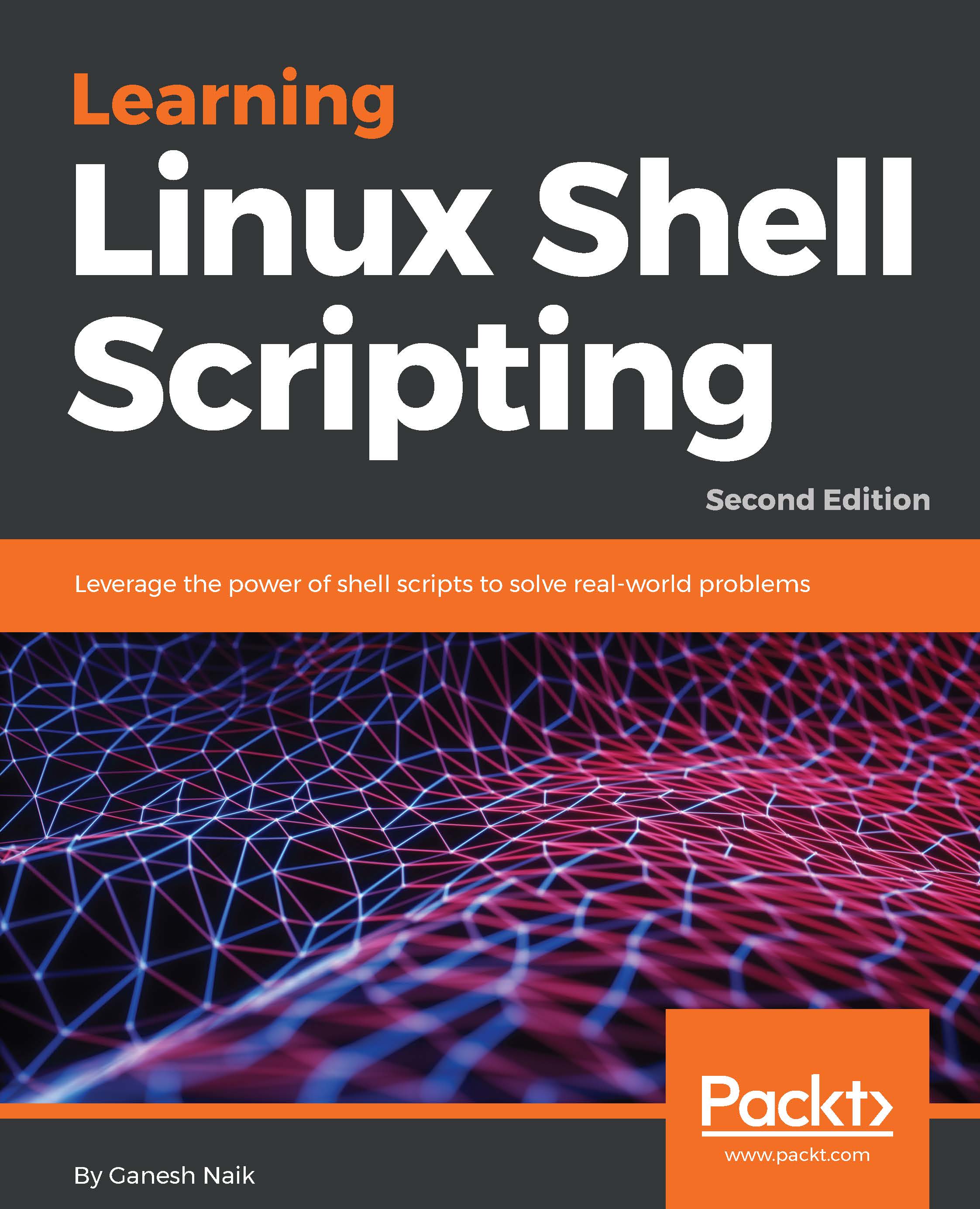
Learning Linux Shell Scripting

Learning Linux Shell Scripting - Second Edition

By : Ganesh Sanjiv Naik
3 (6)
close
close
Learning Linux Shell Scripting

Learning Linux Shell Scripting

3 (6)
By: Ganesh Sanjiv Naik

Overview of this book

Linux is the most powerful and universally adopted OS. Shell is a program that gives the user direct interaction with the operating system. Scripts are collections of commands that are stored in a file. The shell reads this file and acts on commands as if they were typed on the keyboard. Learning Linux Shell Scripting covers Bash, GNU Bourne Again Shell, preparing you to work in the exciting world of Linux shell scripting. CentOS is a popular rpm-based stable and secured Linux distribution. Therefore, we have used CentOS distribution instead of Ubuntu distribution. Linux Shell Scripting is independent of Linux distributions, but we have covered both types of distros. We start with an introduction to the Shell environment and basic commands used. Next, we explore process management in Linux OS, real-world essentials such as debugging and perform Shell arithmetic fluently. You'll then take a step ahead and learn new and advanced topics in Shell scripting, such as decision making, starting up a system, and customizing a Linux environment. You will also learn about grep, stream editor, and AWK, which are very powerful text filters and editors. Finally, you'll get to grips with taking backup, using other language scripts in Shell Scripts as well as automating database administration tasks for MySQL and Oracle. By the end of this book, you will be able to confidently use your own shell scripts in the real world.
Table of Contents (17 chapters)
close
close

Running scripts or processes even if the user logs out

Sometimes, we may need our script to run even after we log out, such as when making a backup and similar activities. In this case, even if we log out, the system is powered on and running. In such situations, we can use the nohup command. The nohup command prevents the process from terminating by using the SIGHUP signal.

The nohup command makes our script run without attaching it to a Terminal. Therefore, if we use the echo command to print text on the Terminal it will not be printed in a Terminal, since the script is not attached to a Terminal. In such cases, we need to redirect the output to the file, or nohup will automatically redirect the output to a nohup.out file.

Therefore, if we need to run a process, even if we log out, we need to use the nohup command as follows:

    $ nohup command &
  

The example is as follows...

Visually different images
CONTINUE READING
83
Tech Concepts
36
Programming languages
73
Tech Tools
Icon Unlimited access to the largest independent learning library in tech of over 8,000 expert-authored tech books and videos.
Icon Innovative learning tools, including AI book assistants, code context explainers, and text-to-speech.
Icon 50+ new titles added per month and exclusive early access to books as they are being written.
Learning Linux Shell Scripting
notes
bookmark Notes and Bookmarks search Search in title playlist Add to playlist font-size Font size

Change the font size

margin-width Margin width

Change margin width

day-mode Day/Sepia/Night Modes

Change background colour

Close icon Search
Country selected

Close icon Your notes and bookmarks

Confirmation

Modal Close icon
claim successful

Buy this book with your credits?

Modal Close icon
Are you sure you want to buy this book with one of your credits?
Close
YES, BUY

Submit Your Feedback

Modal Close icon
Modal Close icon
Modal Close icon